A smarter way to get organized
Know what you have, where it lives, and when to use it.
Invemory helps you organize your things in containers, label them with QR codes, and find them in seconds.
Invemory is also available for Android.
Get it on Google Play- QR labels
- Shared access
- Works on any device
Main features
Containers
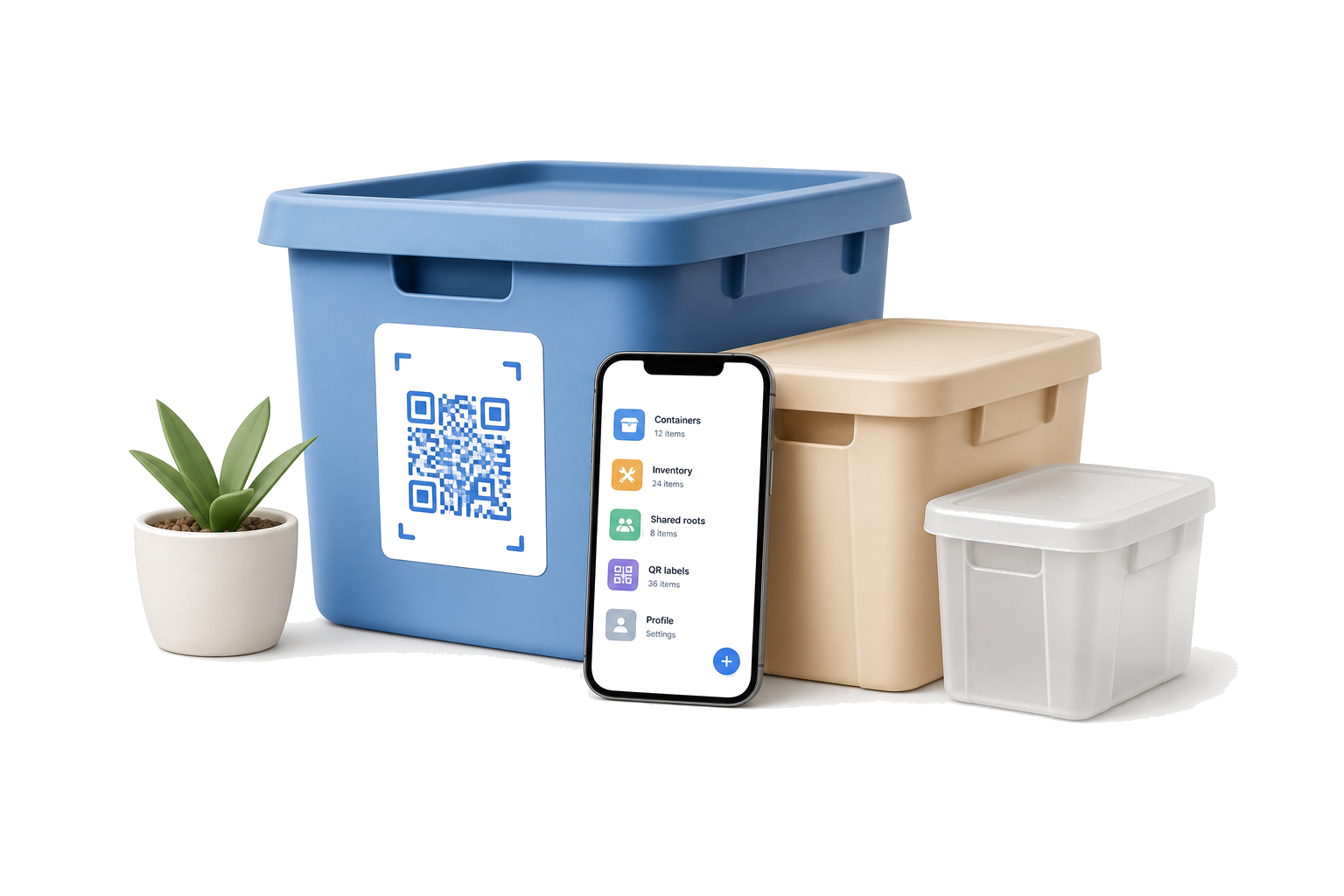
Create containers for storing things anywhere: at home, in the garage, in a warehouse, or at the office.
Items with QR codes
Add items, attach QR codes, and find what you need in seconds.
Shared access
Give access to family or teammates and work together in real time.
Expiration reminders
Track expiration dates and get reminded before items need attention.
How it works
Create a container
Add a name and storage location.
Add items
Enter what is inside and how many there are.
Attach a QR code
Print it and place it on the container.
Find in seconds
Scan the QR code and get every detail.
Pricing
Free
0 USD
Bring order to your belongings with Invemory
Create your own digital catalog, label belongings with QR codes, and quickly find everything you need.
Included in the free plan
- Convenient organization of containers and belongings
- Fast search using QR codes
- Access to your inventory from any device
- Share containers with family and friends
Your available limits
- QR labels: up to 195
- Trusted contacts: up to 2
- Container sharing: up to 1
Invemory is currently available free of charge.
Get started today — no payment or bank card required.
Frequently asked questions
What is Invemory?
Invemory helps you keep a clear inventory of your things: organize them in containers, label storage with QR codes, share access, and track expiration dates before items go bad.
Do I need the internet to use it?
Yes. Invemory needs an internet connection to load, save, and sync your data.
Is my data safe?
Yes, access is controlled by your sharing settings.
Can I export data?
Coming soon.
Is this a mobile app?
Invemory works as a full website on mobile devices, so you can use it from your browser. A dedicated Android app will also be available on Google Play.
How do QR codes work?
You attach a QR label to a container and scan it to open the related details.
How do I delete my Invemory account?
Sign in to Invemory, open Profile → Data & onboarding, and select Delete my account. You will review the warning and confirm permanent deletion. Open the full instructions for the complete process and data scope.
View account-deletion instructions
Ready to get organized?
Sign in and add sample demo data to explore the service with realistic containers and items.
Ready to get organized?
Sign in and add sample demo data to explore the service with realistic containers and items.