Guides
How to find an item and its storage location
Search at the top of Invemory helps you find an item or container when you cannot remember where you put it. Results show the name, item quantity and path to its storage location.
Last checked:
What you need
- Sign in to your account.
- Use an item whose name or description you partly remember.
1. Enter words from the name or description
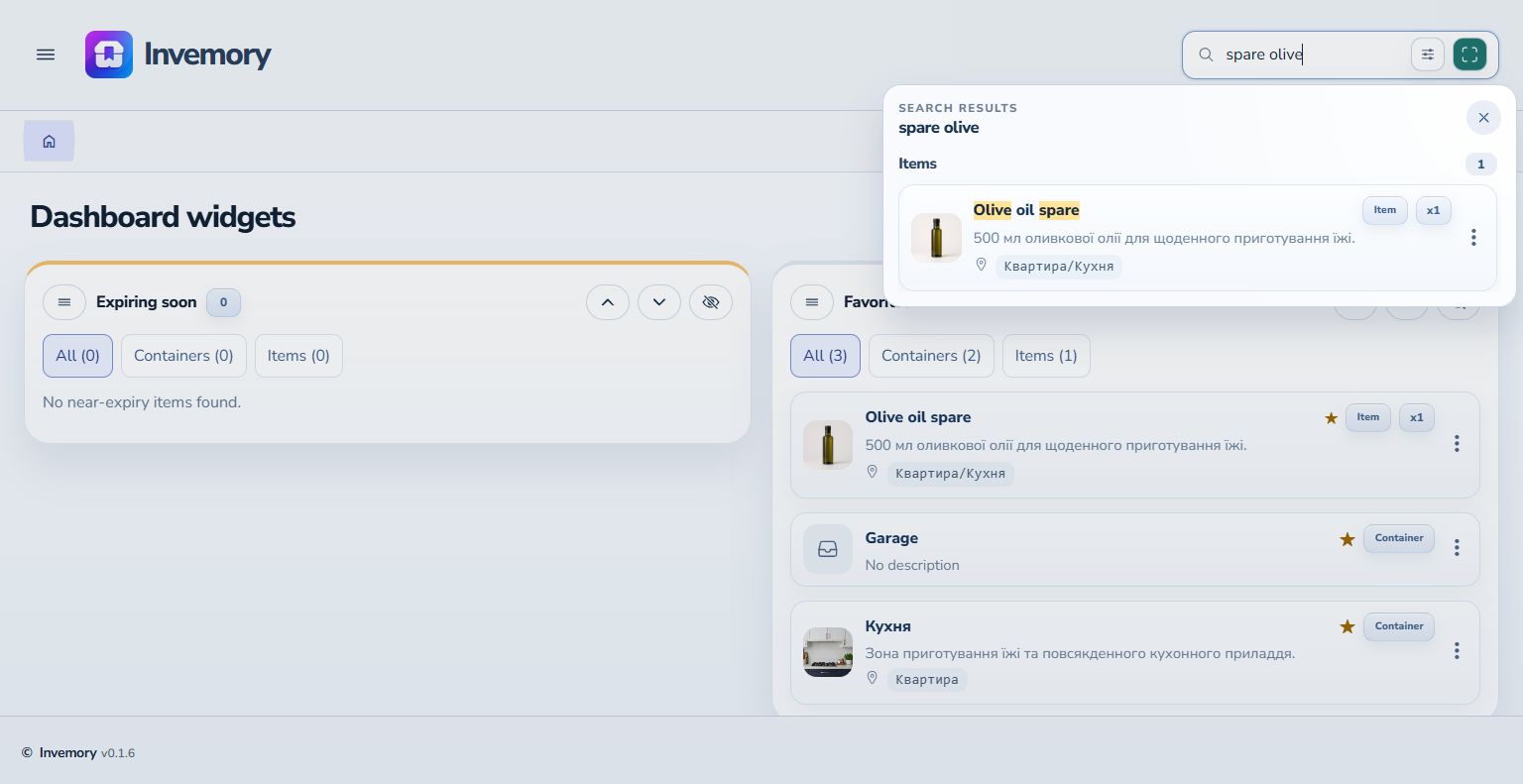
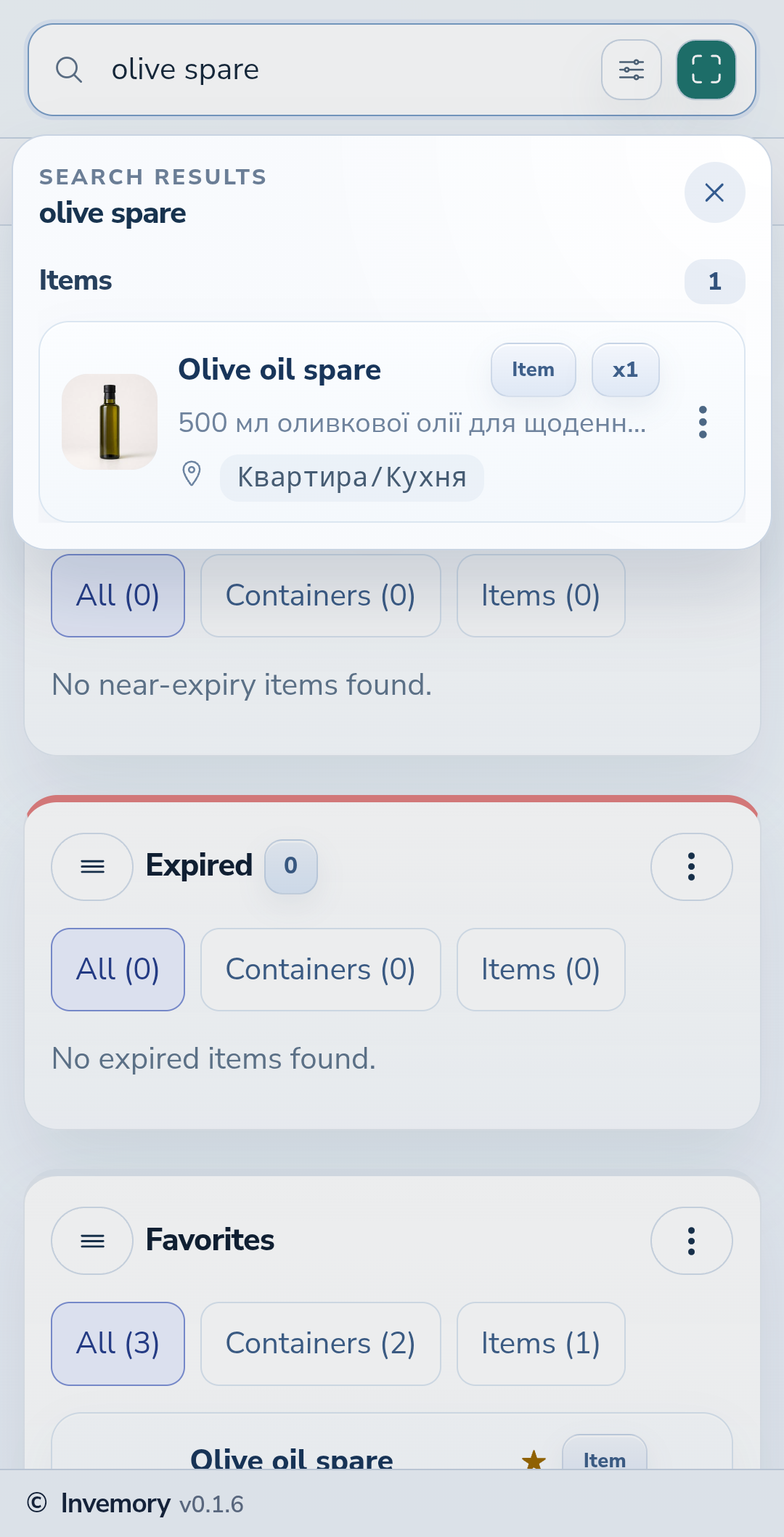
Select the search field at the top and enter at least two characters. You can use part of a word or several words in any order. For example, both “olive spare” and “spare olive” find “Olive oil spare”. Results appear below the field; hide the keyboard on your phone to see more.
Website
Android
2. Check the location and open a result
Compare the name, picture and quantity, then read the path beside the location icon: “Квартира/Кухня” means the kitchen inside the apartment. Select the card to open the item or container. The website highlights matching words; the Android version shown here does not yet have highlighting. The cross in the results panel closes search and returns you to the current screen.
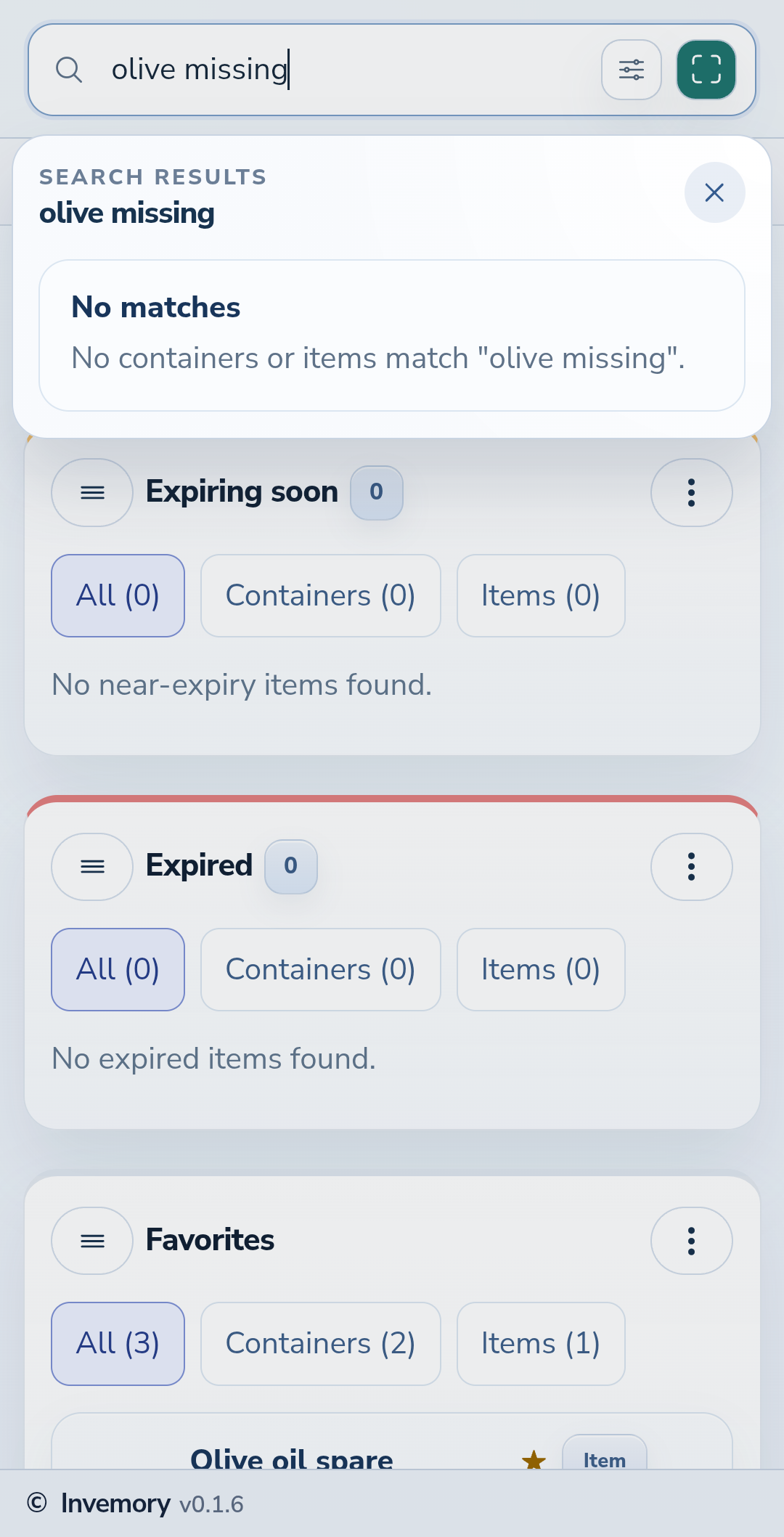
3. Adjust a search with no matches
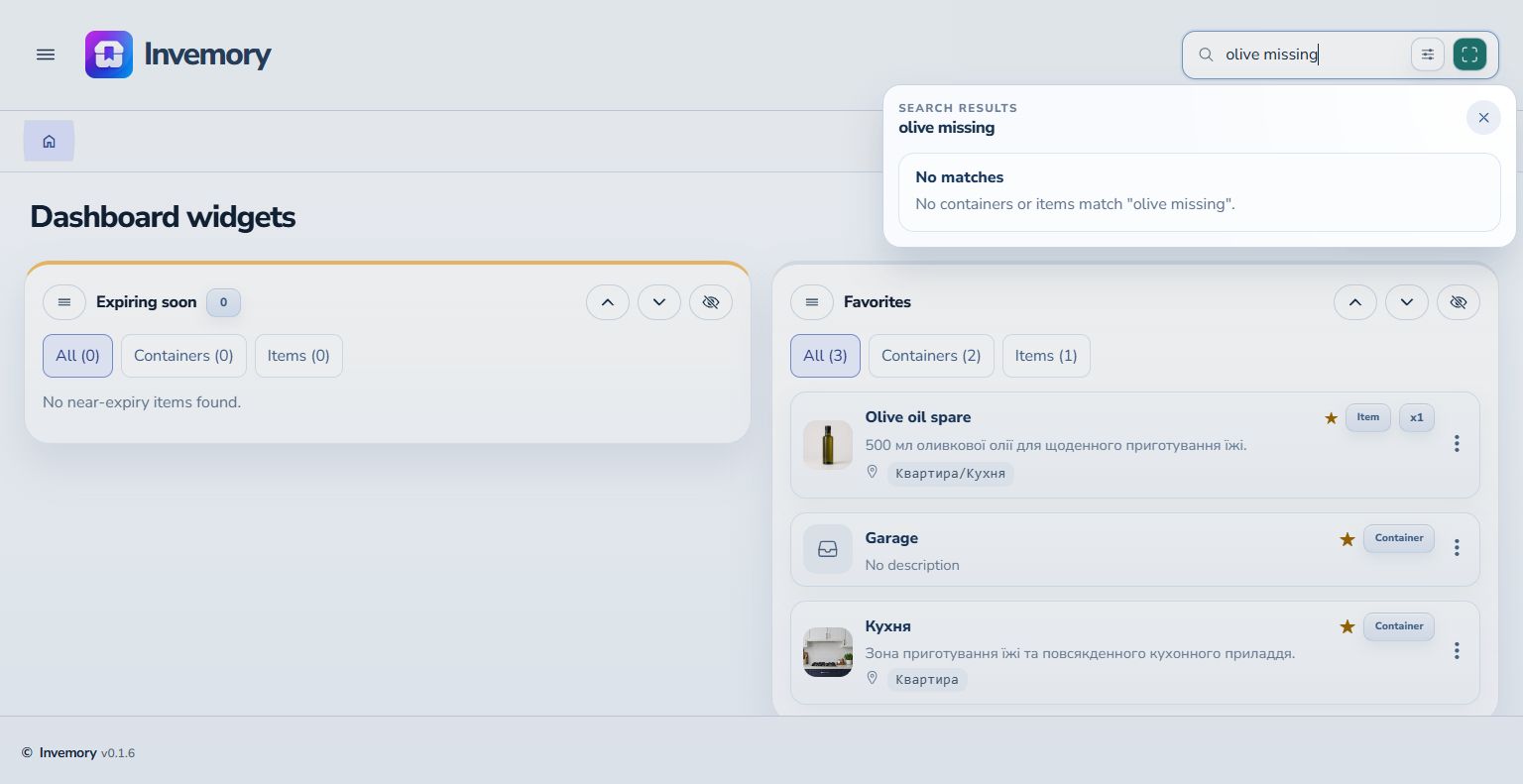
No matches means nothing meets the current query and filter. Remove an extra word, check spelling or try a shorter part of the name. For example, changing “olive missing” to “olive spare” brings back the item.
Website
Android
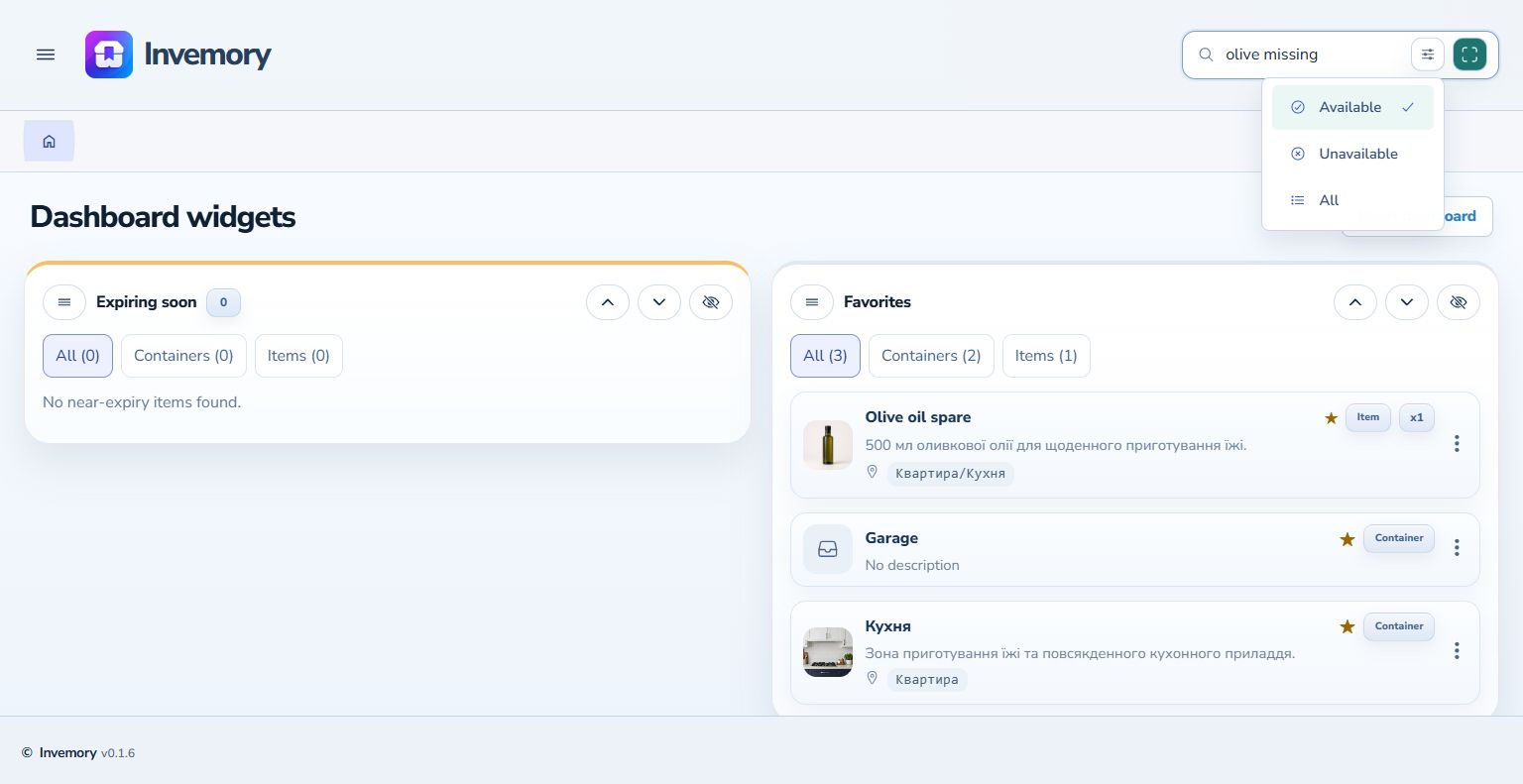
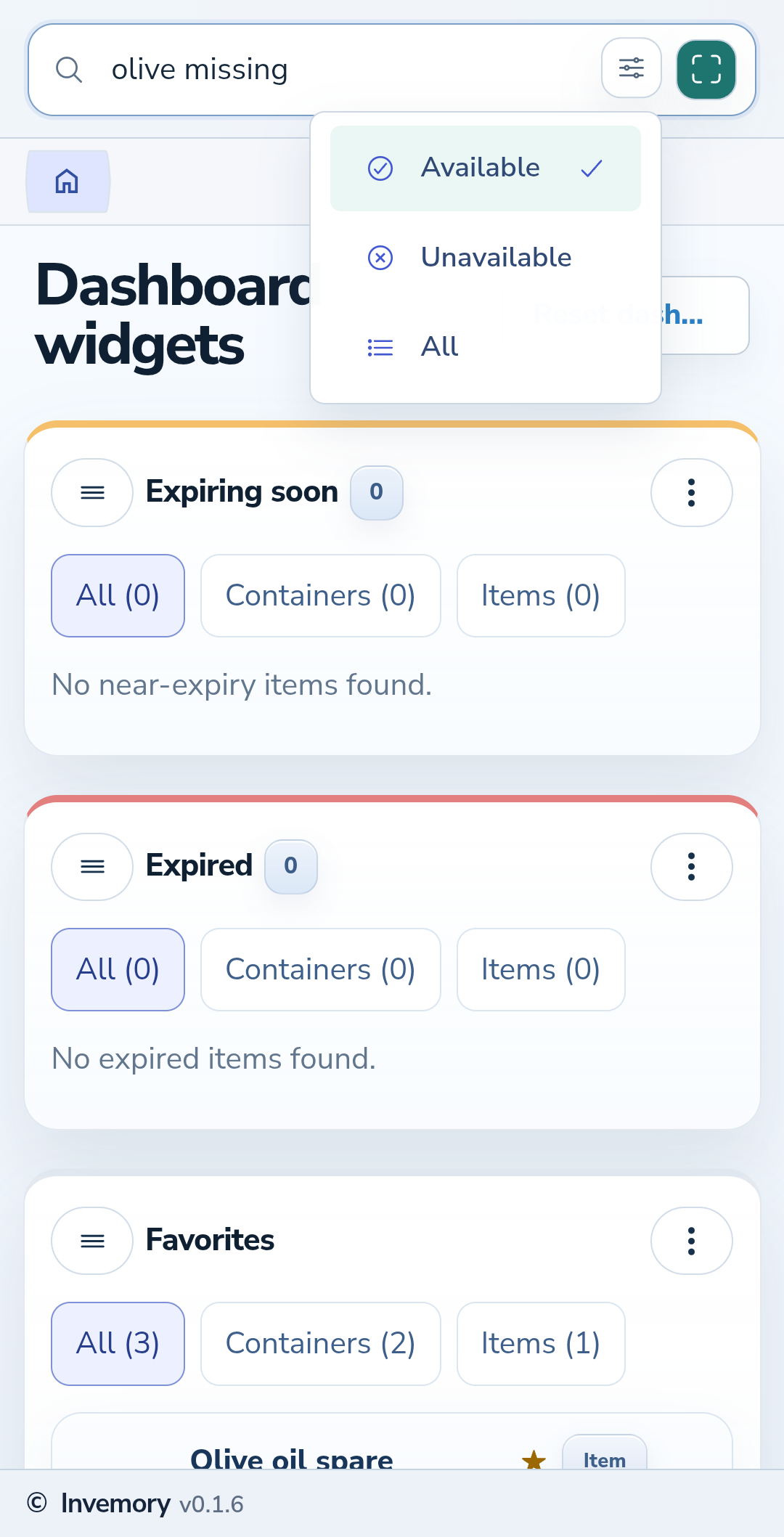
4. Check the availability filter
Close the results and select the filter icon beside search. Available shows items in stock, Unavailable shows items with zero quantity, and All removes this restriction. If you cannot find an item, select All and search again. A check mark identifies the selected mode.
Website
Android
The result
You have found the right card, can see its storage location and can open its details.
Useful to know
- Matching is case-insensitive.
- Add another known word if there are too many results.
- Your item and container names are not translated when you change the interface language.
Common questions
Why is an item I have recorded missing from search?
Check spelling and the availability filter. An item with zero quantity will not appear under Available.
You have found the right card, can see its storage location and can open its details.
Go to item search