Guides
How to set your language, dates, and currencies
Make dates and prices easier to read in Invemory. Your profile lets you change the interface language, date format, timezone, and the currencies you work with.
Last checked:
What you need
- Sign in to your Invemory account on the website or in the Android app.
1. Choose the app language
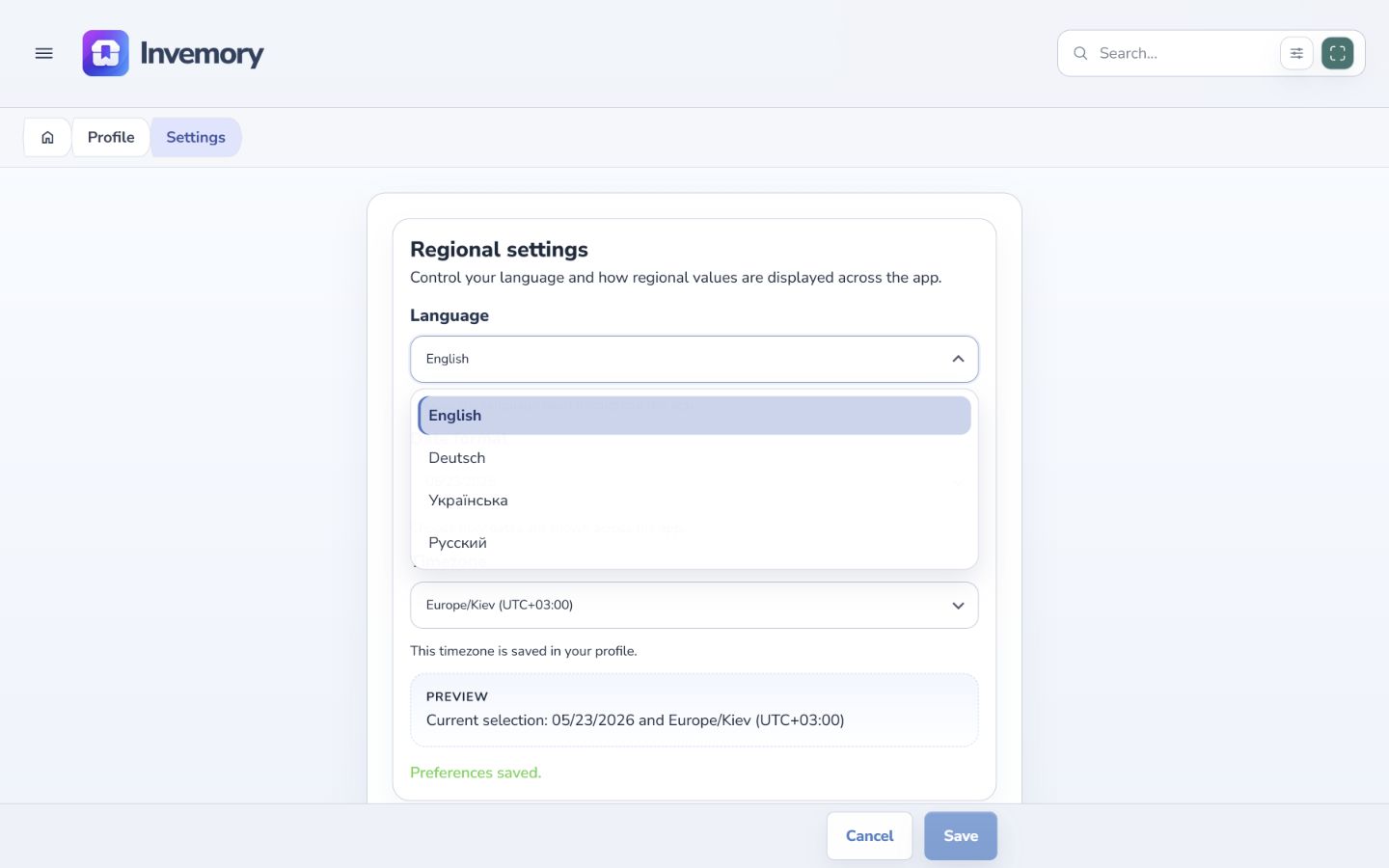
Open the menu → Profile → Settings. On your phone, swipe in from the left edge to open the side menu.
Under Language, choose Ukrainian, English, German, or Russian. The interface switches immediately. Select Save when you finish to store your profile preferences.
Website
Android
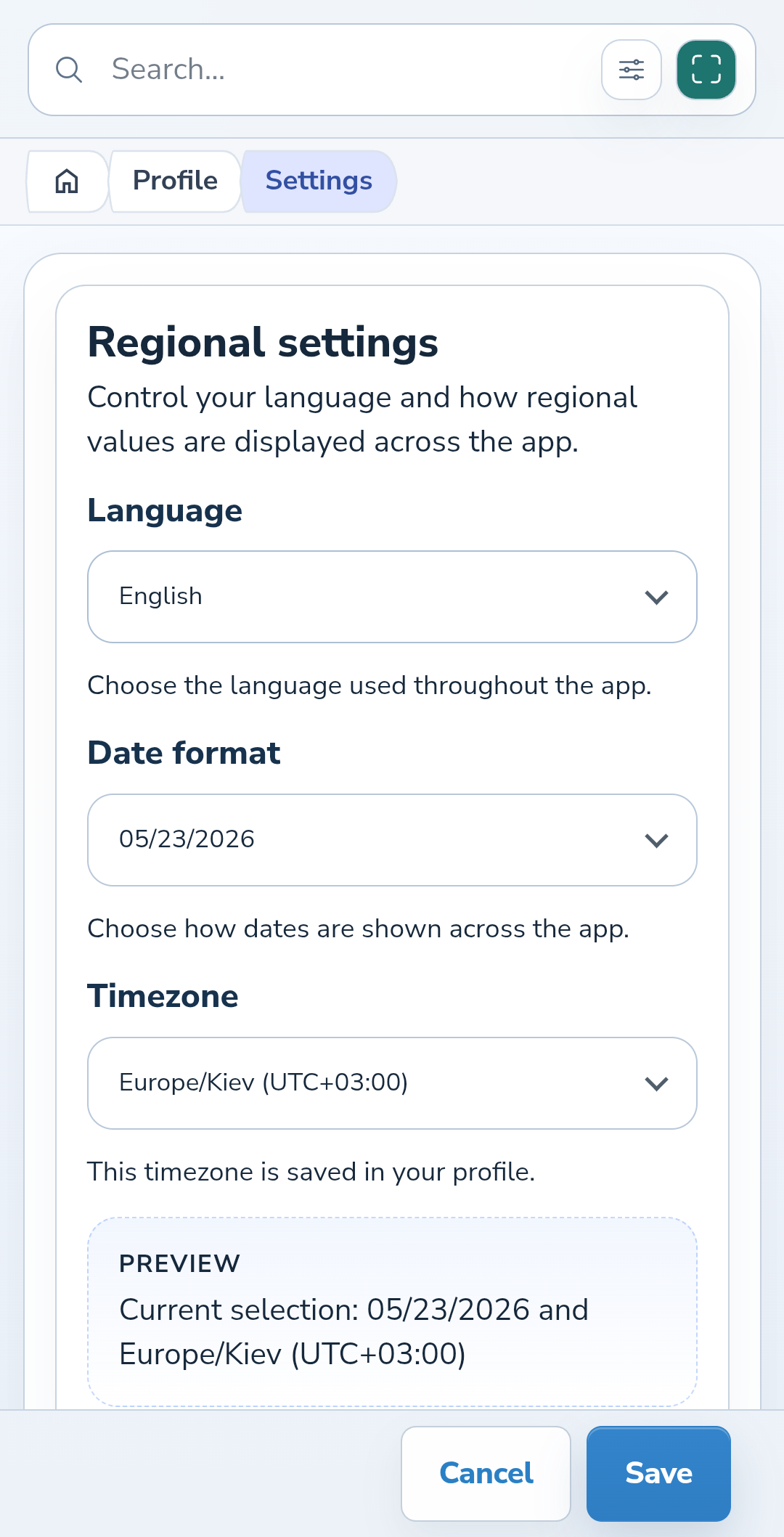
2. Check the date format and timezone
Under Date format, choose the order of day, month, and year that suits you, or ISO. For example, May 23, 2026 is displayed as 2026-05-23 in ISO format.
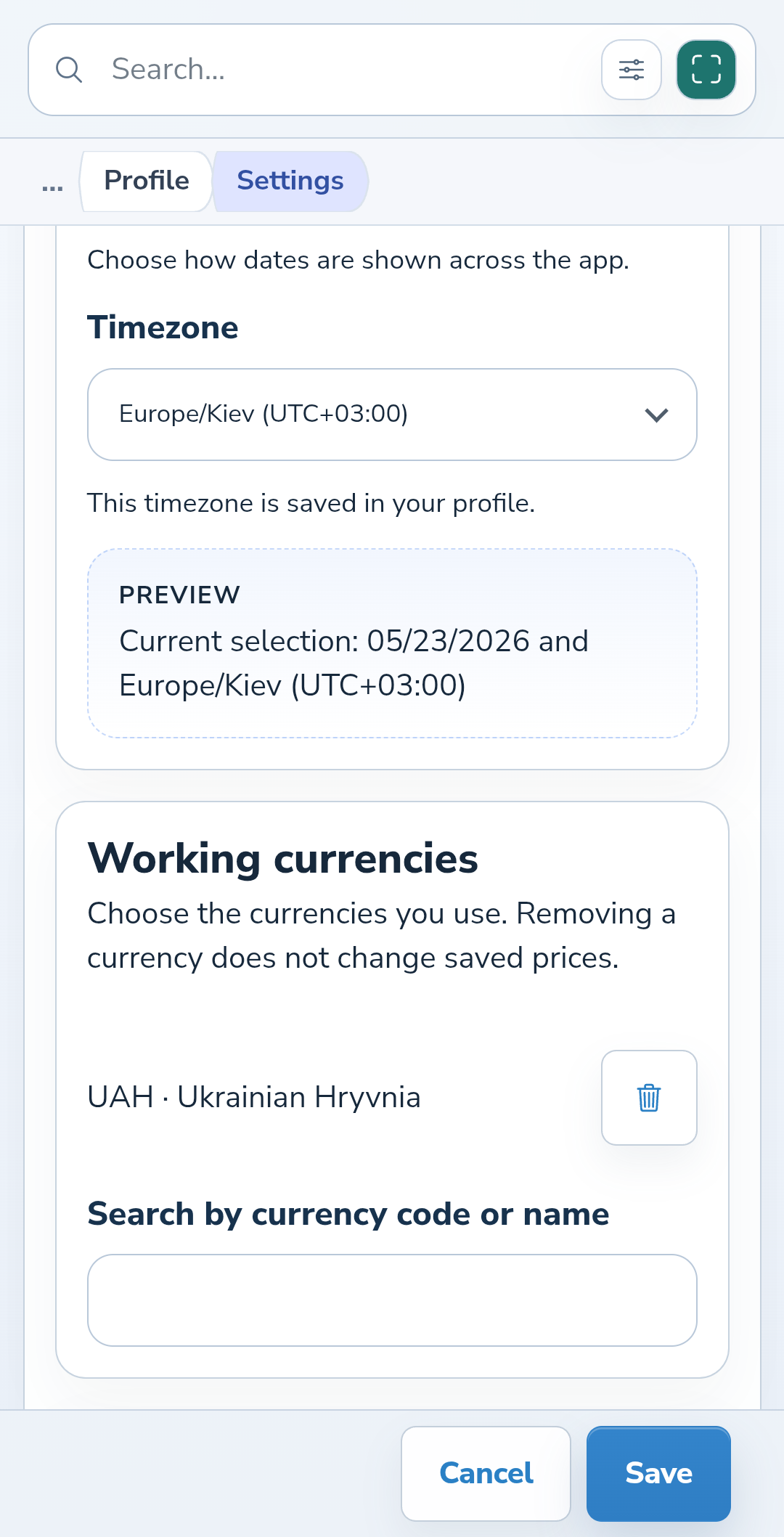
Choose a timezone. Check the date and timezone in Preview before saving. On your phone, scroll down to see the entire example.
3. Choose your working currencies
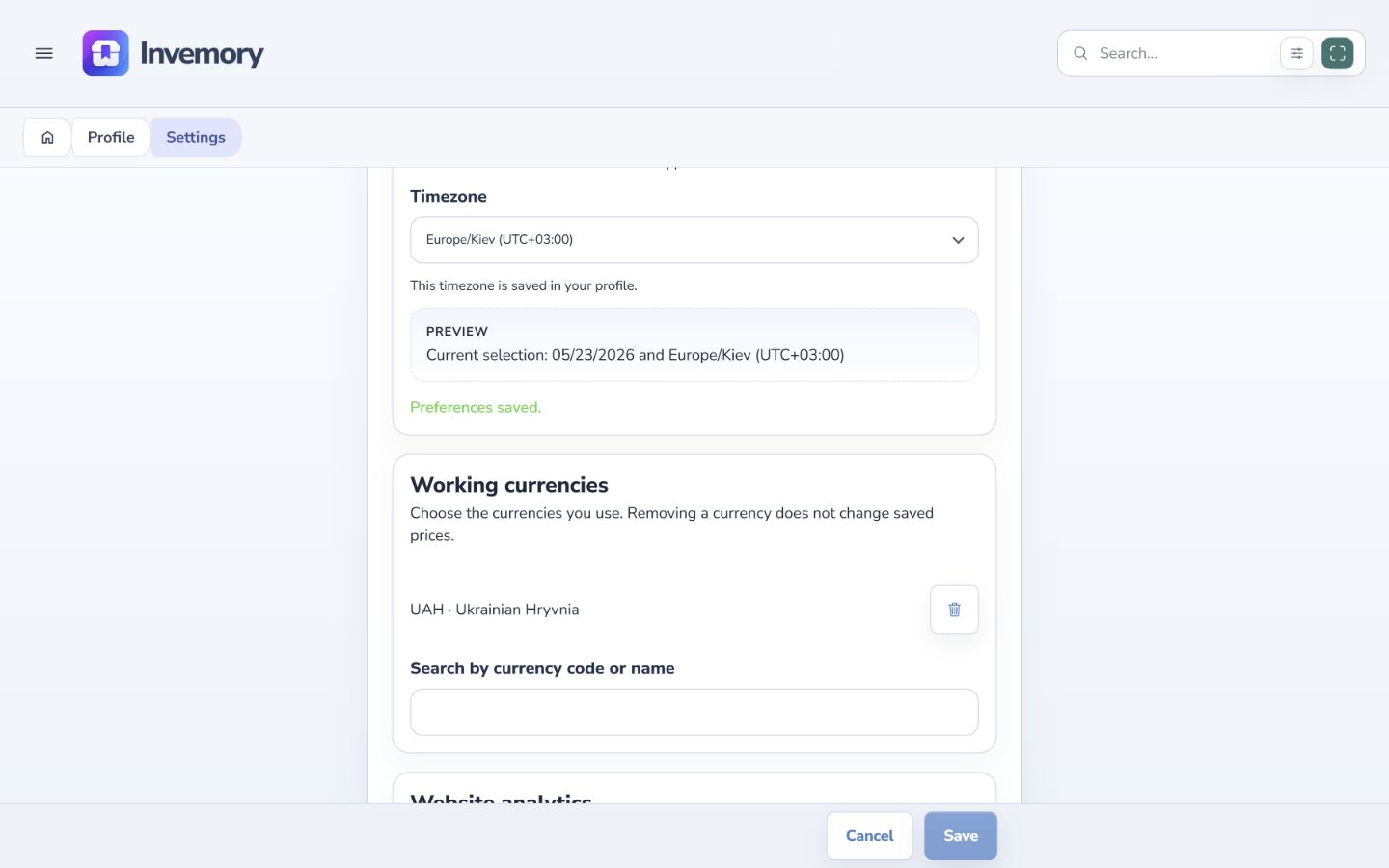
Scroll to Working currencies. Enter a currency code or name, such as EUR, in the search field and select the suggestion. Repeat for any other currencies you use.
To remove a currency from your list, select the trash icon beside it. Removing a currency does not change previously saved item prices.
Website
Android
4. Save your preferences
Select Save at the bottom of the page and wait for “Preferences saved.” The button becomes inactive after a successful save until you make another change.
Choose Cancel if you do not want to apply unsaved changes, then confirm that you want to discard them. Your previously saved preferences remain in effect.
The result
Your profile stores your language, date format, timezone, and working currencies. You can return to these preferences whenever you need to.
Useful to know
- Changing the interface language does not translate the names and descriptions of your own items.
- Working currencies are your list for entering prices. Selecting a currency does not convert existing amounts.
- Analytics preferences are further down the page and have separate controls.
Common questions
Why did the date example change when I changed the language?
The language-default format follows the selected language. Choose an explicit format if you want a fixed order.
Your profile stores your language, date format, timezone, and working currencies. You can return to these preferences whenever you need to.
Open my settings