
Guides
How to move several belongings together
When reorganizing a shelf or putting several belongings somewhere else, use bulk relocation. Select the records you need and choose one destination for the whole selection.
Last checked:
What you need
- Sign in to your account.
- Open the container holding the belongings and prepare a destination container.
1. Select the records you need
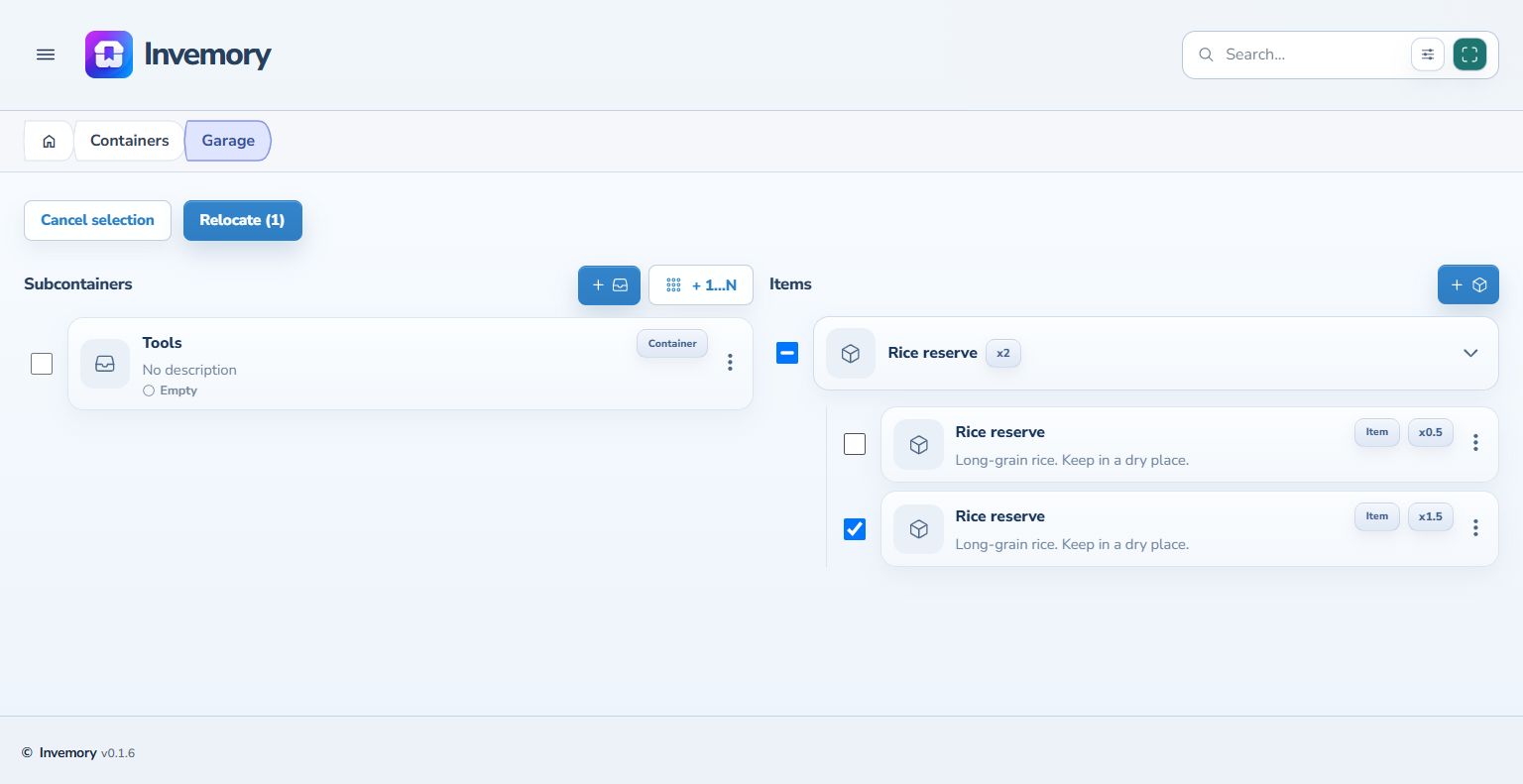
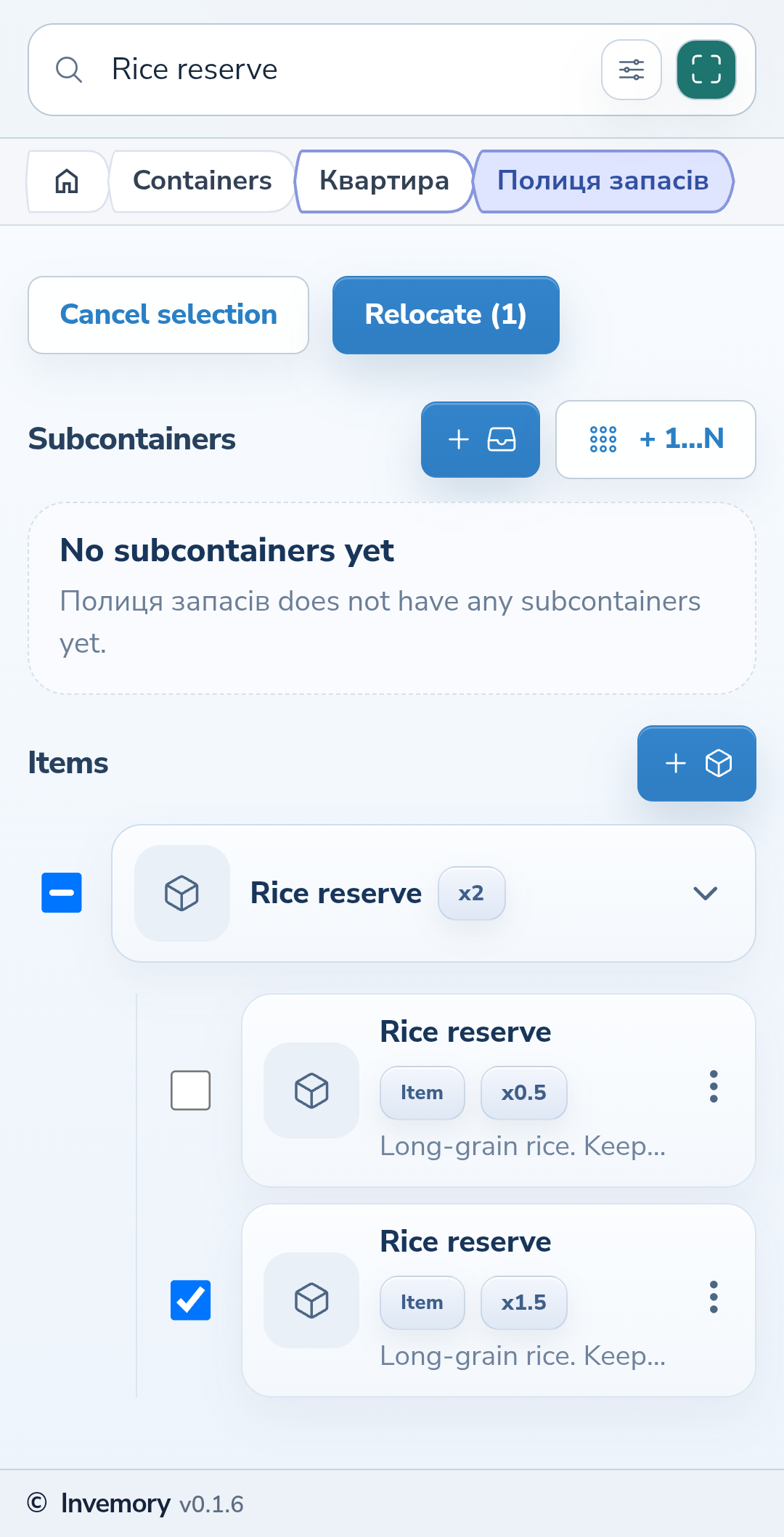
Choose Select on the container page, then mark items or child containers with their checkboxes. Selecting a same-name group selects its records. Expand the group and clear any records you want to leave behind. The Relocate button counts selected records and containers, rather than adding up their quantities.
Website
Android
2. Review the list and choose a destination
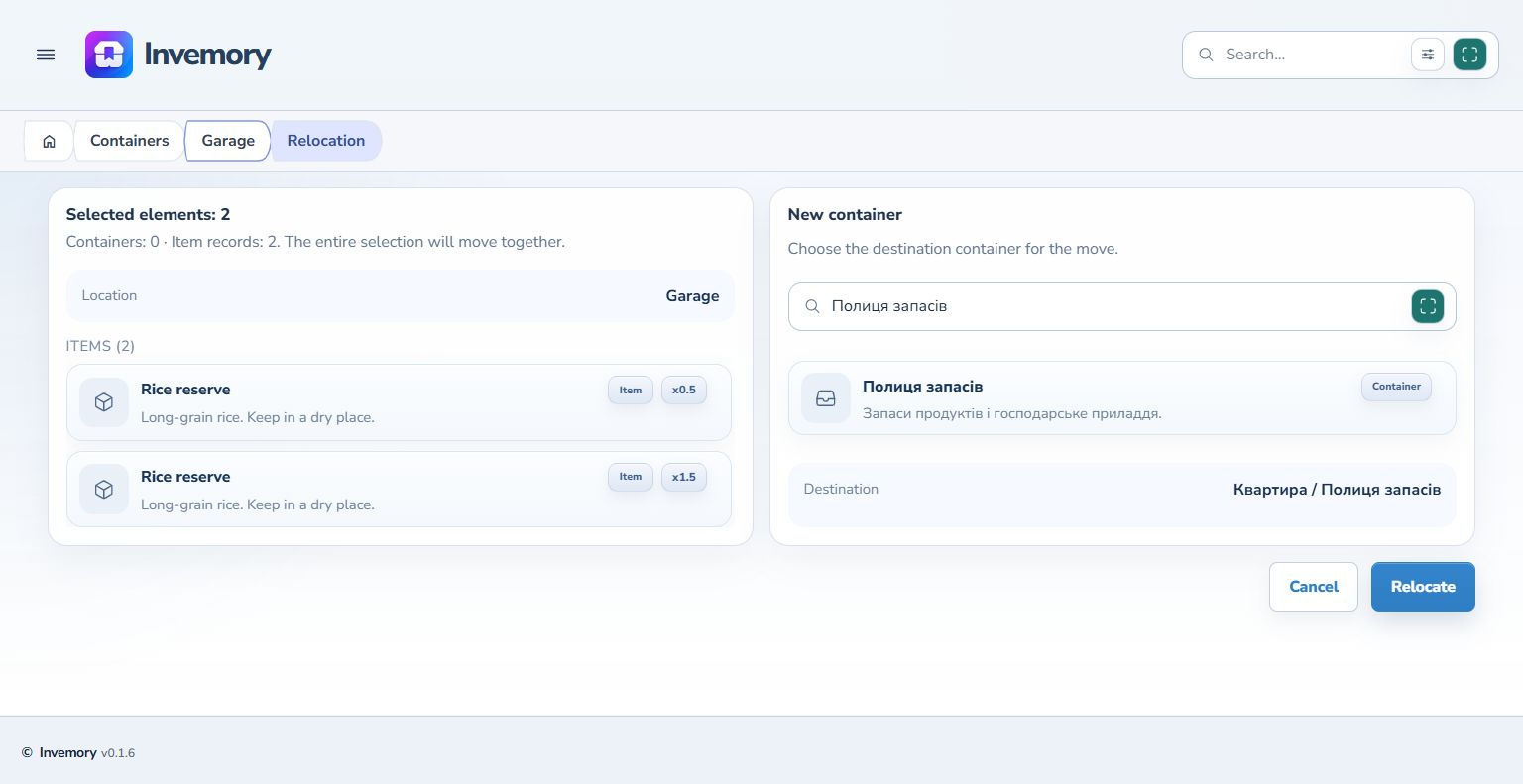
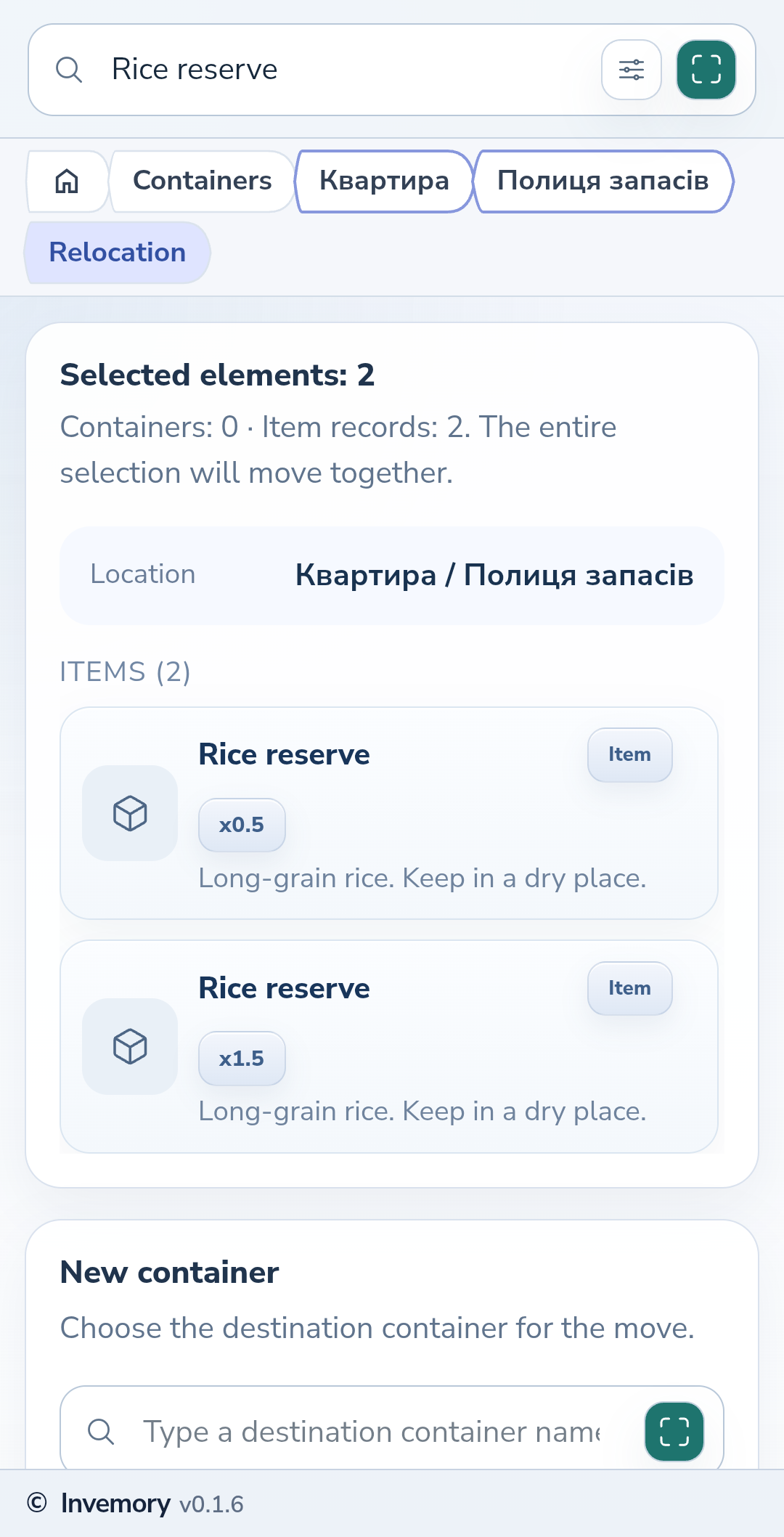
Choose Relocate with the selection count. Review the summary: containers and item records appear separately, with each item's quantity shown. Search for the destination by name under New container and select the matching result. On the phone, scroll below the source list to reach the destination.
Website
Android
3. Confirm and check the result
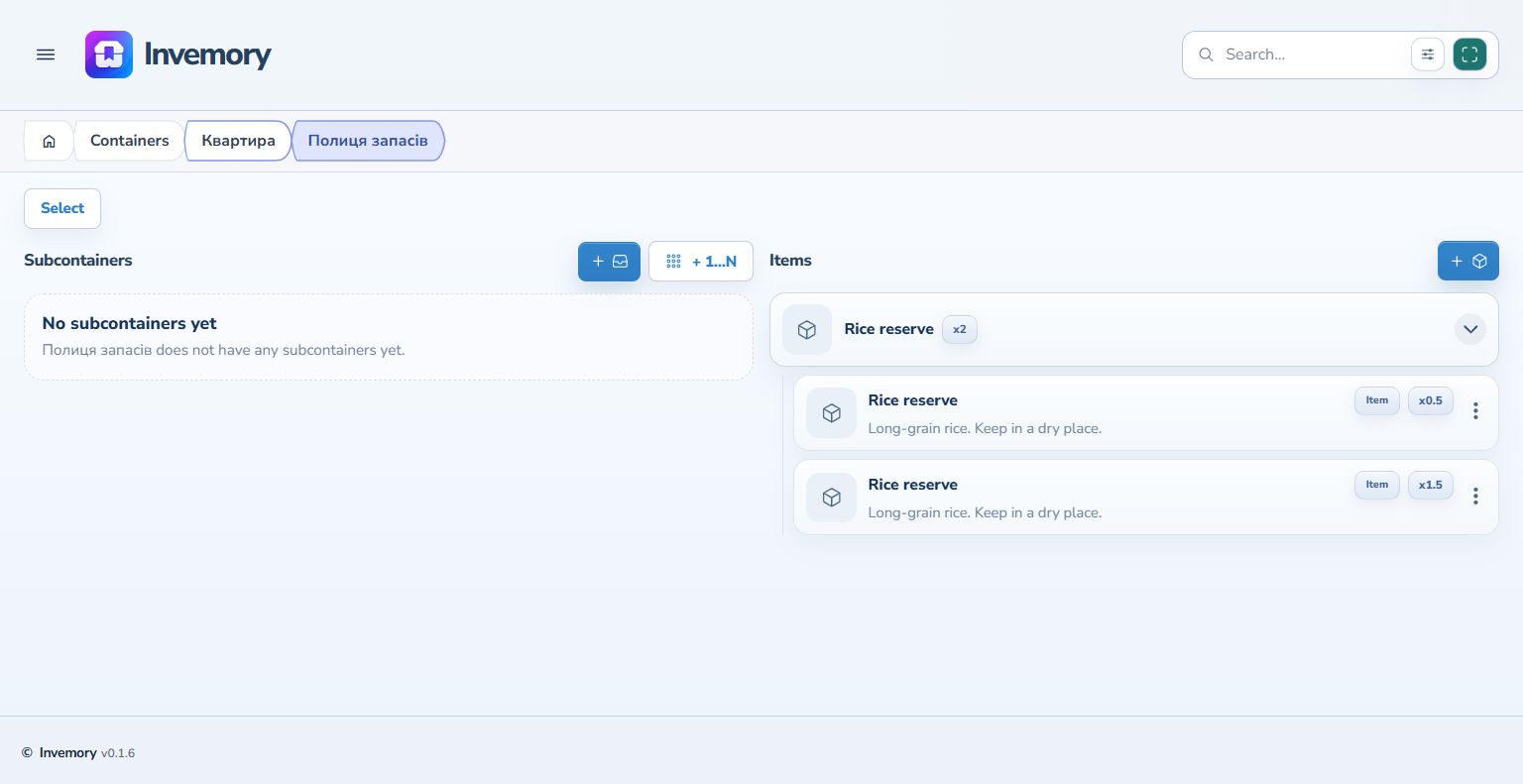
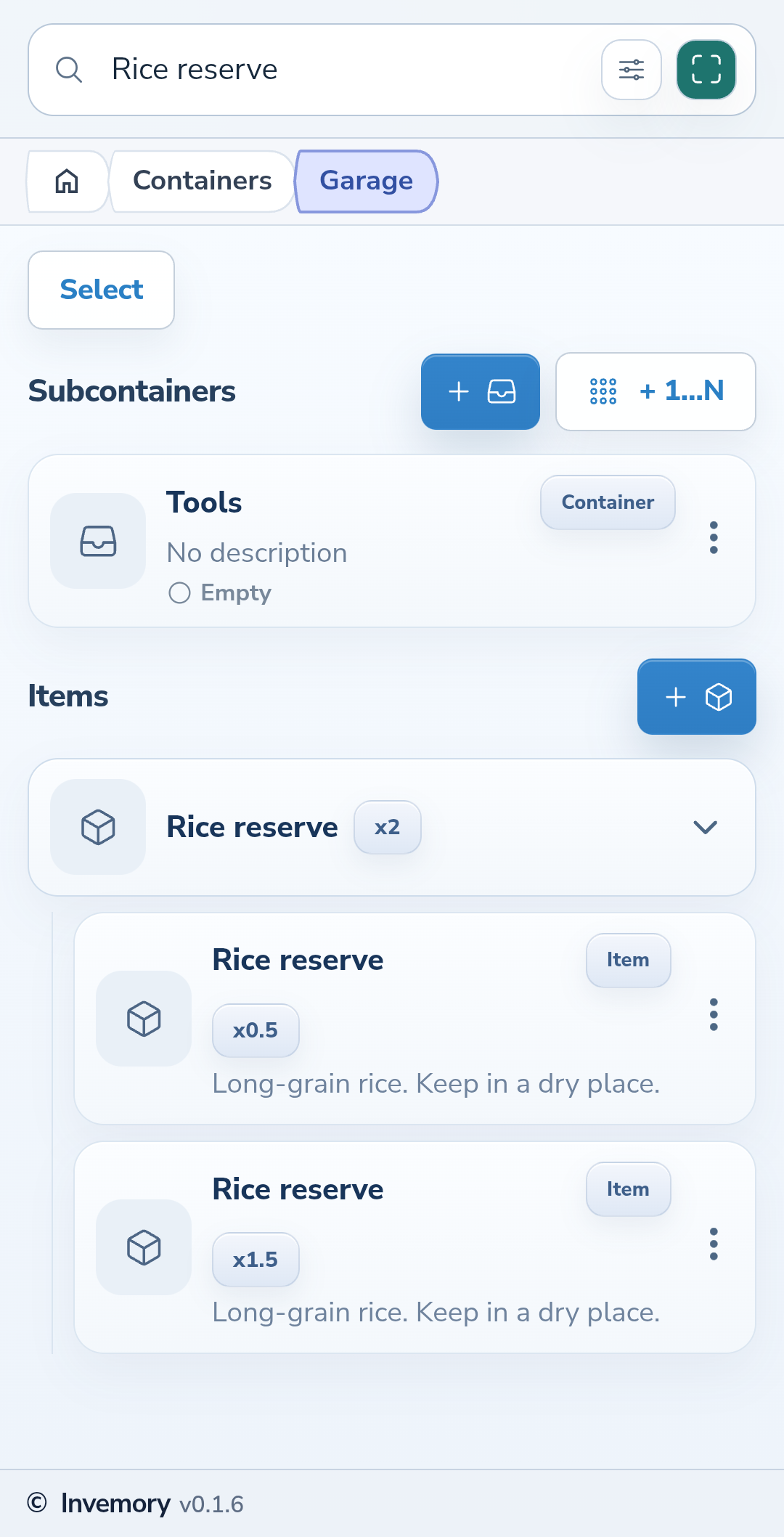
Choose Relocate in the form and wait for it to finish. The app returns to the source container. Open the destination and check that the selected records are there. Each record moves with its entire quantity; this form does not let you specify a partial quantity.
Website
Android
The result
The selected records share a new storage location, while unselected records stay in the source container.
Useful to know
- Check the individual records inside a same-name group before continuing.
- Choose Cancel selection to leave checkbox mode.
- Check the full destination path when container names repeat.
Common questions
Why is the button count different from the item quantity?
The counter counts records and containers. A single record with quantity 1.5 counts as one selected record.
The selected records share a new storage location, while unselected records stay in the source container.
Open containers