
Guides
How to share a container and check inherited access
Share a container with a trusted contact so they can view or edit its contents. Their role also applies to containers nested inside it, including ones you add later.
Last checked:
What you need
- You own the container.
- The person you want to share with is a trusted contact.
1. Share access to a container
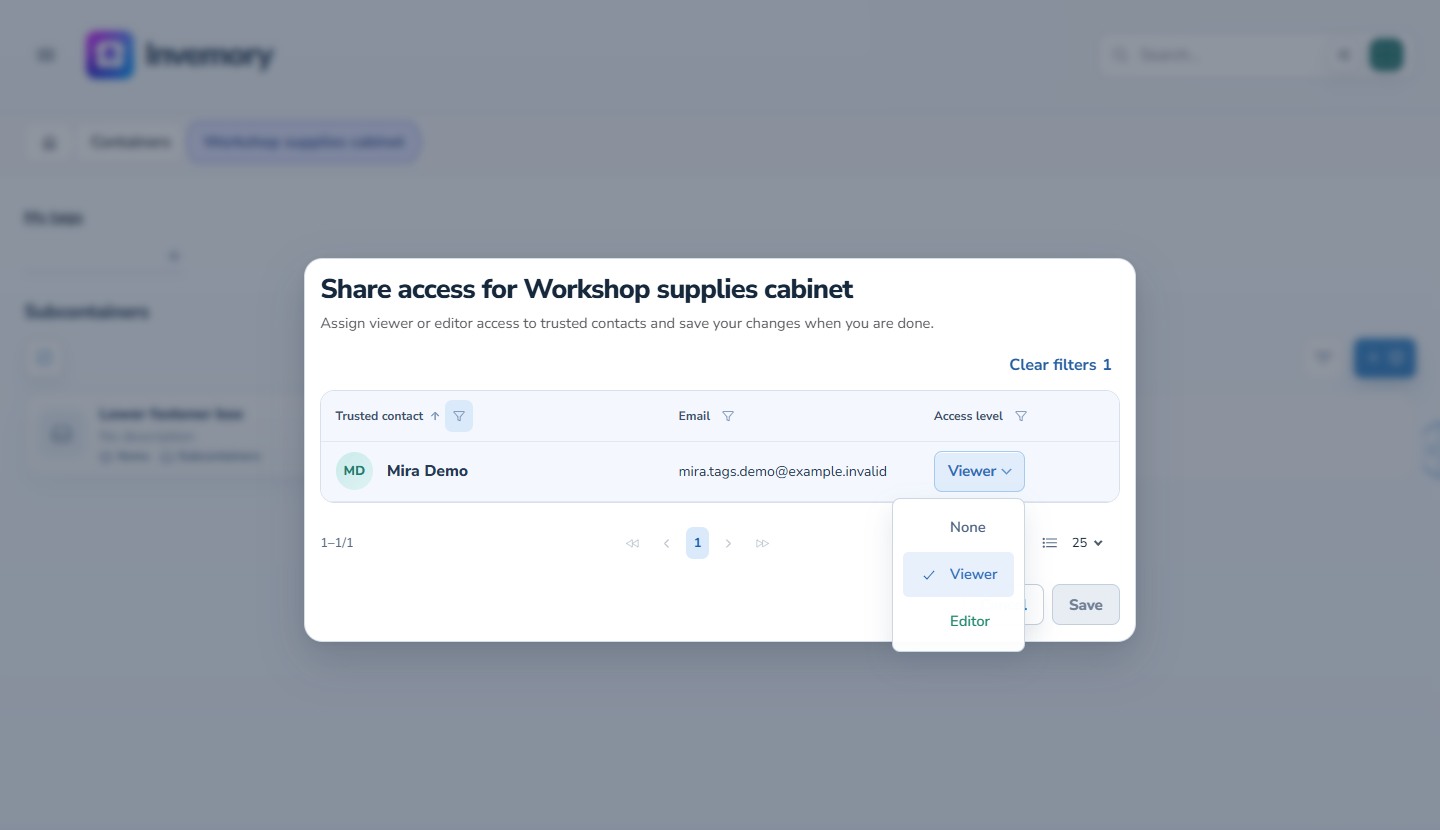
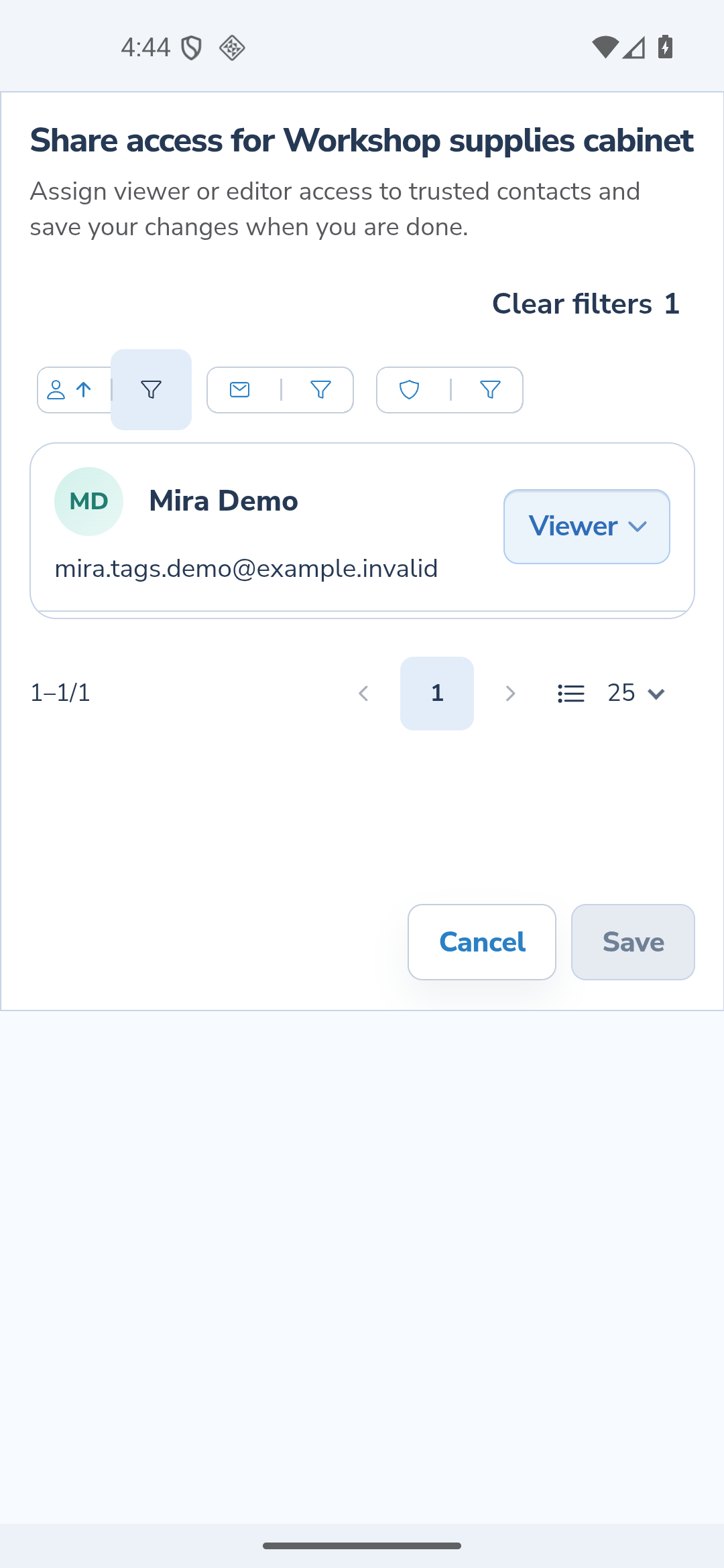
Open Containers, open the card’s action menu, and choose Share access. Find the trusted contact. Use the name filter if needed.
Choose Viewer so the contact can see the contents, or Editor so they can make changes. Select Save.
Website
Android
2. Check the role on a nested container
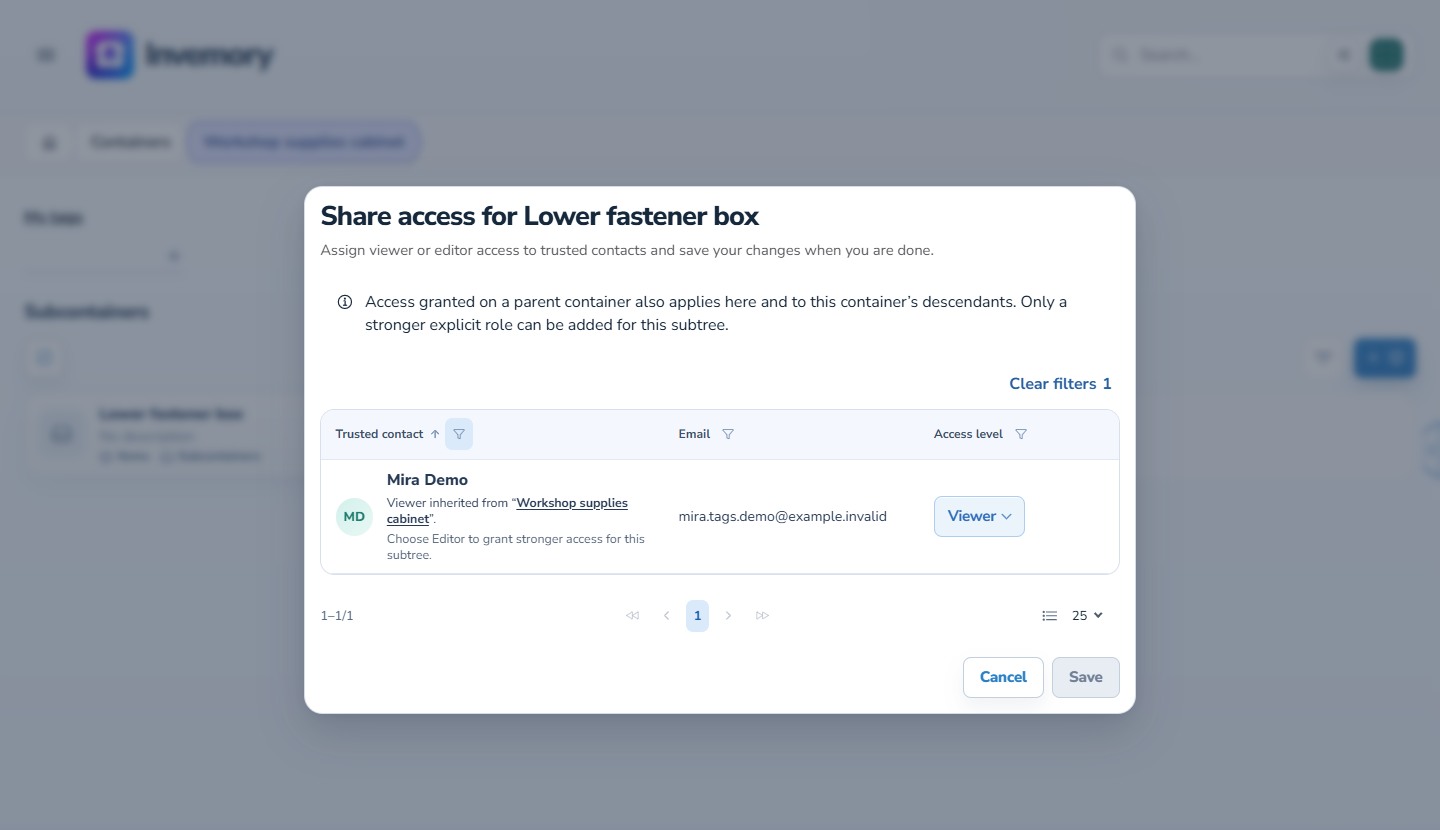
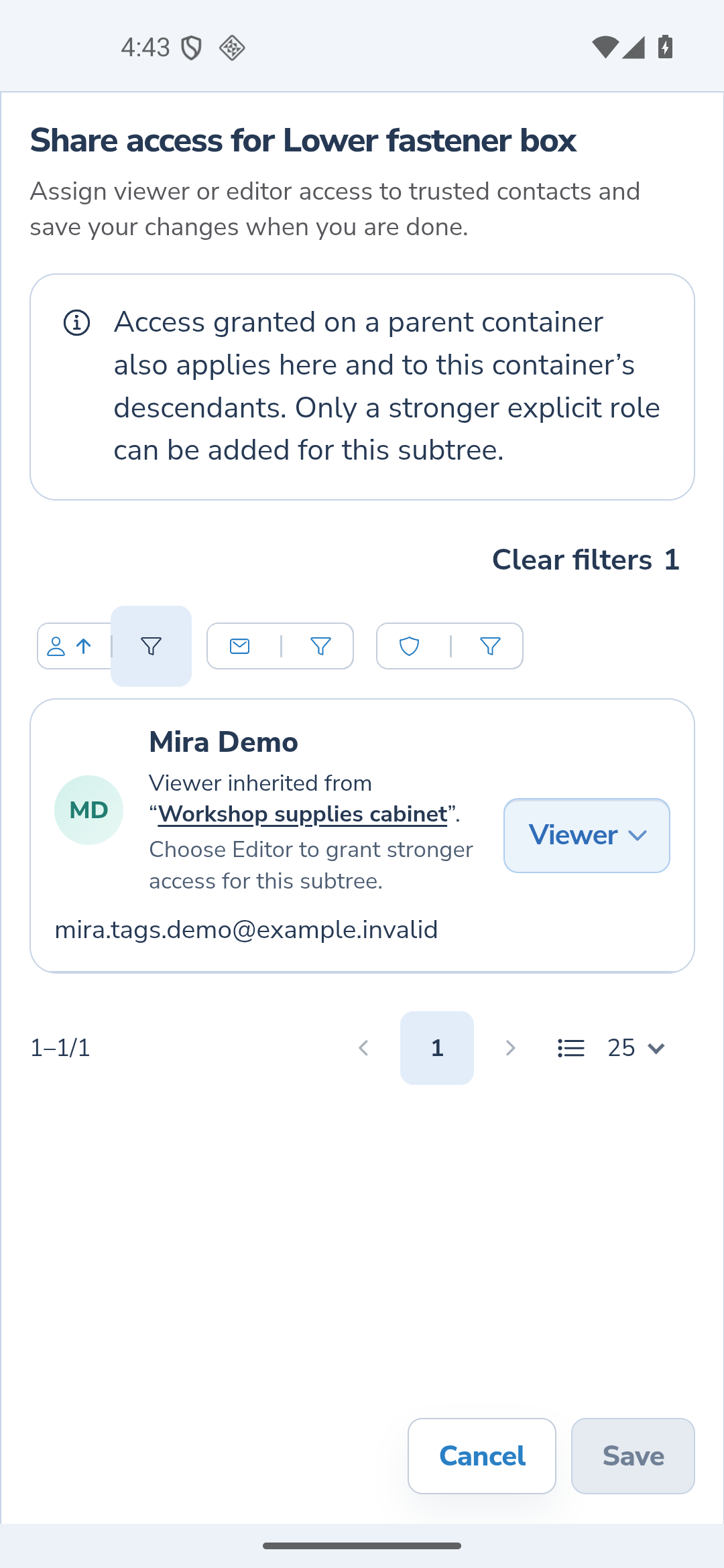
Open Share access for a nested container. Next to the contact, you can see the inherited role and the container where it was granted.
Select the source container’s name to open it. You can check that container’s own access settings there.
Website
Android
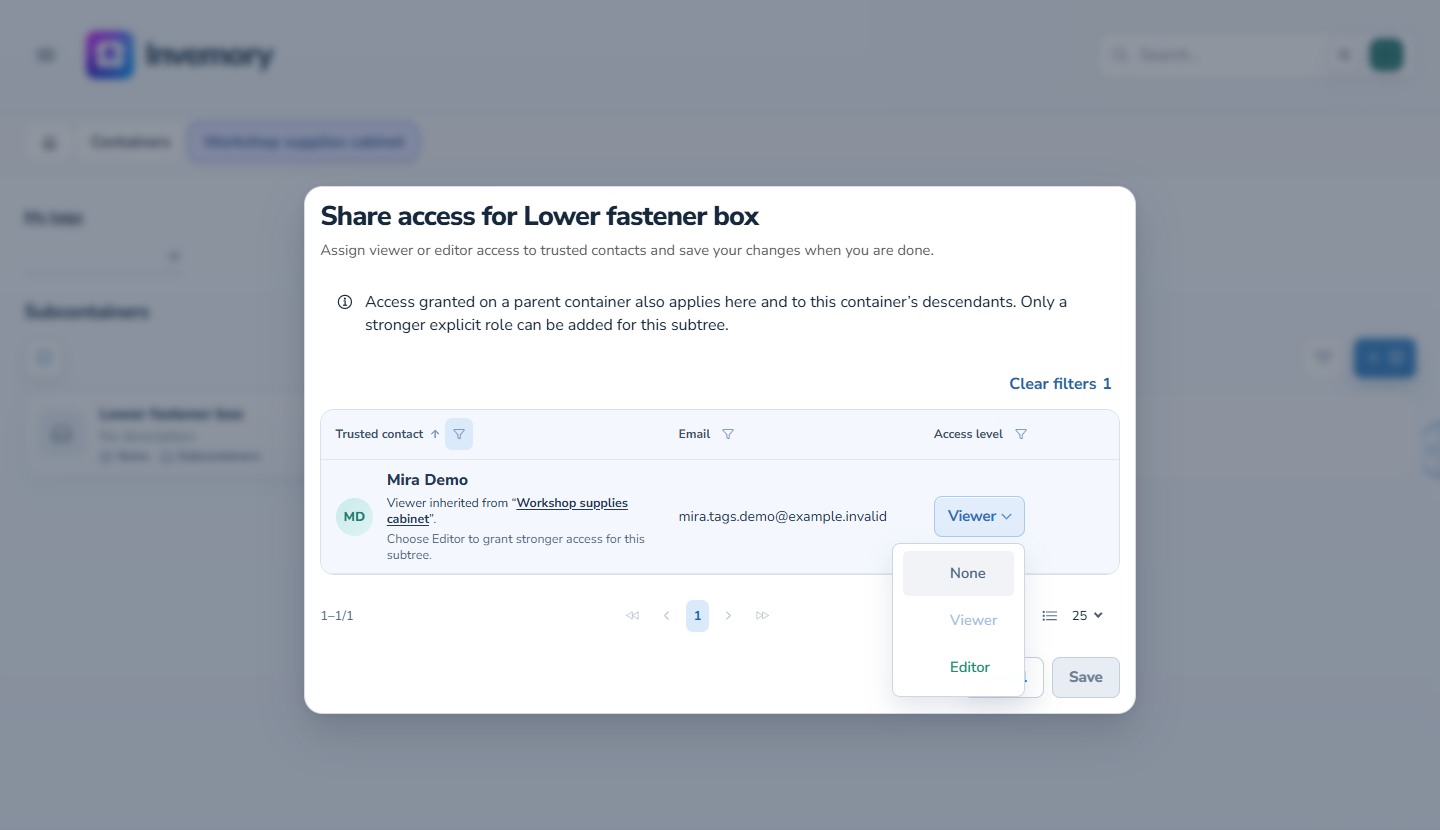
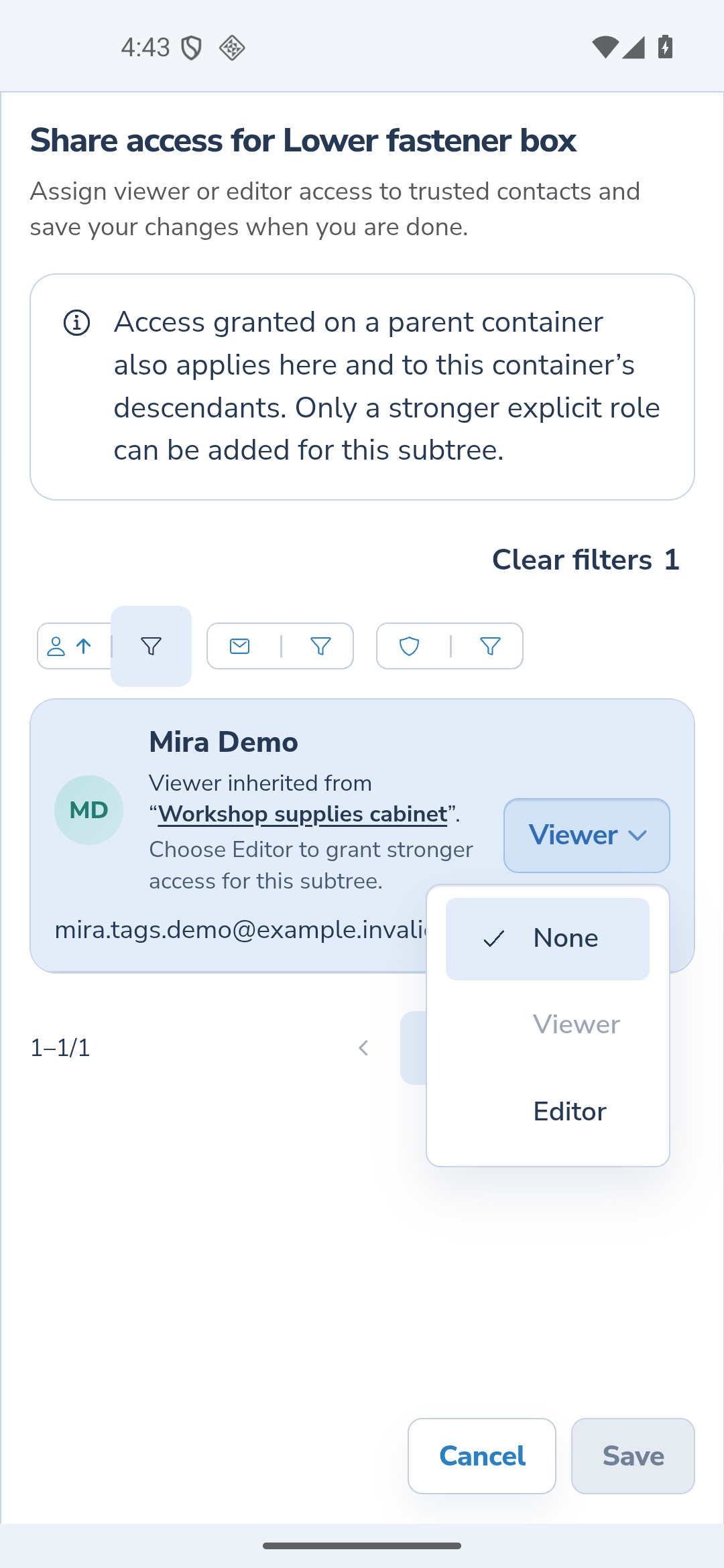
3. Grant a stronger role for one subtree
If a contact inherits Viewer, you can select Editor on the nested container and save. The stronger role applies to that container and everything nested within it.
An equal or weaker new role is unavailable. To change the inherited role for the entire subtree, open its source container.
Website
Android
4. Decide what to do with unsaved changes
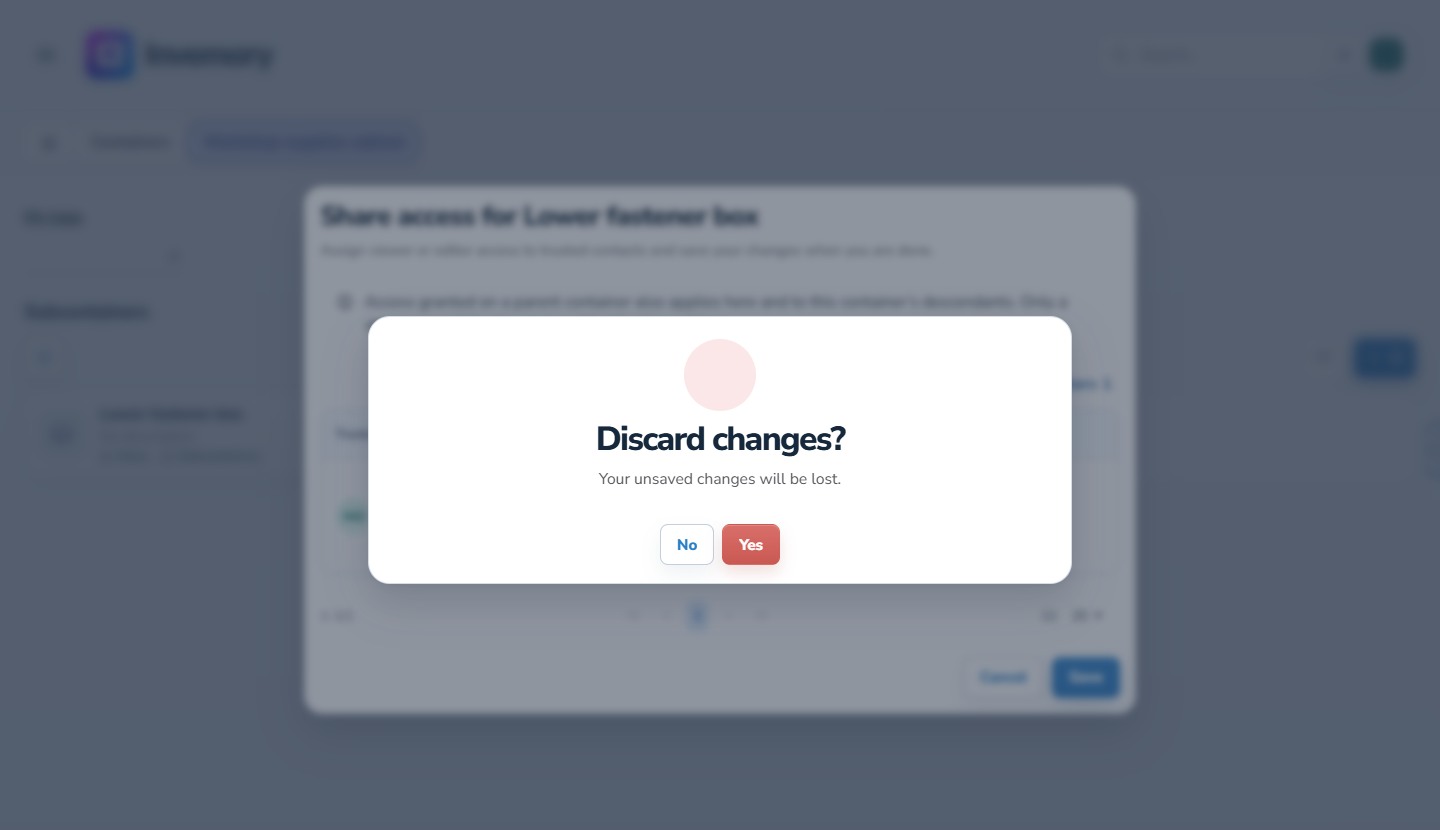
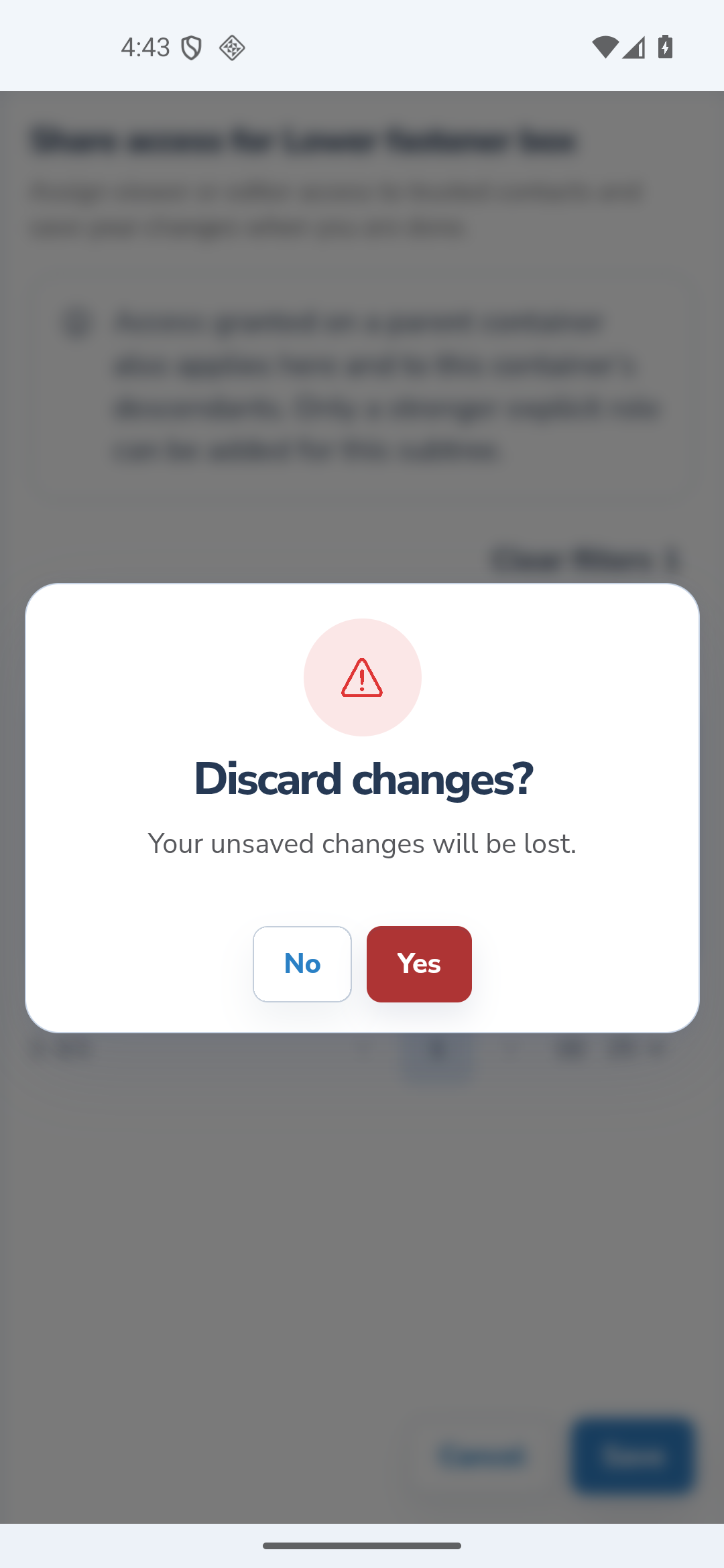
If you close the editor or follow the source link after changing a role, Invemory asks whether to discard your changes. No keeps your selection in the editor. Yes discards it and continues.
Website
Android
The result
You can see who has access, where it was granted, and which role applies to nested containers.
Useful to know
- Viewer is sufficient when the contact only needs to see the contents.
- After saving, open Share access again to check the result.
Common questions
What happens if I remove direct Editor access from a nested container?
If the contact still inherits Viewer, that becomes their effective role again after you save.
You can see who has access, where it was granted, and which role applies to nested containers.
Open Containers