
Guides
How to view recent changes and item history
Invemory helps you return to recently changed belongings and see what changed in a particular item. The general report shows current cards, while item history lists recorded events.
Last checked:
What you need
- Sign in to your account.
- For this example, use an item you have already created and edited.
1. Return to recently changed belongings
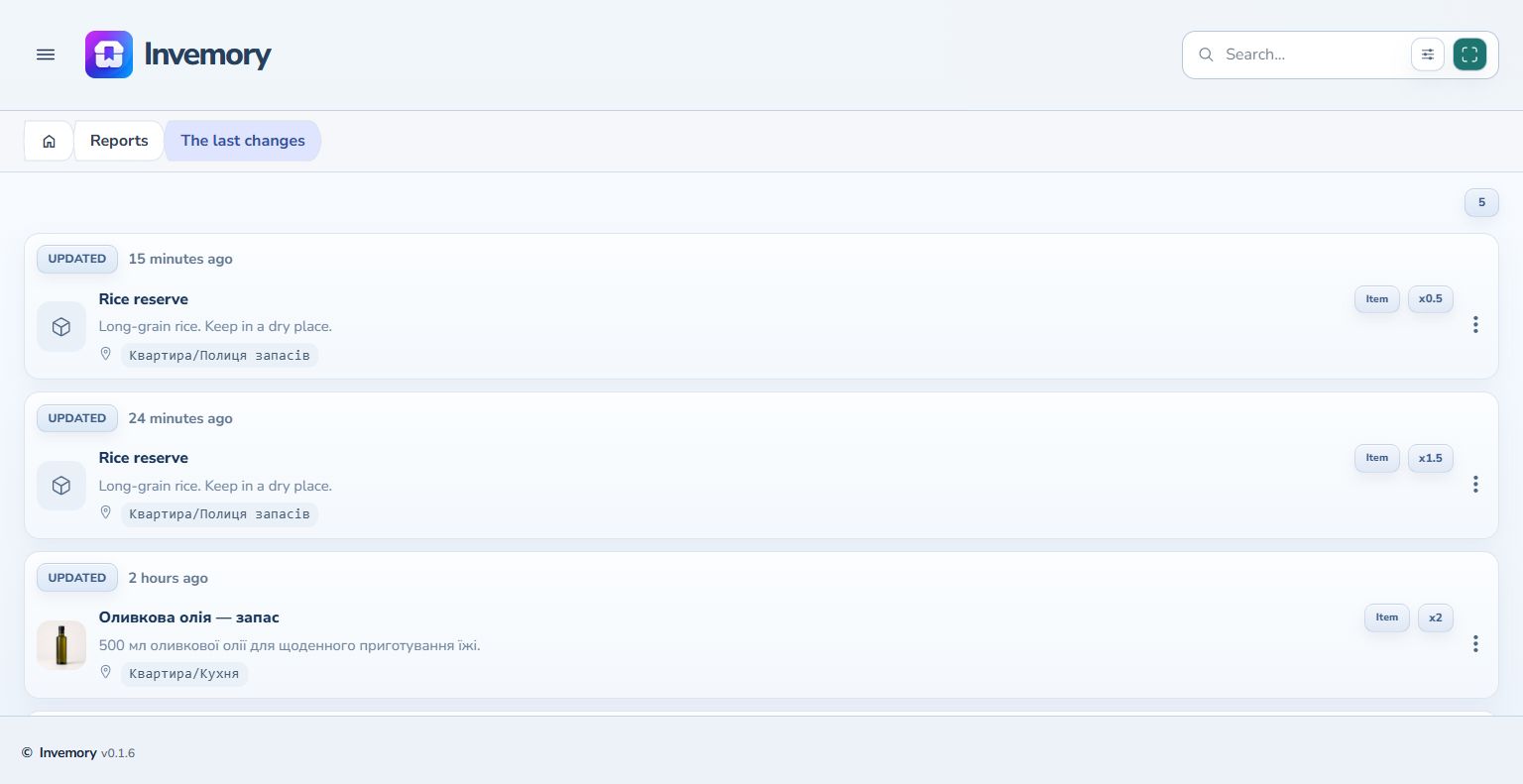
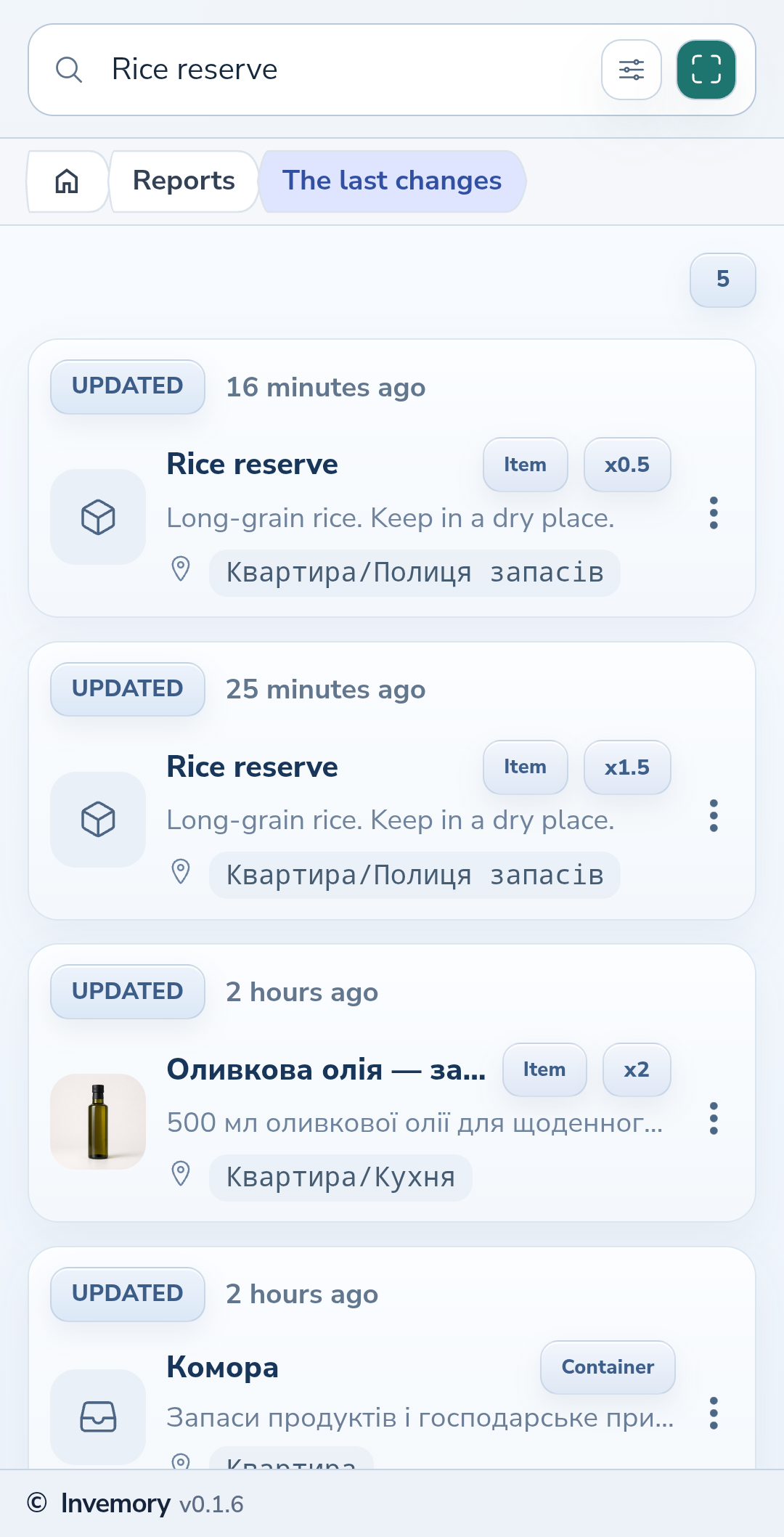
Open Reports → Recent changes in the menu. Each card shows an action badge, the time of its latest change and its current storage path. Select an item to open it. This list helps you find the current card; use item history for individual changes.
Website
Android
2. Open a particular item's history
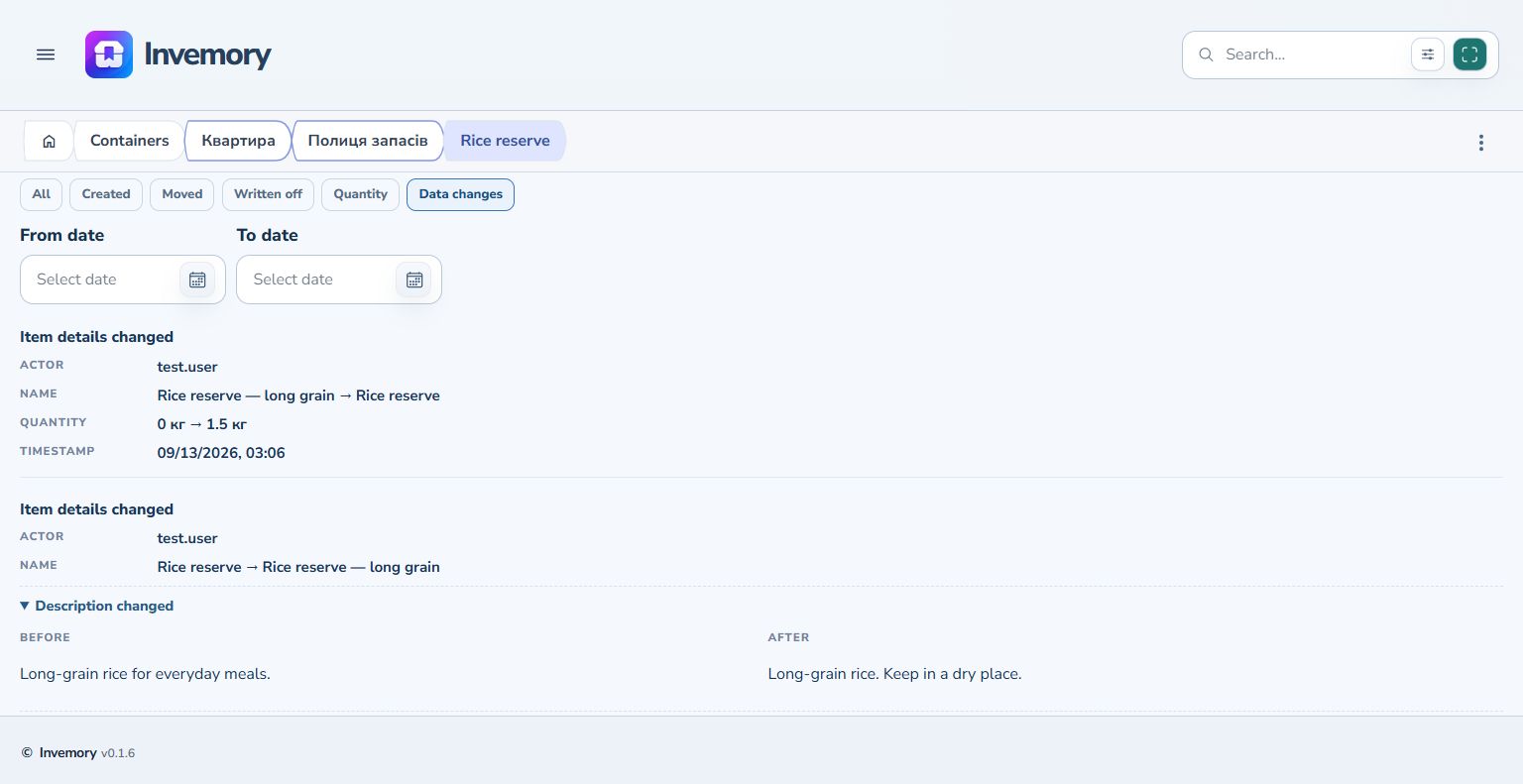
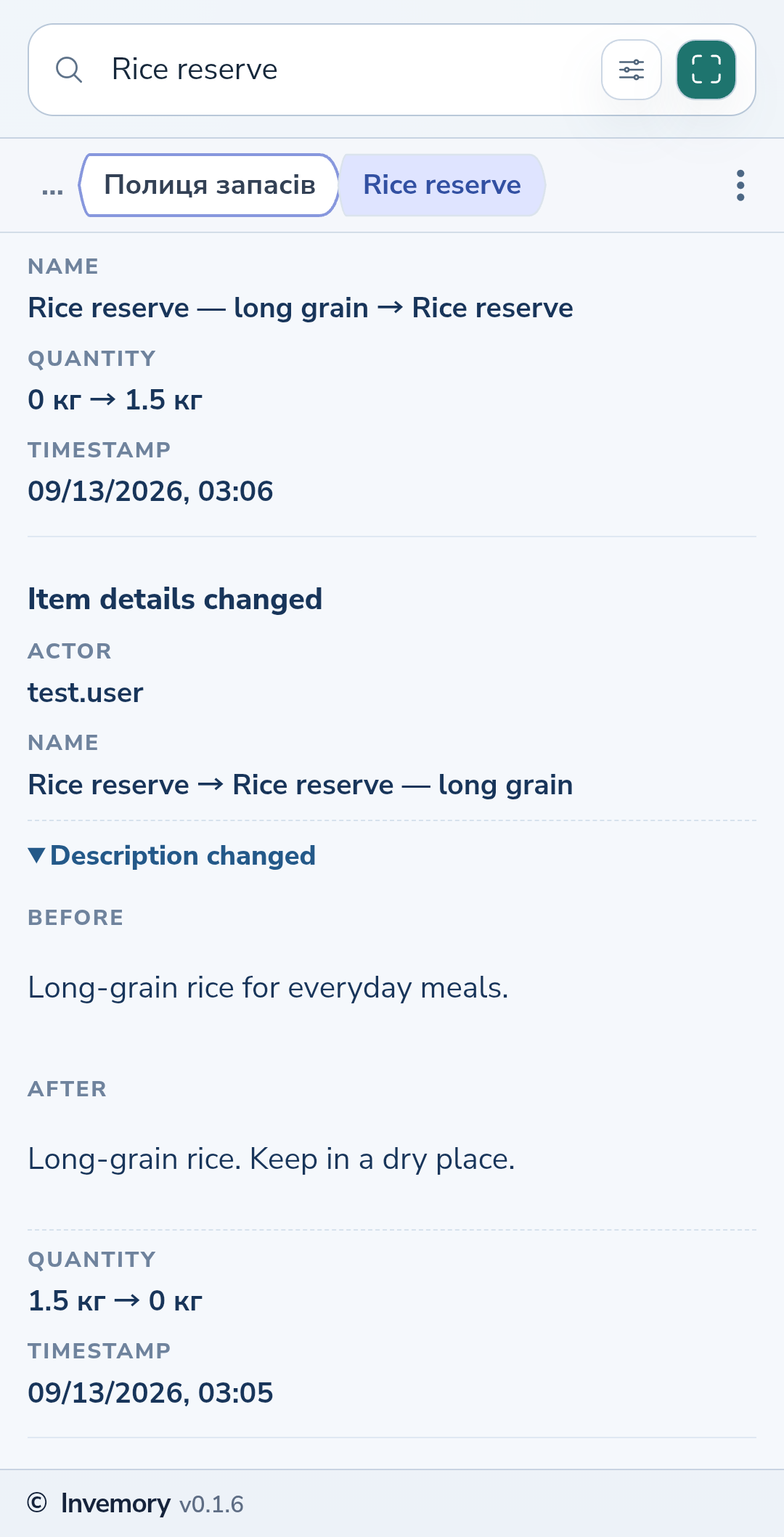
Scroll down the item card to Item history. Events run from newest to oldest. Each event shows the actor, timestamp and relevant changes, such as the previous and current name or quantity. The journal contains events recorded since this feature was introduced.
3. Compare changed values
Choose Data changes to show editing events. An arrow between values indicates the change from the previous value to the new one. Select Description changed to expand the Before and After texts. Select it again to collapse the details.
Website
Android
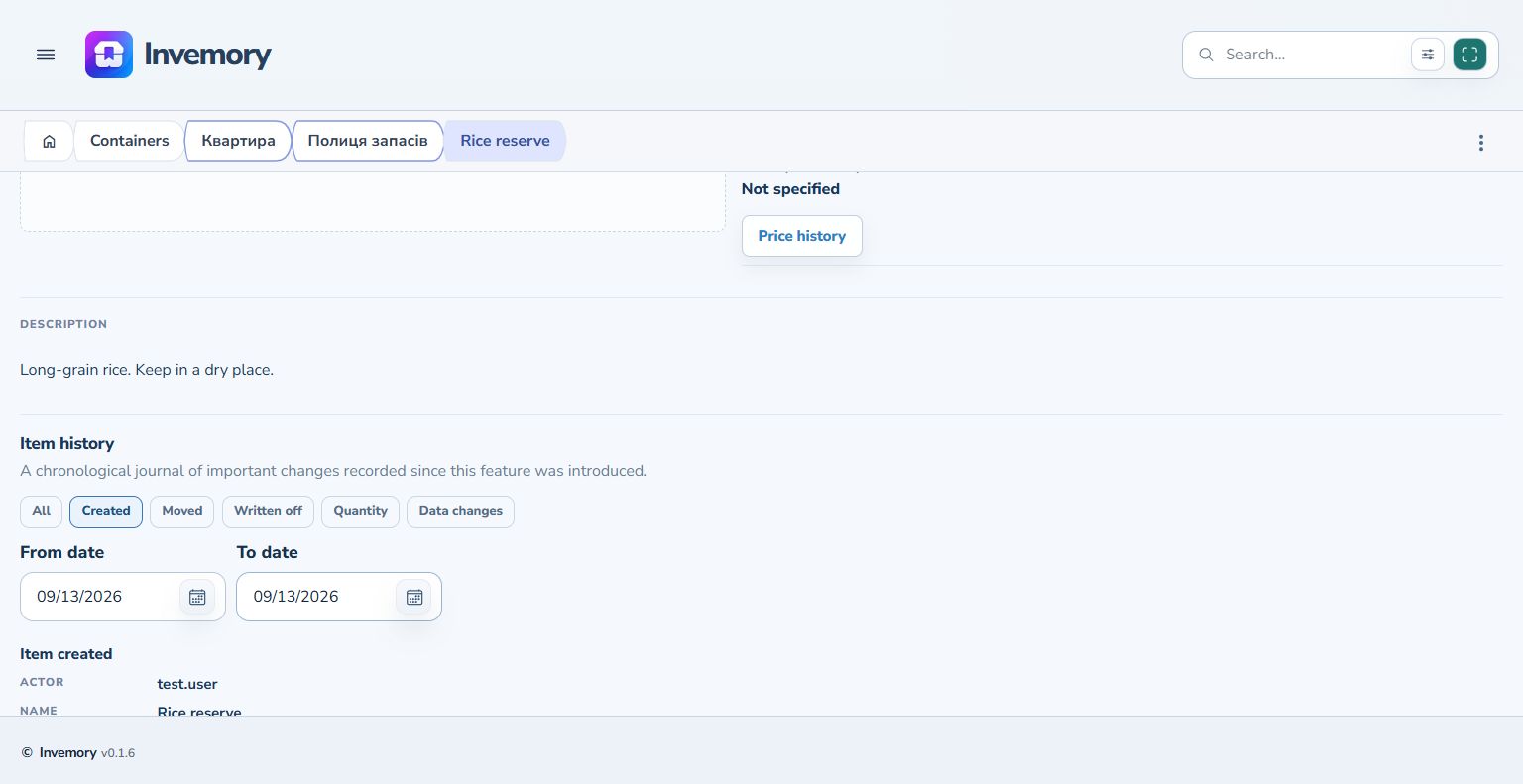
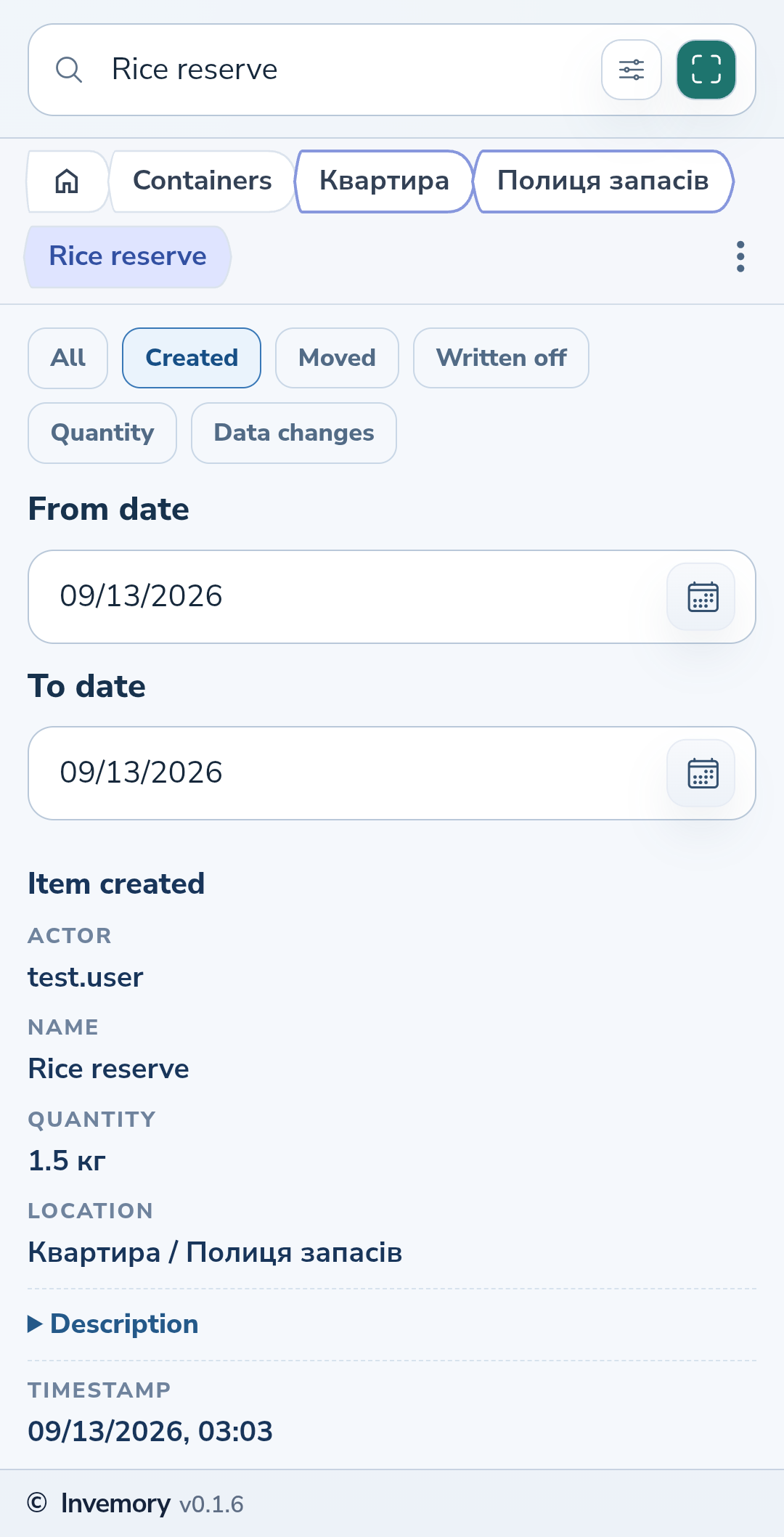
4. Find events of a particular type and day
Choose an event type, such as Created, and optionally fill in From date and To date. Both boundaries include the selected day. Set the same date in both fields to see one day. Dates use your profile's format. To see all types and days again, choose All and clear both date fields.
Website
Android
The result
You have found the relevant events and can see when and how the item's details changed.
Useful to know
- If no events appear, check the selected type and date boundaries first.
- The current path in the general report shows where the item is stored now.
- Open Price history separately from the button on the item card to review price changes.
- If “Load more” appears at the bottom of the journal, select it to see older events. This works on the website and in Android.
Common questions
Why might older changes be missing?
The journal contains events recorded since the feature was introduced. Your current filters may also hide some events.
You have found the relevant events and can see when and how the item's details changed.
View recent changes