Invemory

Guides

Mailings and unsubscribing

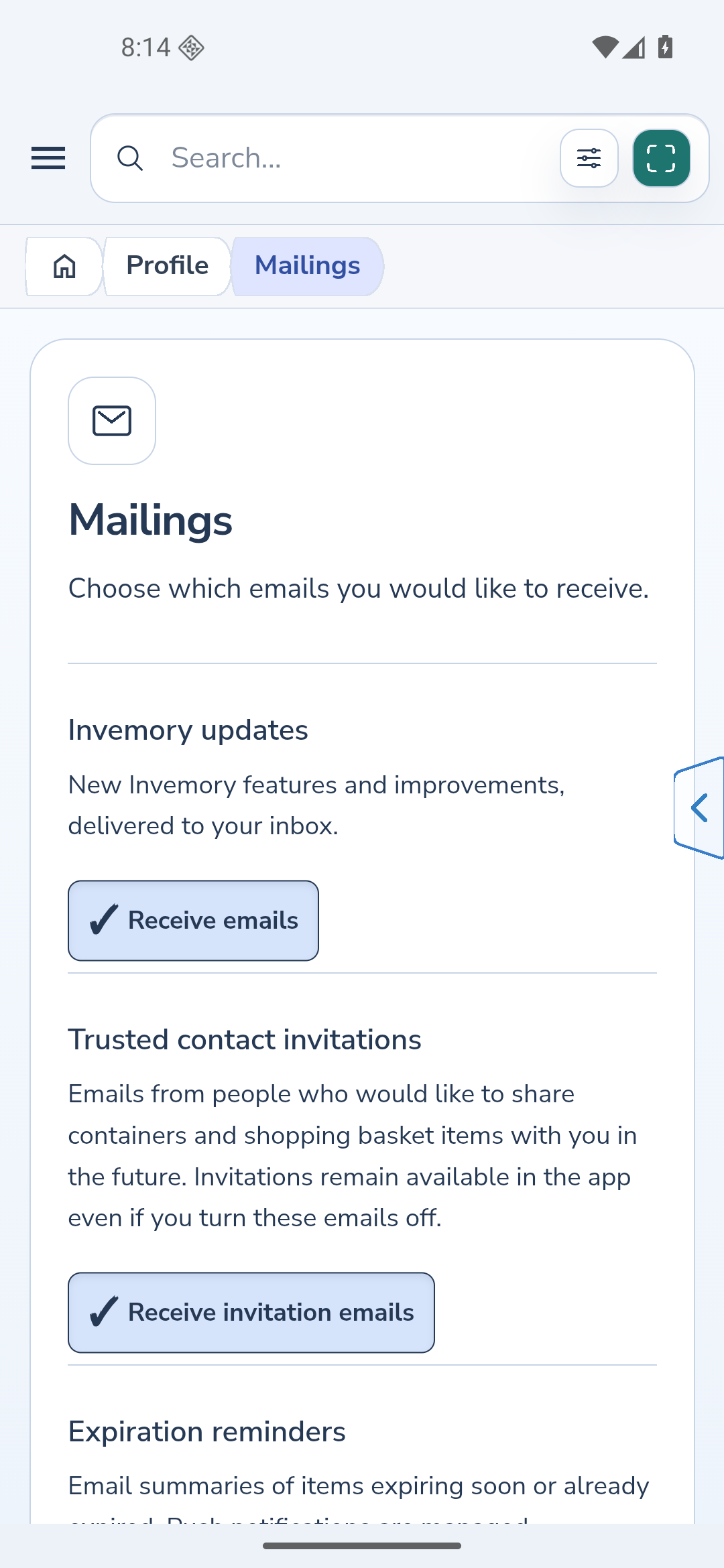
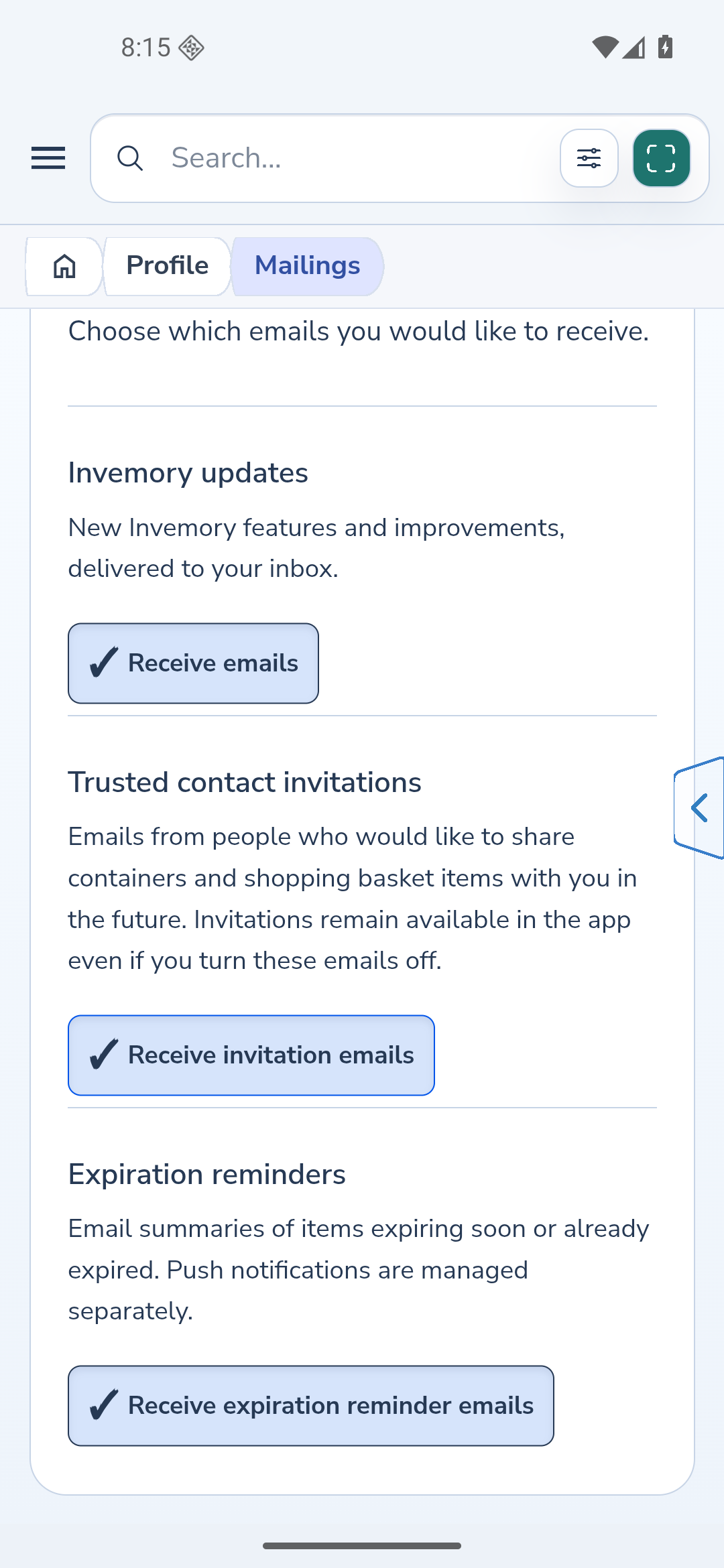
Use Mailings to choose which emails you receive from Invemory. Each category has its own switch. On Android, scroll down to see Expiration reminders.

Last checked:

What you need

  • Sign in to change your profile settings. To unsubscribe from an email, use the link in that email.

1. Open Mailings in your profile

Go to Profile → Mailings. Invemory updates, trusted-contact invitations, and expiration reminders are enabled by default. Each category has its own switch. On Android, scroll down to see Expiration reminders.

If you turn off invitation emails, the invitations still appear in the app. The expiration switch controls email for both reminder stages. Push notifications stay active on configured devices.

Website
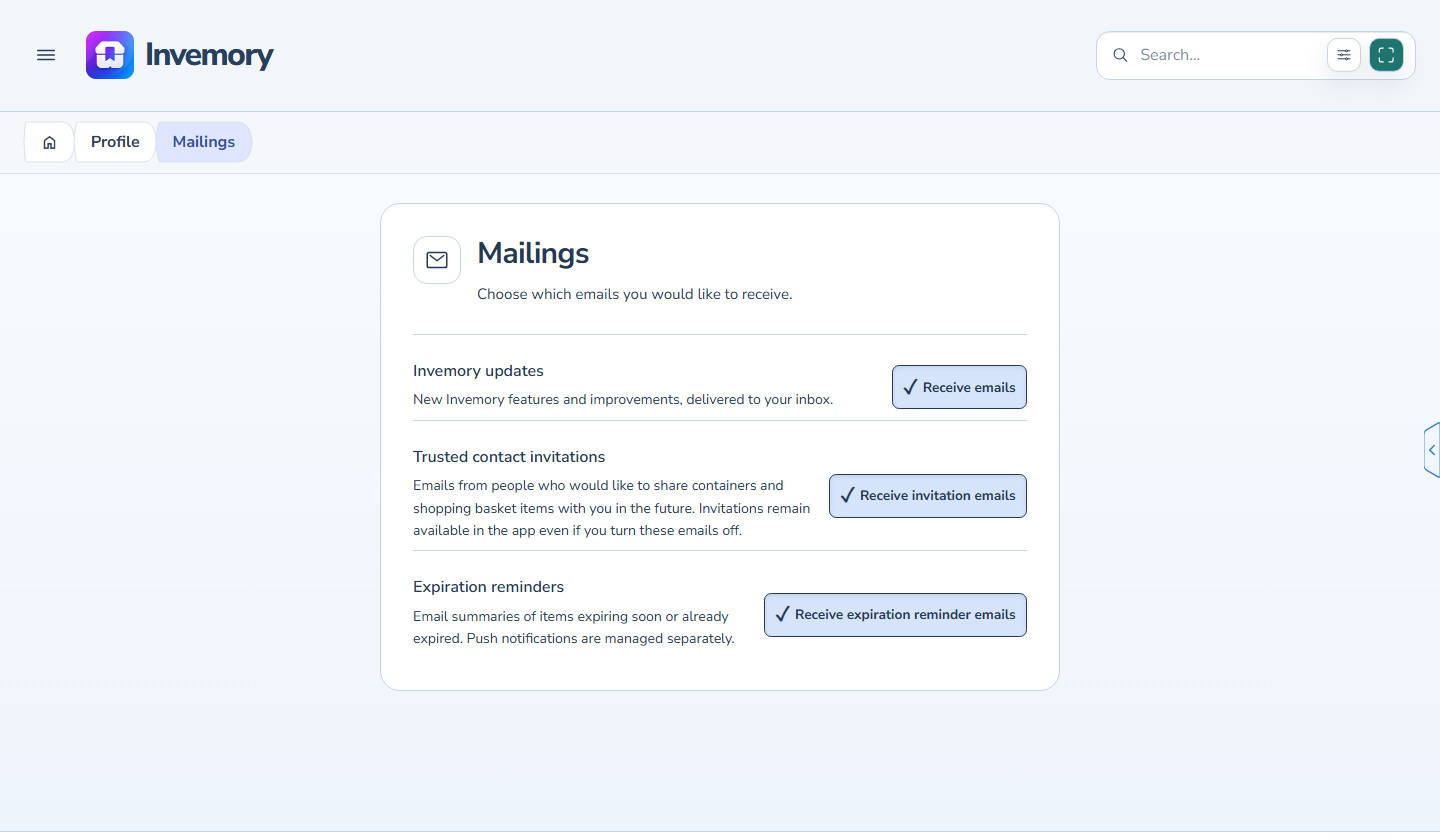
All three email categories are enabled in Mailings.
All three email categories are enabled in Mailings. Open the full-size image

Android

Updates and invitations are enabled at the top of Mailings.
Updates and invitations are enabled at the top of Mailings. Open the full-size image

Android

The expiration reminder email switch lower on the Android Mailings page.
The expiration reminder email switch lower on the Android Mailings page. Open the full-size image

2. Change a subscription

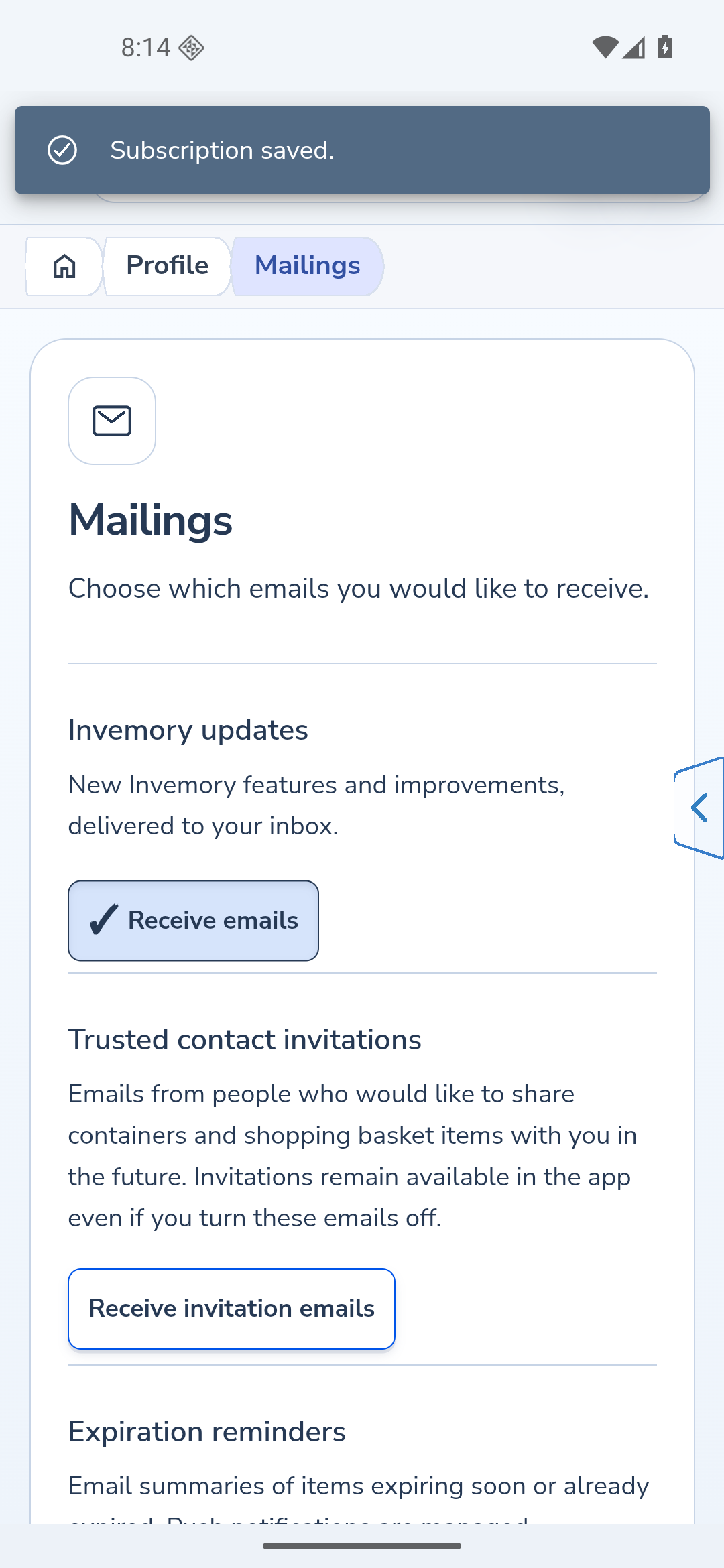
Select its switch. Invemory saves your choice immediately. The switches are temporarily unavailable while the request is pending. Once saved, the same setting applies on other devices signed in to this account.

If saving fails, Invemory restores the previous setting and shows a message. Close it and try again when your connection is available.

Website
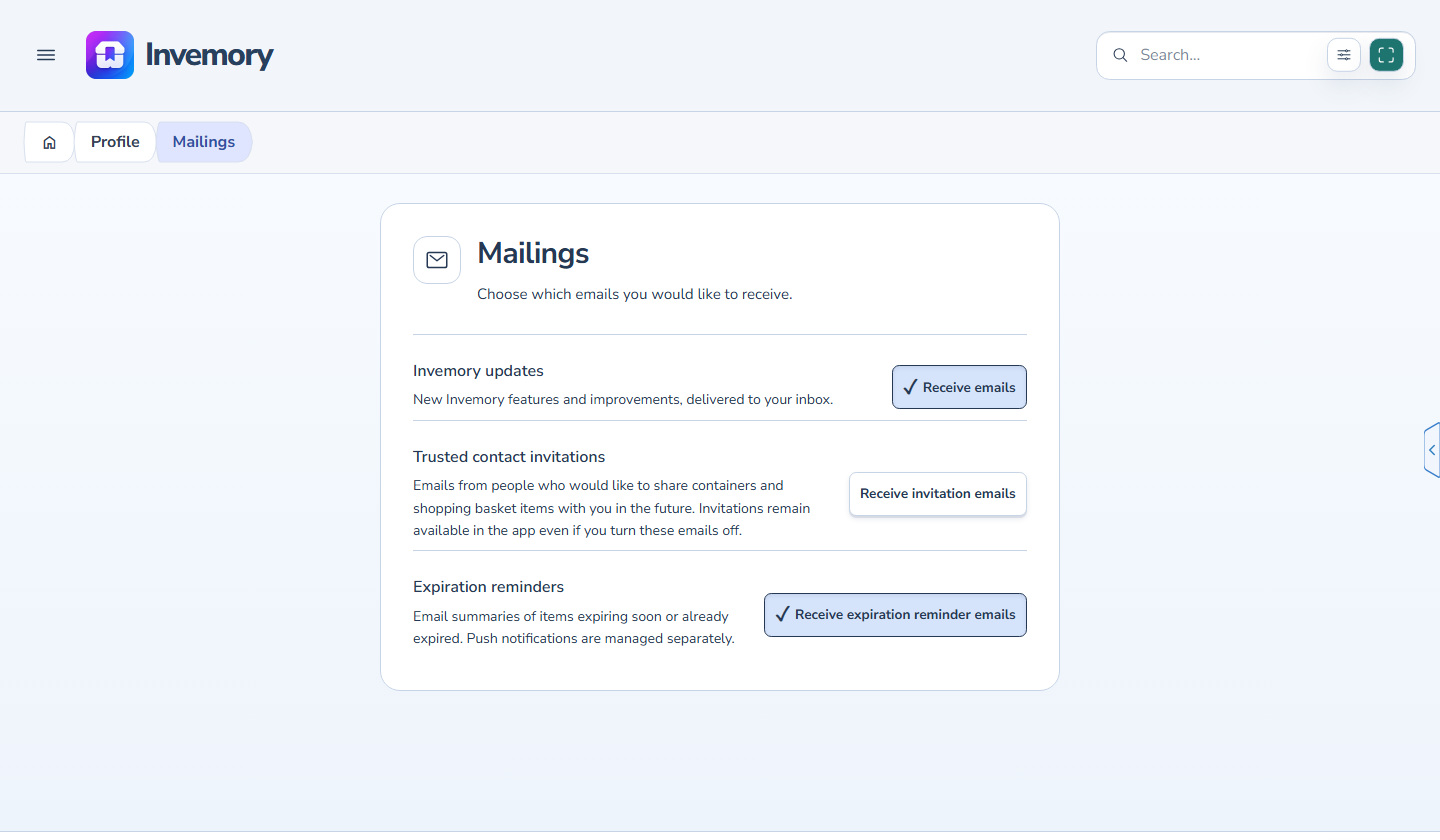
Invitation emails are off. The other two categories are on.
Invitation emails are off. The other two categories are on. Open the full-size image

Android

Invitation emails are off and updates remain on.
Invitation emails are off and updates remain on. Open the full-size image

3. Confirm an unsubscribe from an email

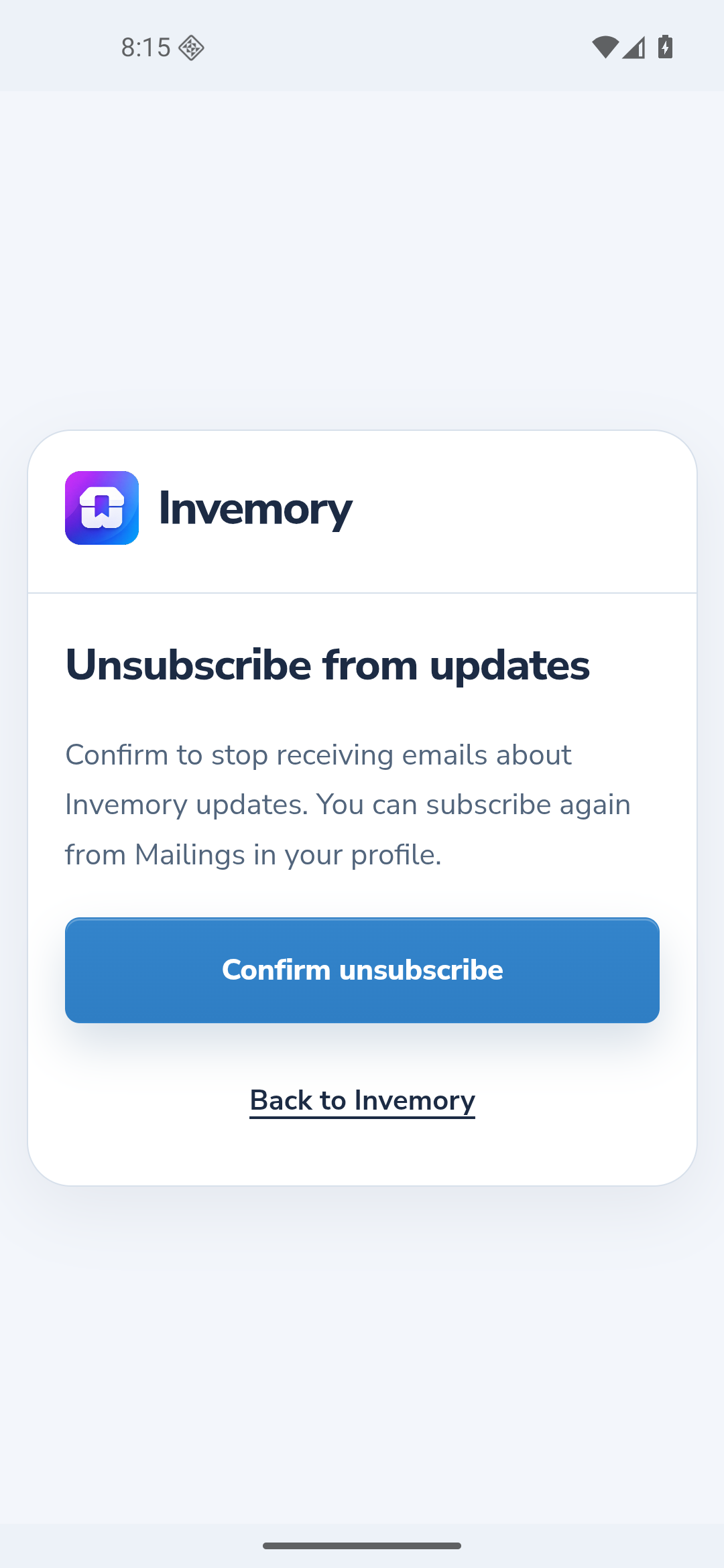
Open the unsubscribe link in the email. The page names the subscription category. Opening the link leaves your preference as it was. Select Confirm unsubscribe and wait for the success message. You can do this while signed out.

For expiration reminders, the confirmation and success screens explain that push notifications stay active. Your other email categories retain their settings.

Website
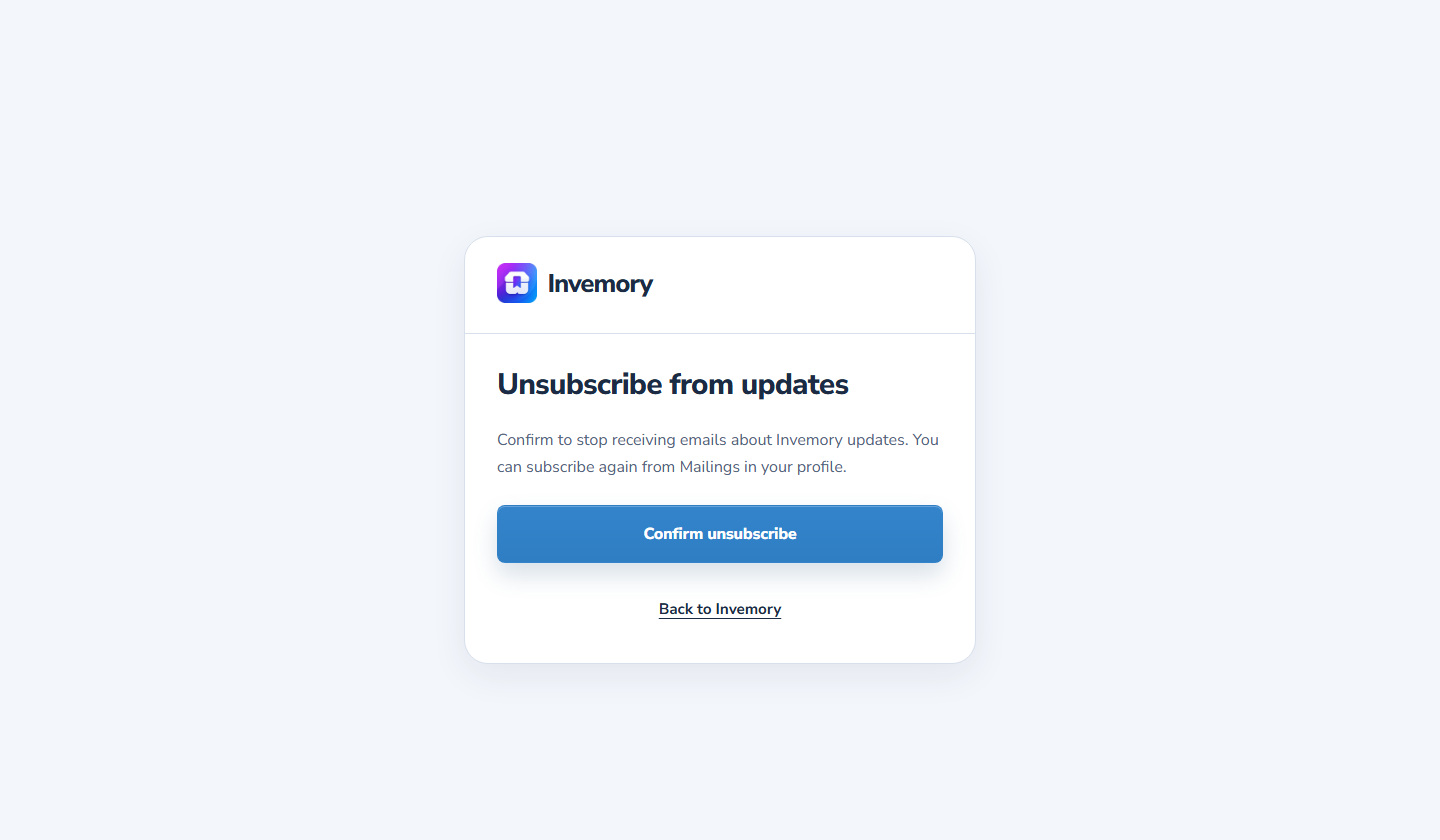
Confirmation for unsubscribing from Invemory updates.
Confirmation for unsubscribing from Invemory updates. Open the full-size image

Android

Confirmation for unsubscribing from Invemory updates.
Confirmation for unsubscribing from Invemory updates. Open the full-size image

Website

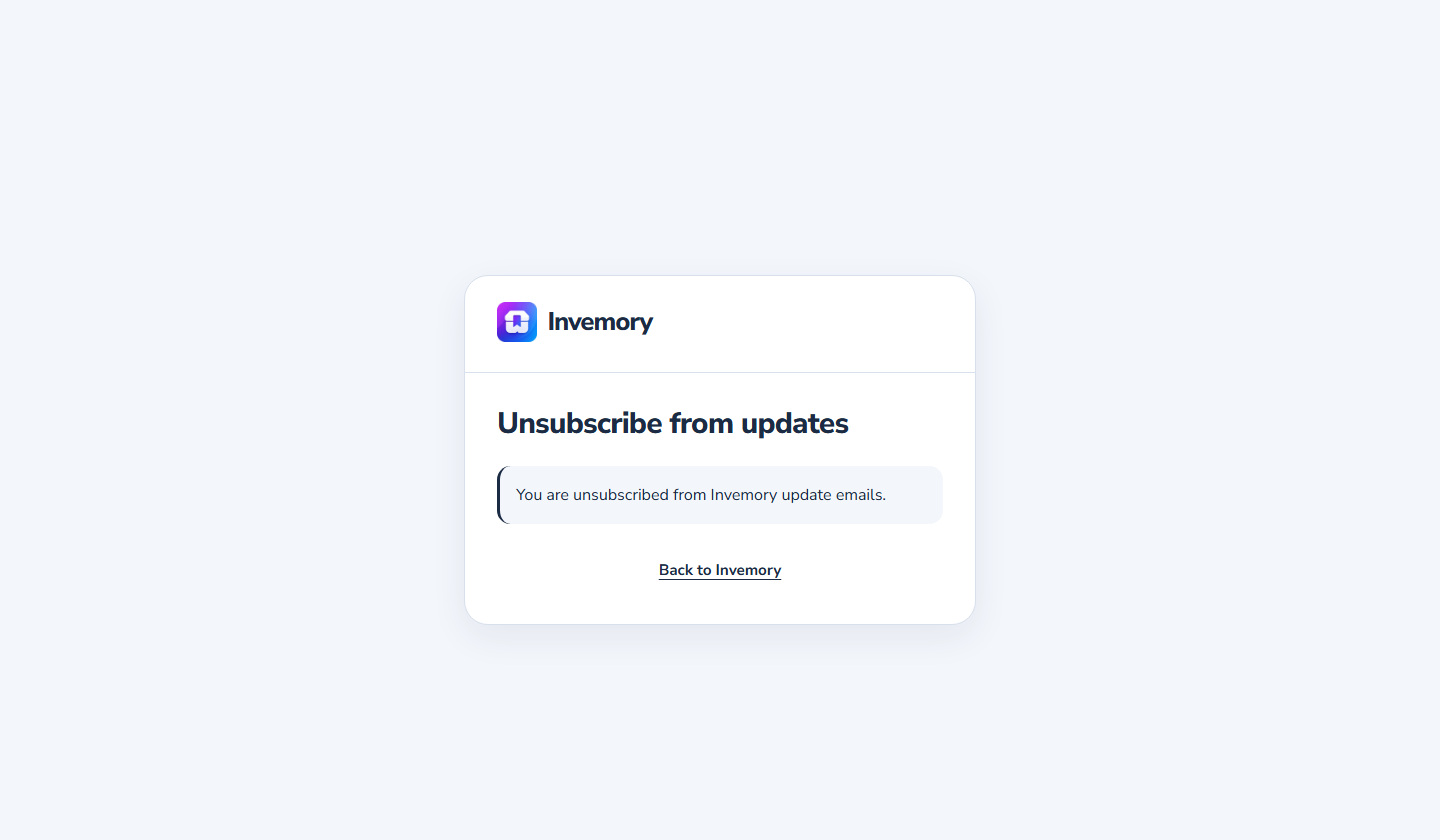
Success message after unsubscribing from Invemory updates.
Success message after unsubscribing from Invemory updates. Open the full-size image

Android

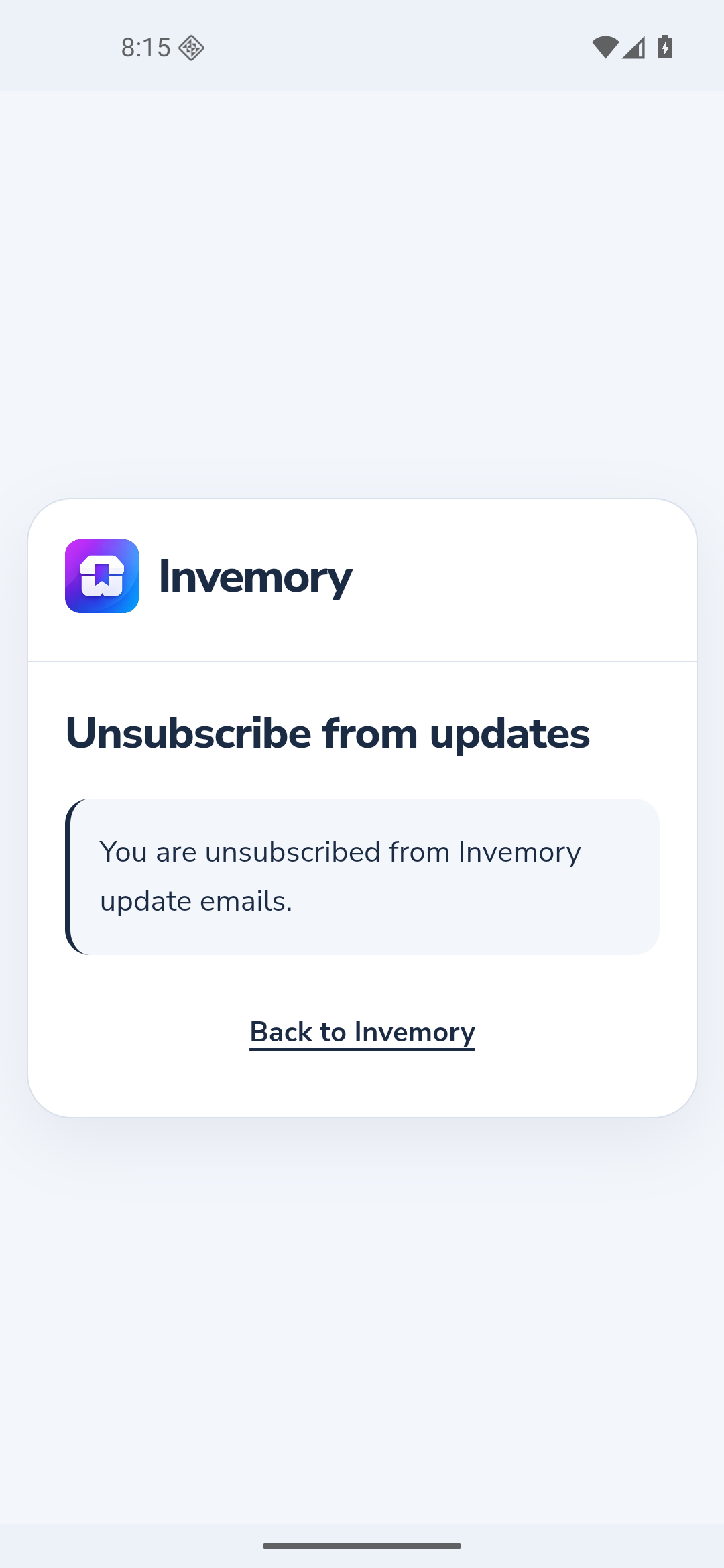
Success message after unsubscribing from Invemory updates.
Success message after unsubscribing from Invemory updates. Open the full-size image

Website

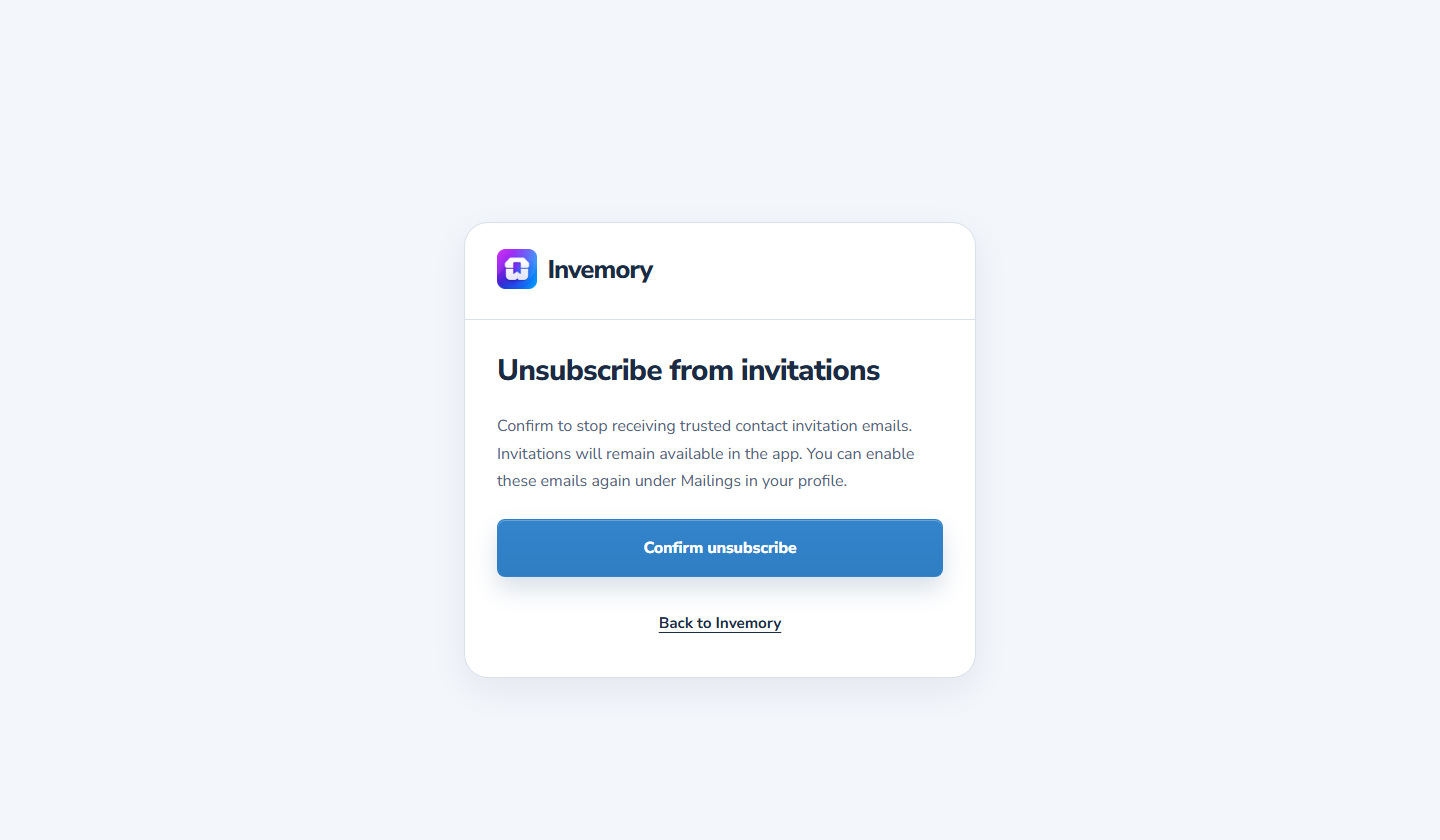
Confirmation for unsubscribing from invitation emails.
Confirmation for unsubscribing from invitation emails. Open the full-size image

Android

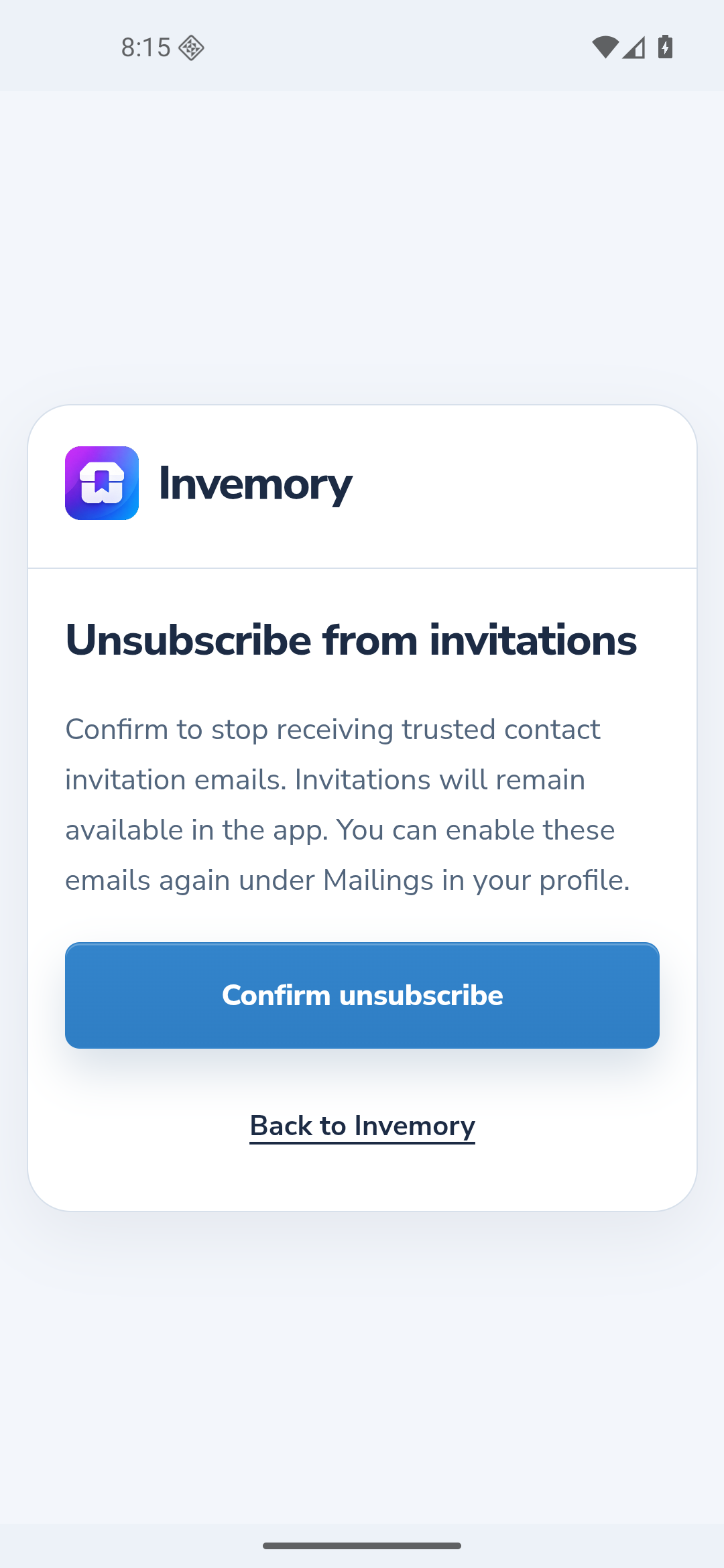
Confirmation for unsubscribing from invitation emails.
Confirmation for unsubscribing from invitation emails. Open the full-size image

Website

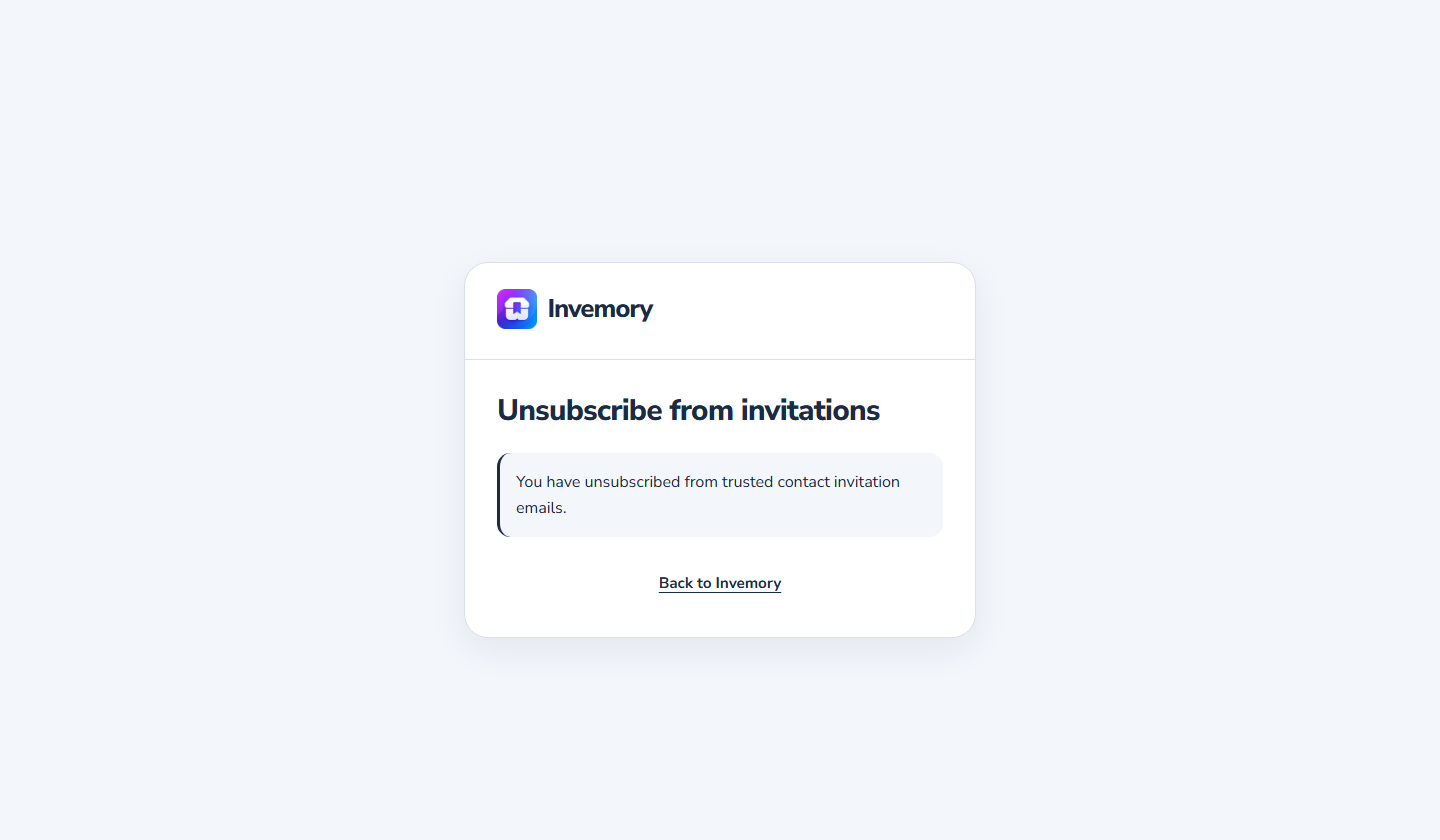
Success message after unsubscribing from invitation emails.
Success message after unsubscribing from invitation emails. Open the full-size image

Android

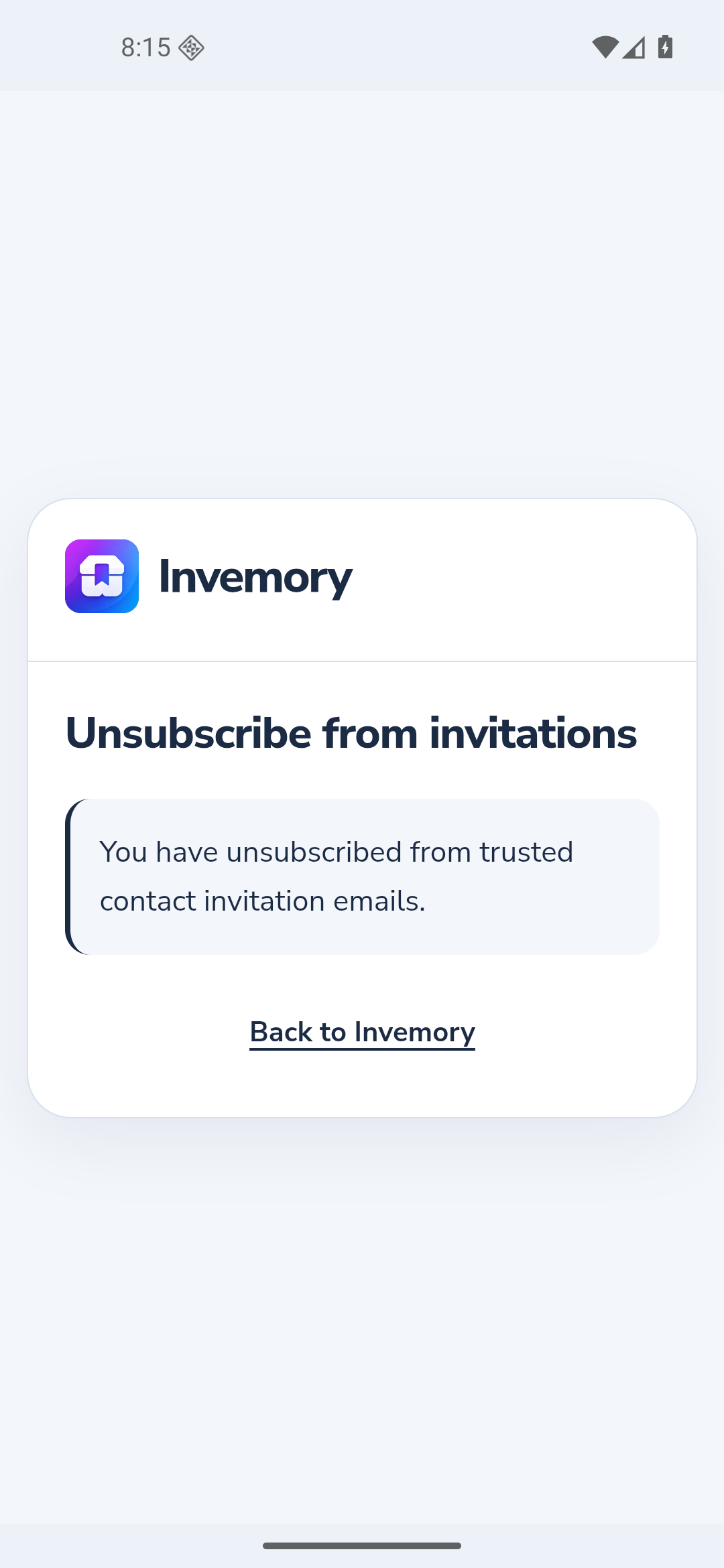
Success message after unsubscribing from invitation emails.
Success message after unsubscribing from invitation emails. Open the full-size image

Website

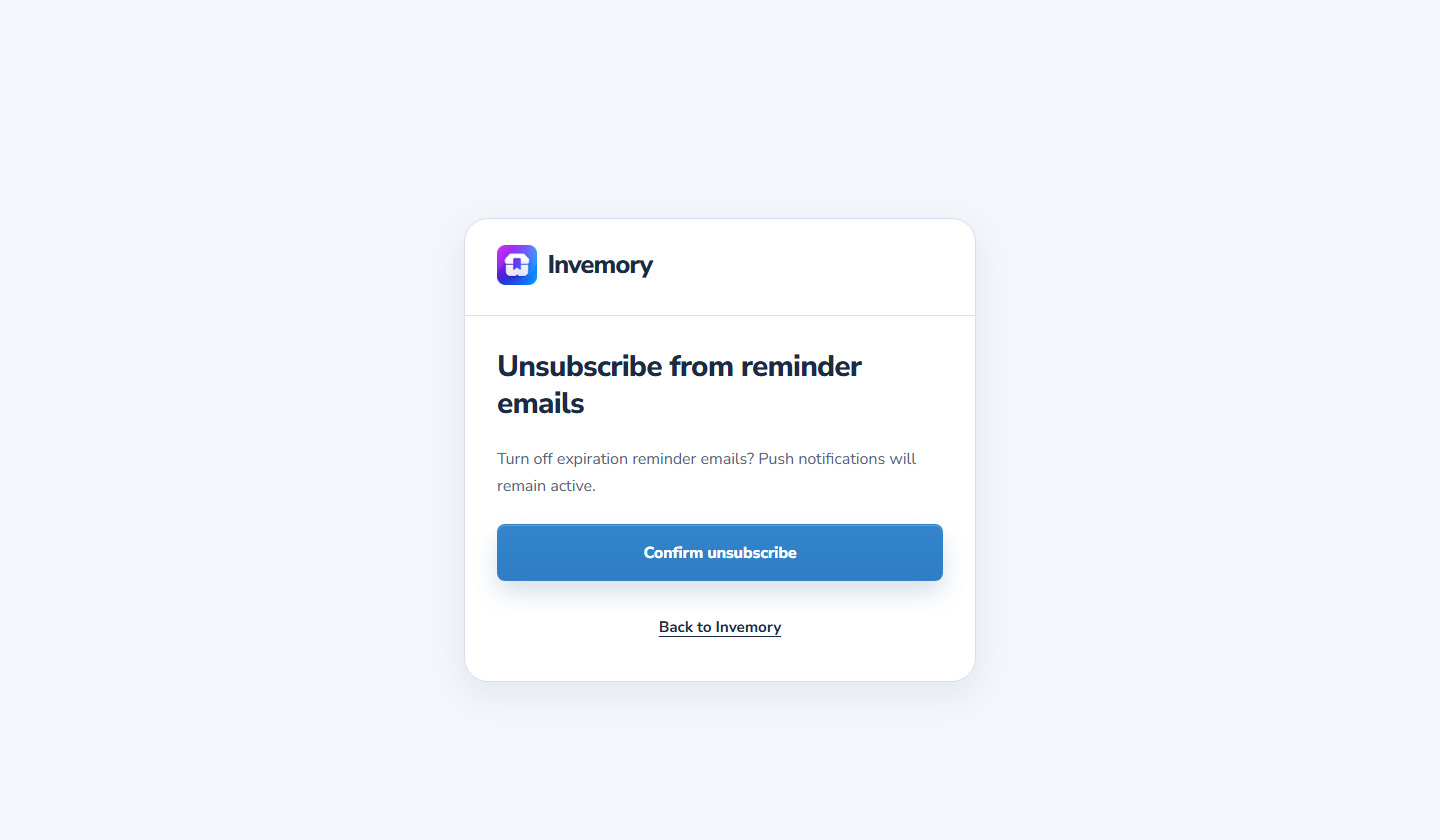
The reminder unsubscribe confirmation explains what happens to push notifications.
The reminder unsubscribe confirmation explains what happens to push notifications. Open the full-size image

Android

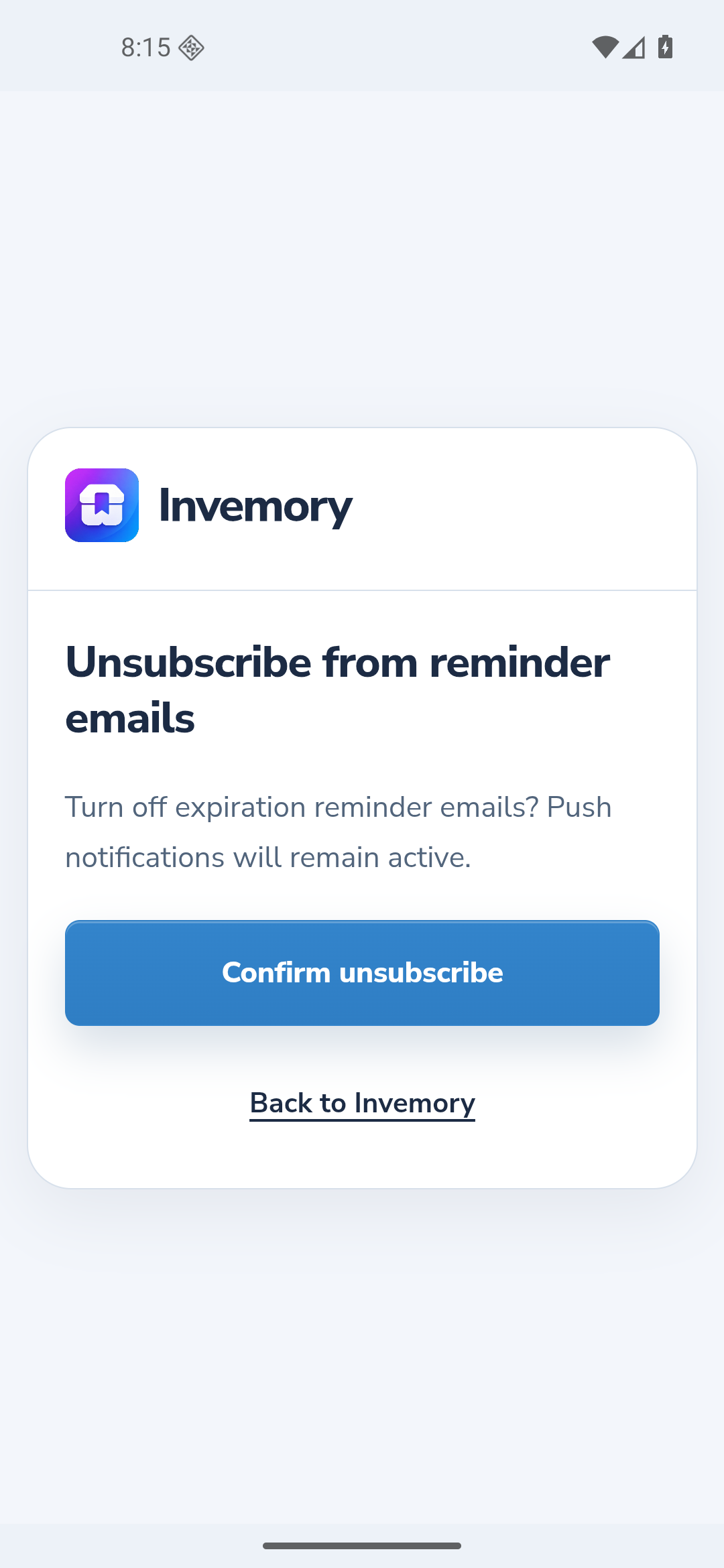
The reminder unsubscribe confirmation explains what happens to push notifications.
The reminder unsubscribe confirmation explains what happens to push notifications. Open the full-size image

Website

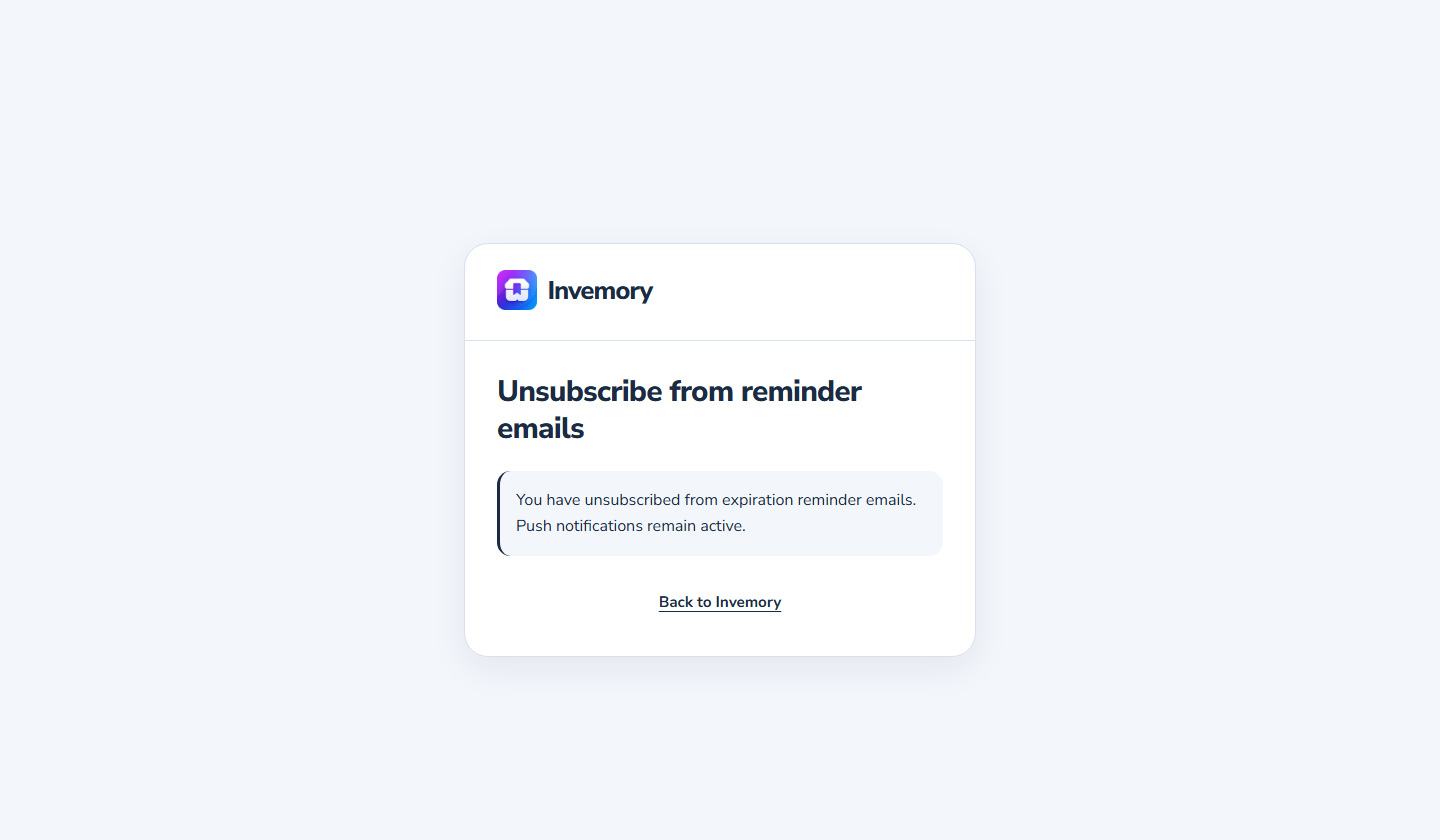
Email reminders are off. The page explains that push notifications remain active.
Email reminders are off. The page explains that push notifications remain active. Open the full-size image

Android

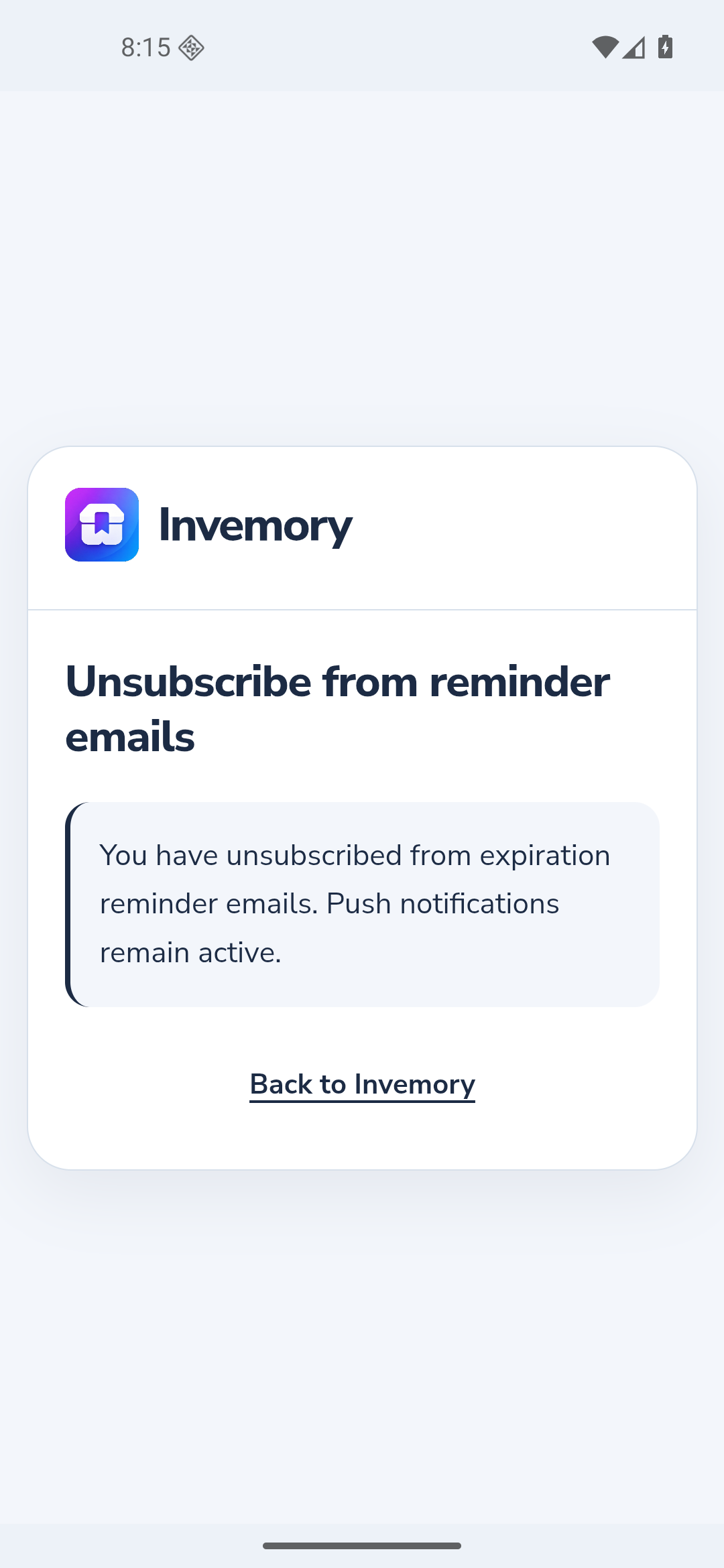
Email reminders are off. The page explains that push notifications remain active.
Email reminders are off. The page explains that push notifications remain active. Open the full-size image

4. Resubscribe or check an invalid link

If the link is invalid or lacks a category, open the complete link from the email or use Mailings in your profile. After a successful unsubscribe, you can return to the homepage.

To receive those emails again, sign in and turn the matching switch back on in Mailings.

Website
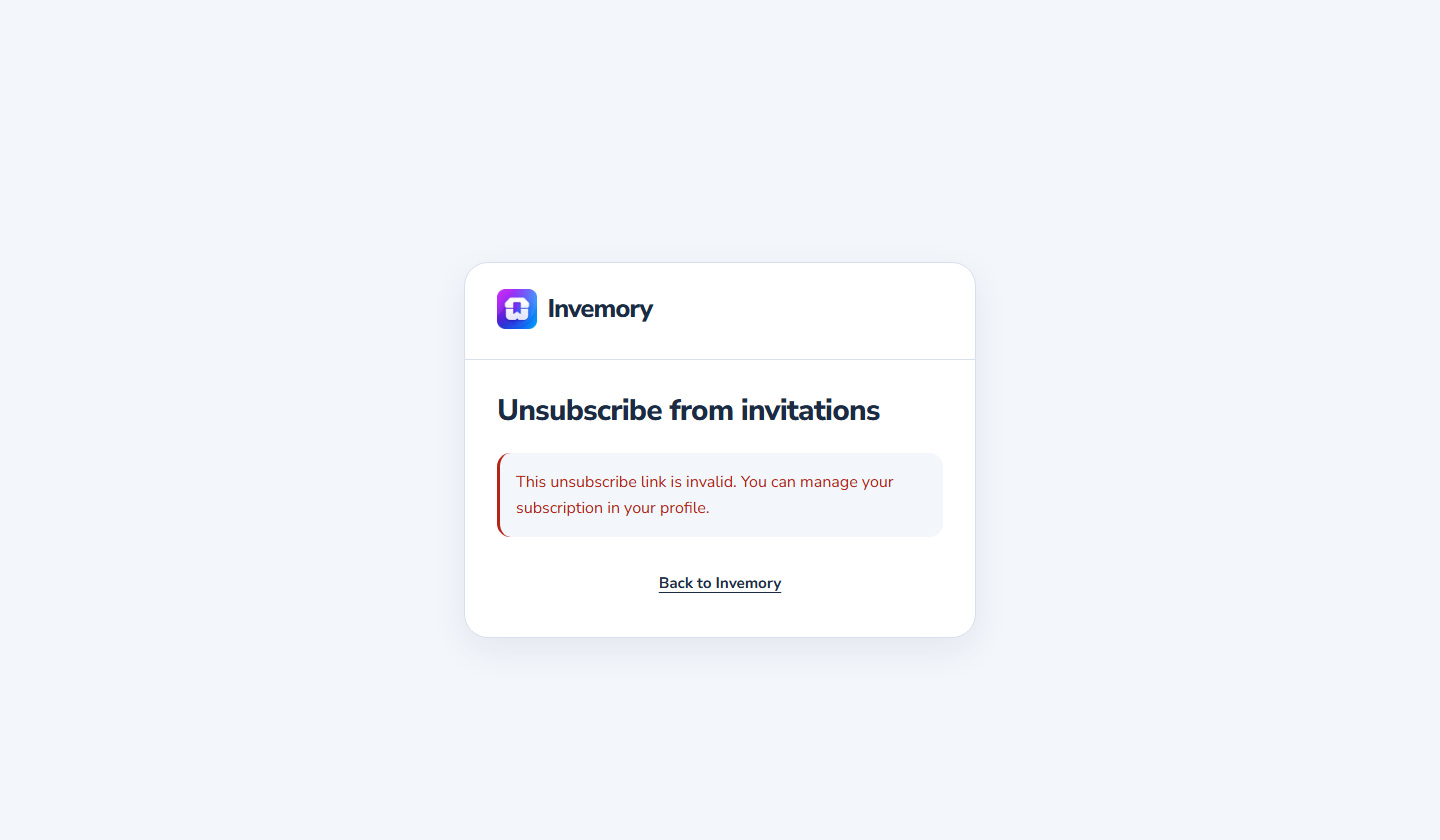
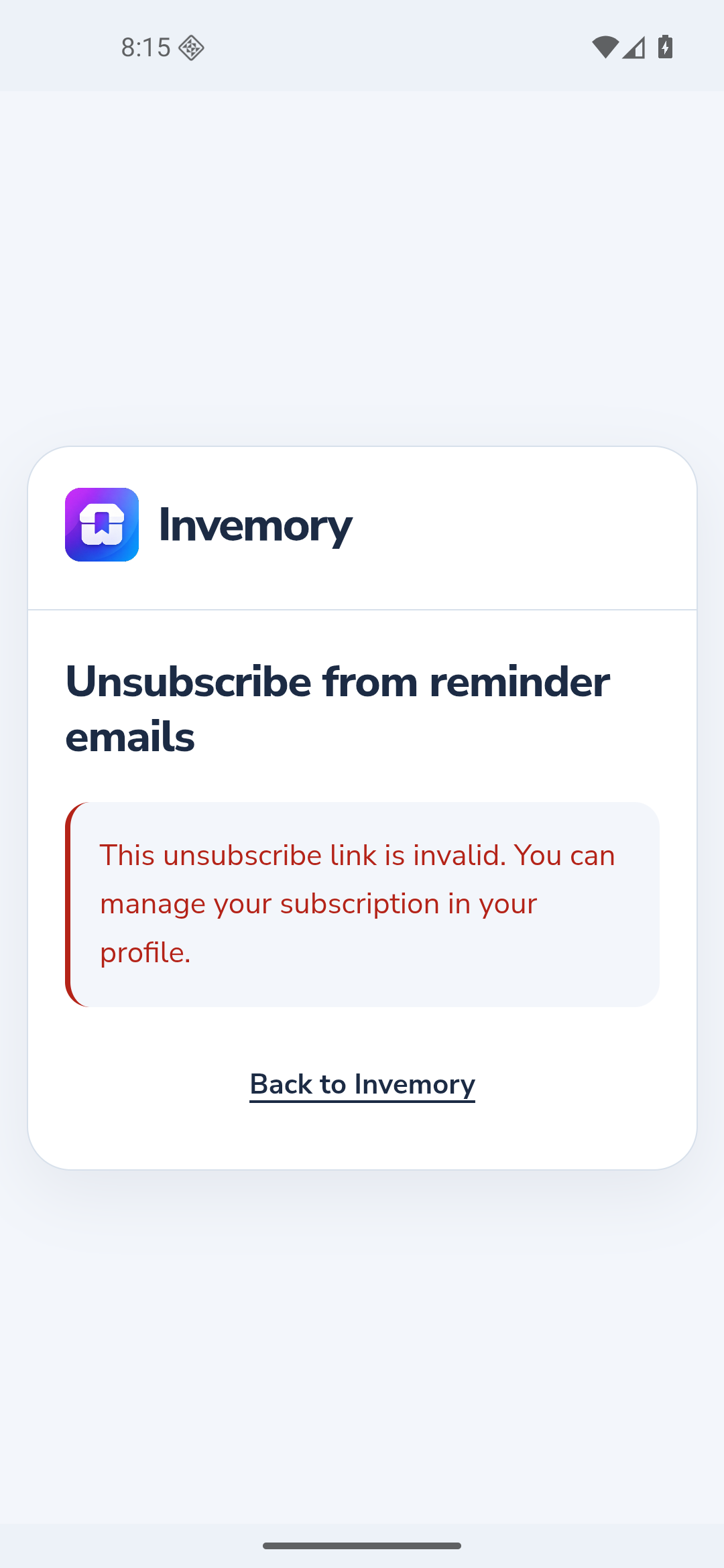
The invalid-link message for an invitation unsubscribe link.
The invalid-link message for an invitation unsubscribe link. Open the full-size image

Android

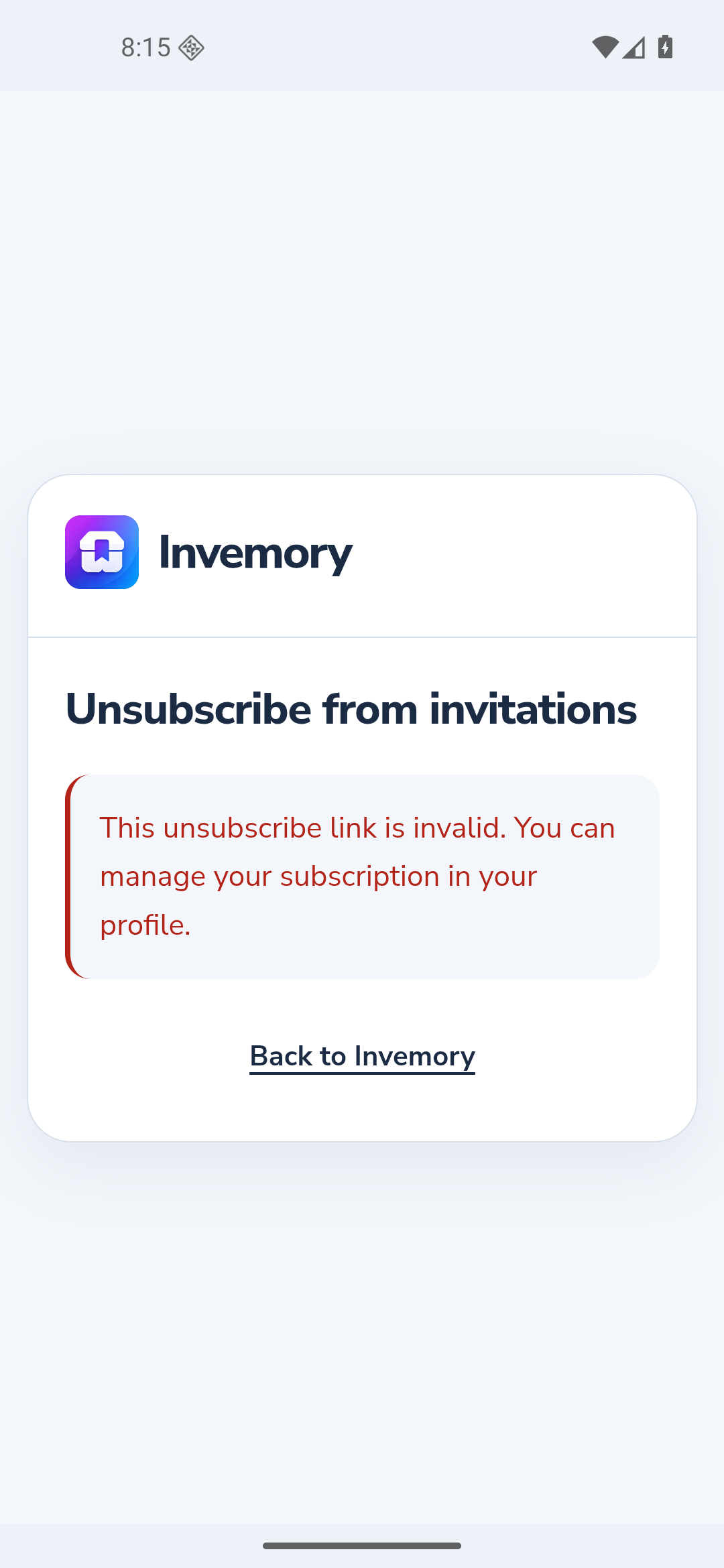
The invalid-link message for an invitation unsubscribe link.
The invalid-link message for an invitation unsubscribe link. Open the full-size image

Website

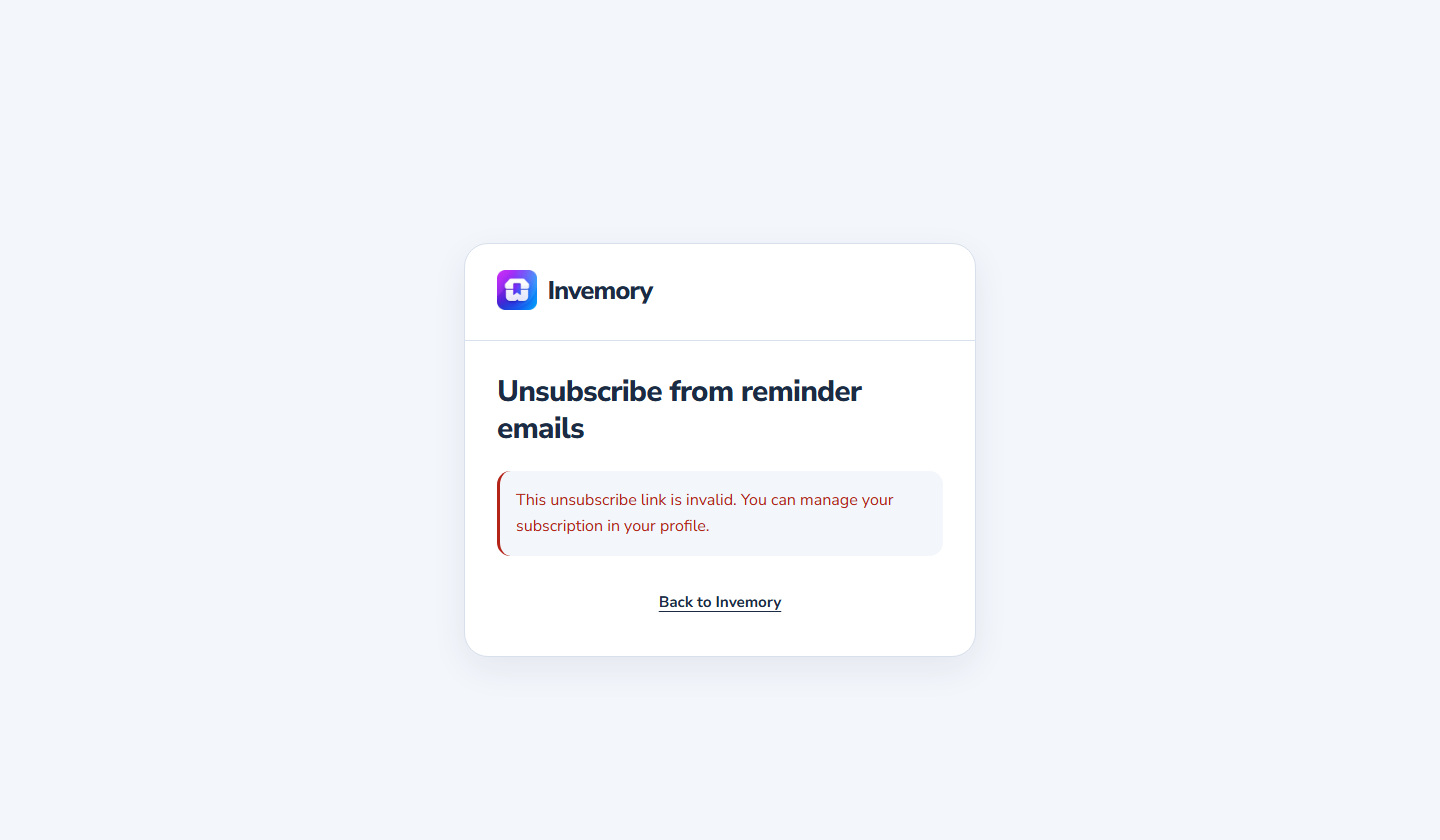
The invalid-link message for a reminder unsubscribe link.
The invalid-link message for a reminder unsubscribe link. Open the full-size image

Android

The invalid-link message for a reminder unsubscribe link.
The invalid-link message for a reminder unsubscribe link. Open the full-size image

Website

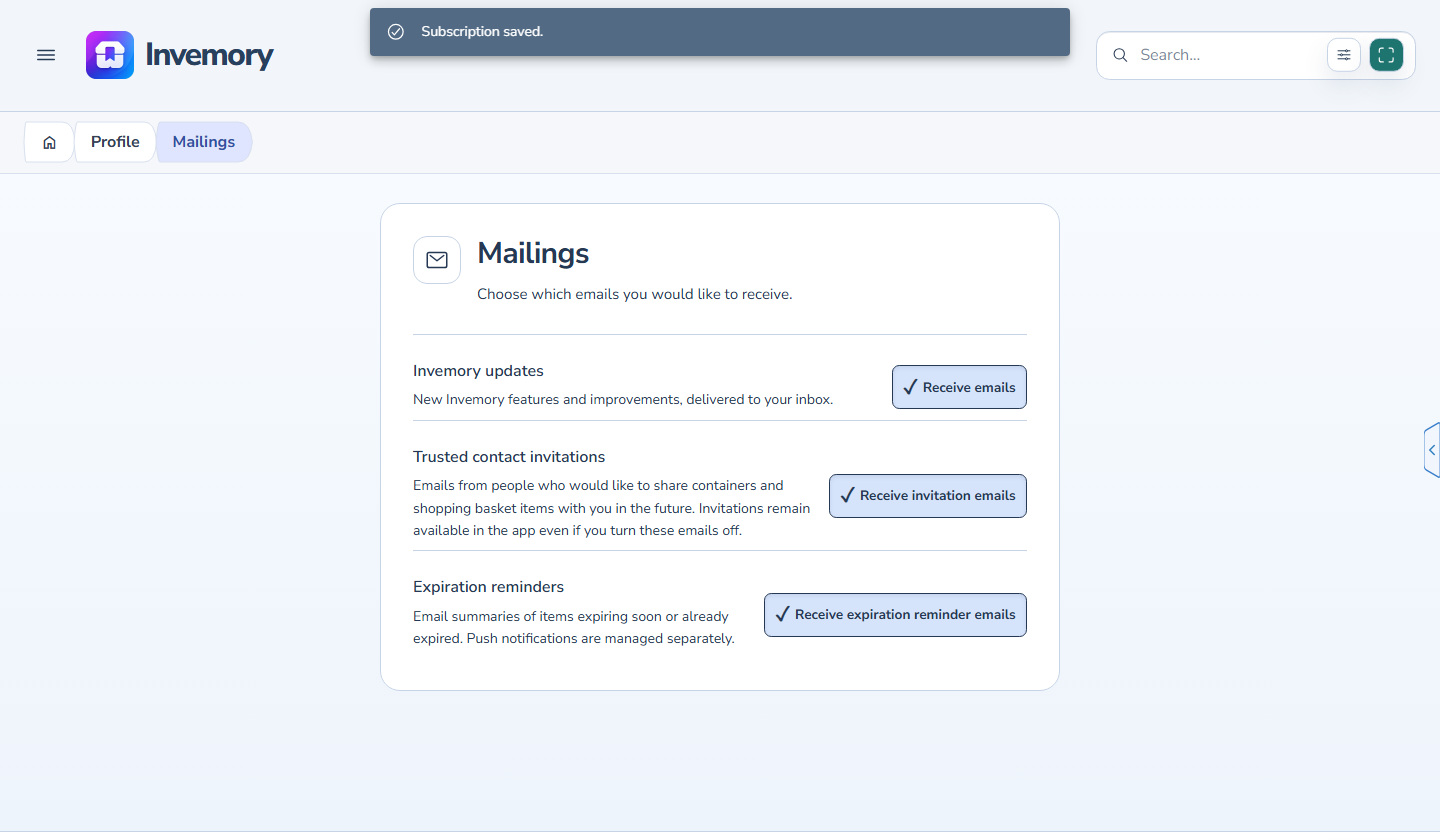
Invitation emails have been turned back on in the profile.
Invitation emails have been turned back on in the profile. Open the full-size image

Android

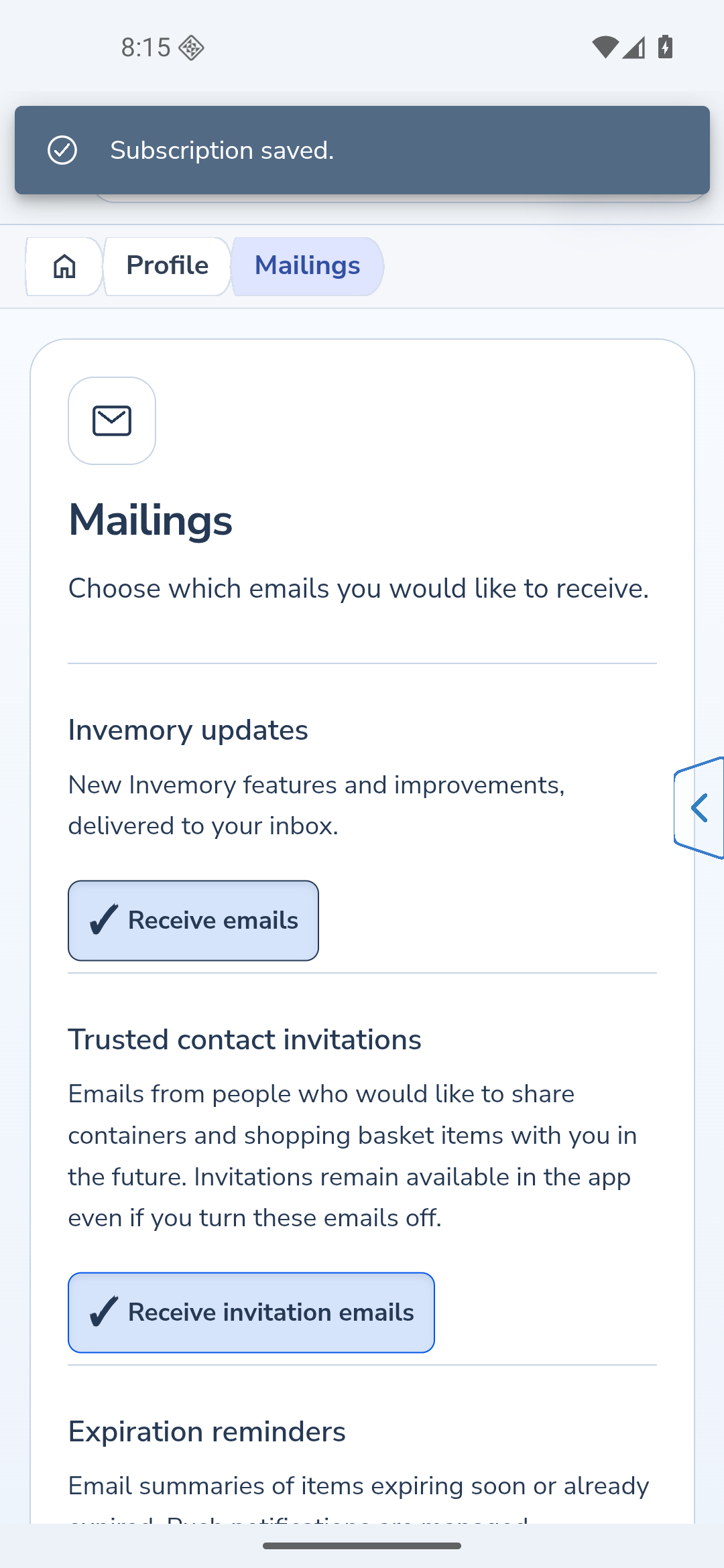
Invitation emails have been turned back on in the profile.
Invitation emails have been turned back on in the profile. Open the full-size image

The result

Invemory saves each email category separately for your account.

Useful to know

  • Check the category shown on the confirmation page before proceeding.

Common questions

Do I need to sign in to unsubscribe from an email?

You can confirm from the email link while signed out. To enable the subscription again, sign in and open Mailings.

Invemory saves each email category separately for your account.

Open Mailings