
Guides
Expiration reminders
Add expiration dates to supplies so you can see them in reports and receive reminders through your configured channels.
Last checked:
What you need
- Sign in to Invemory and open an editable item with a positive quantity.
1. Set an expiration date and warning window
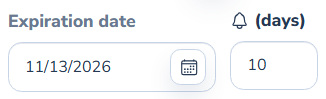
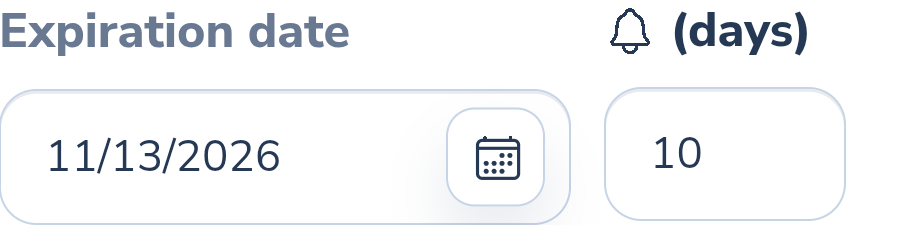
Open the item editor. Enter its expiration date and how many days in advance you want a warning. With a 10-day window, it can appear in the Soon to expire report during the ten days before the date.
On the expiration date the item moves into Expired. An item with no advance warning can still appear there after it expires.
Website
Android
2. Check the two reports
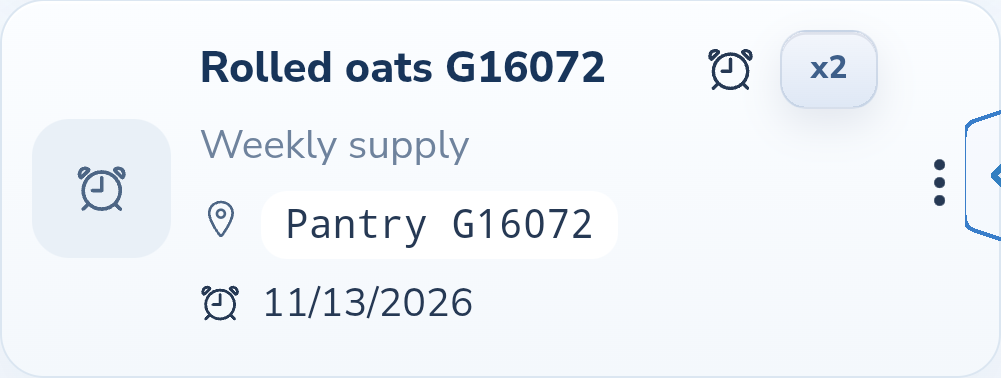
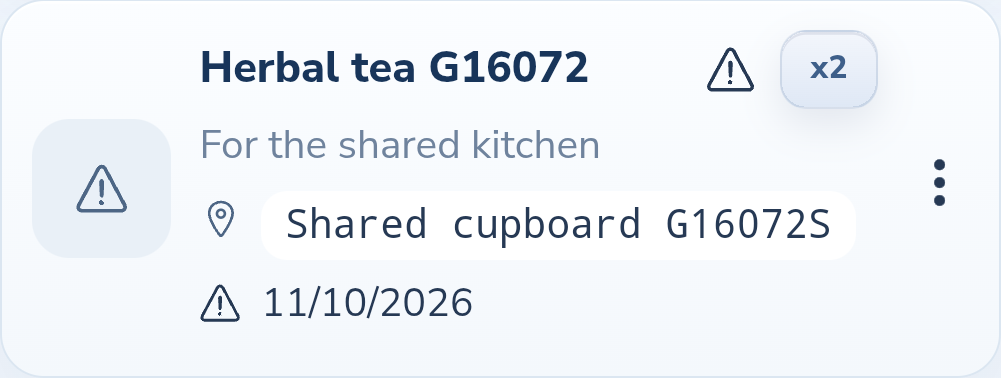
In Reports, open Soon to expire or Expired. Select a record to open the item. Items in storage shared with you can also appear when you have access.
A reminder opens the relevant live report. The list can change if someone moves an item or updates its expiration date.
Website

Android
Website

Android
3. How Invemory groups reminders
Invemory can send separate summaries for items expiring soon and expired items. The same item, date, and stage do not trigger daily repeats. A new expiration date can make the item eligible again.
The profile time zone determines the day. Invemory uses UTC when no time zone is set. Mailings controls reminder emails for both stages. Push notifications are controlled separately.
The result
The item records the date and warning window, and matching items appear in the reports.
Useful to know
- If a report date surprises you, check your time zone in Regional settings.
Common questions
Why is an item missing from the Soon to expire report?
Check its date, positive quantity, warning window, and container access. An item is already expired on its expiration date.
The item records the date and warning window, and matching items appear in the reports.
Open the expiration report