Guides
Organize records with personal tags
The same container can mean Workshop to you and Repair to someone else. Personal tags let each person organize accessible records in their own way. Your catalog works across record types, while each user owns a separate set of tag definitions.
Last checked:
What you need
- Sign in to your Invemory account.
- To follow the shared-record example, you need access to a container shared with you.
1. Open your single tag catalog
Choose My tags in the main menu. My tags links beside an item, container or purchase open this same catalog.
The plus opens a separate editor. Enter a name and select Save. You can create a tag before assigning it to any record. Cancel leaves the catalog without that change.
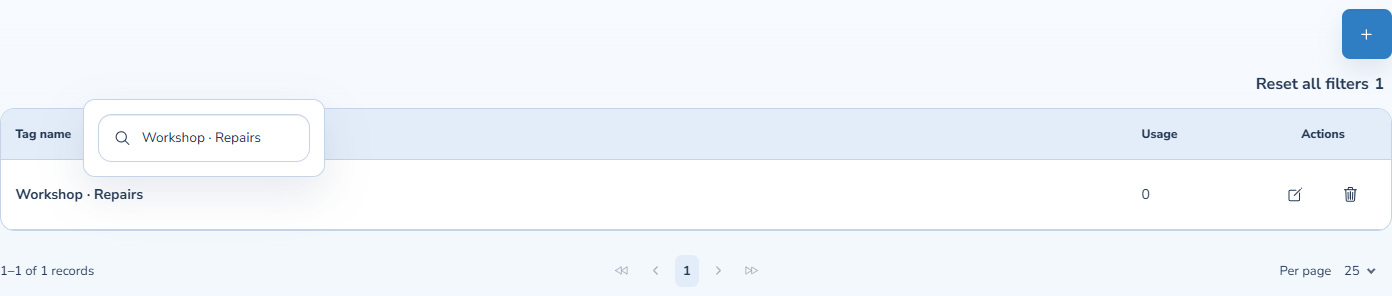
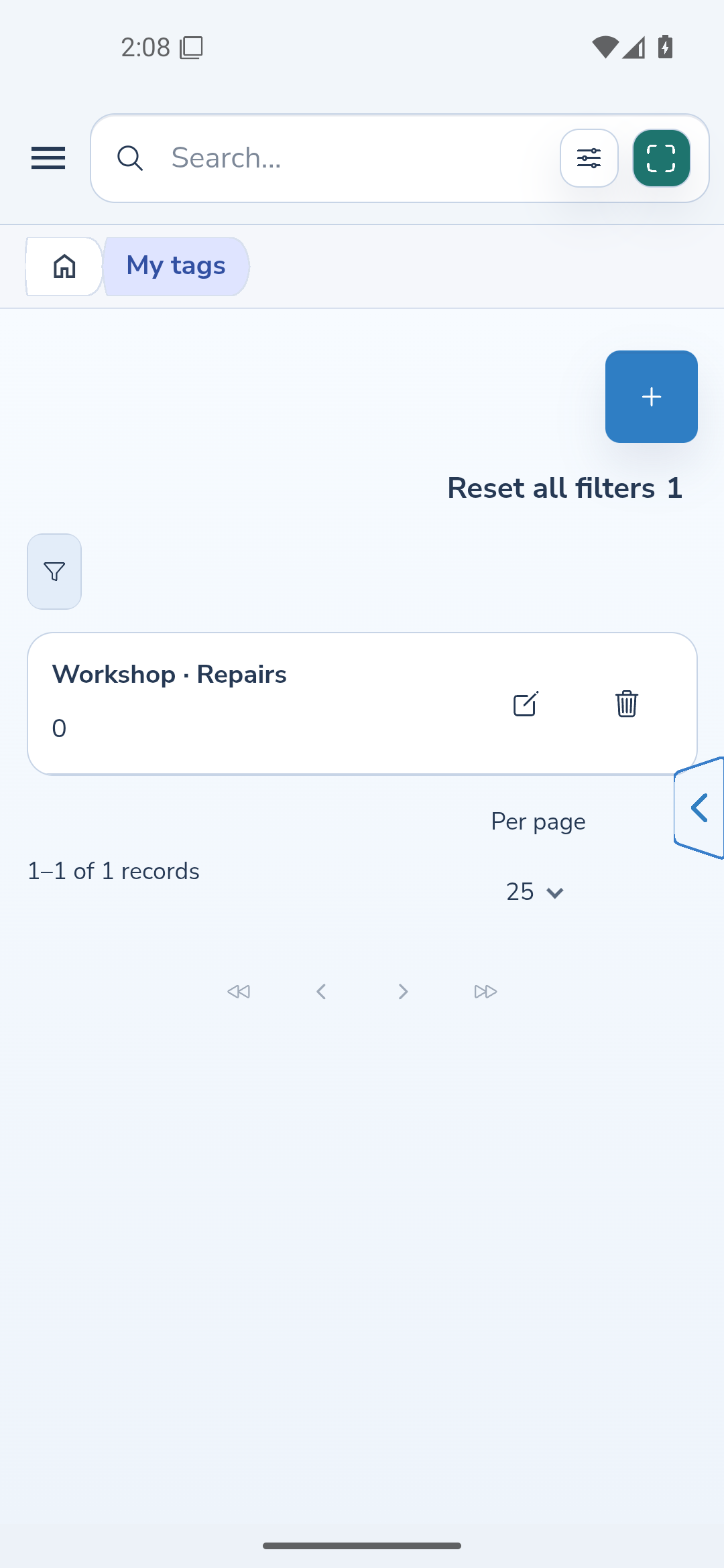
On desktop, open the filter in the name column. On Android, tap the filter icon above the list. Results update after a short typing pause. Press Enter to apply the query immediately. The usage count shows how many assignments the tag has.
Website
Android
2. Edit names without creating duplicates
The row’s edit icon opens the standard editor. Renaming changes your catalog definition, not the name of an item or container.
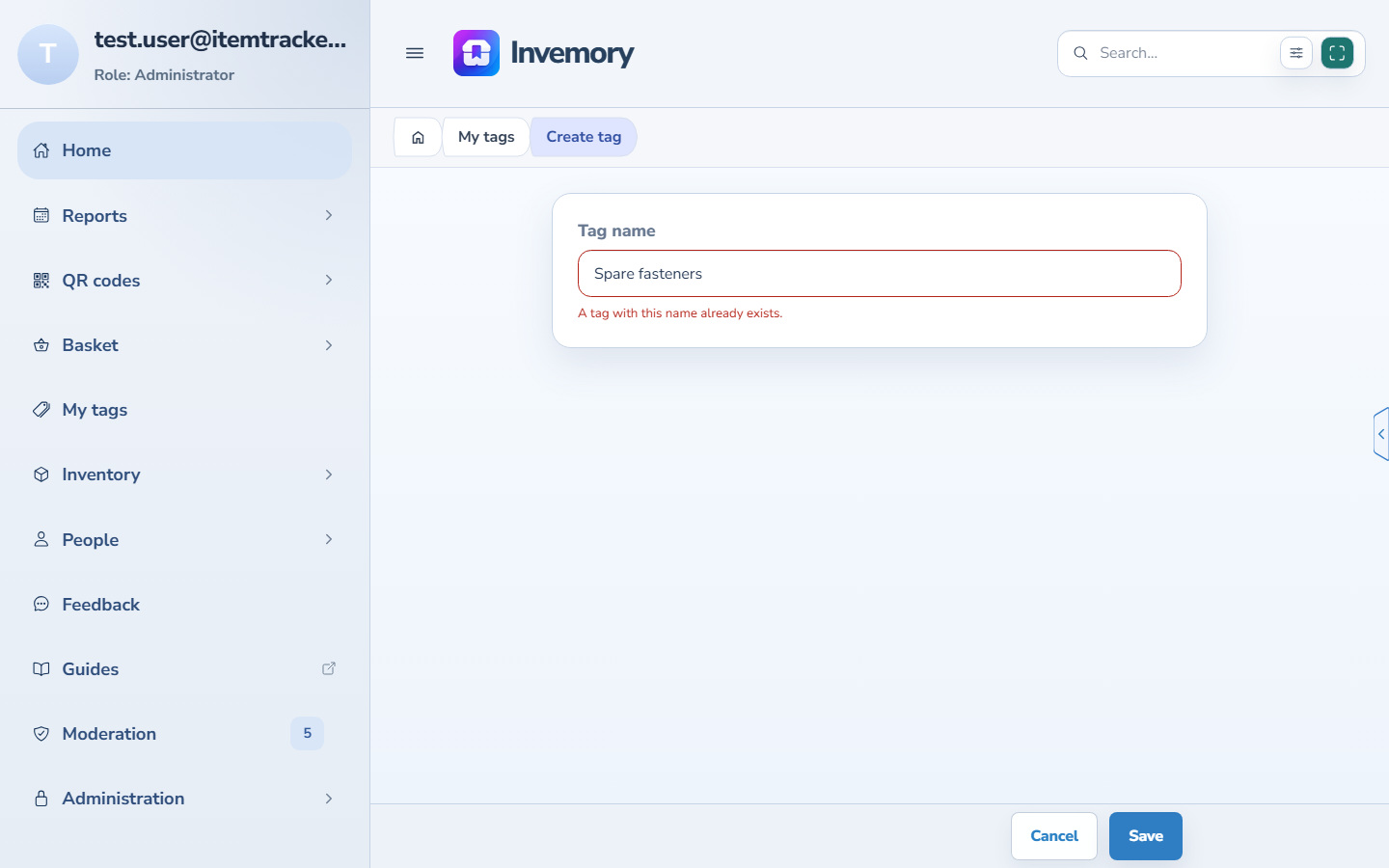
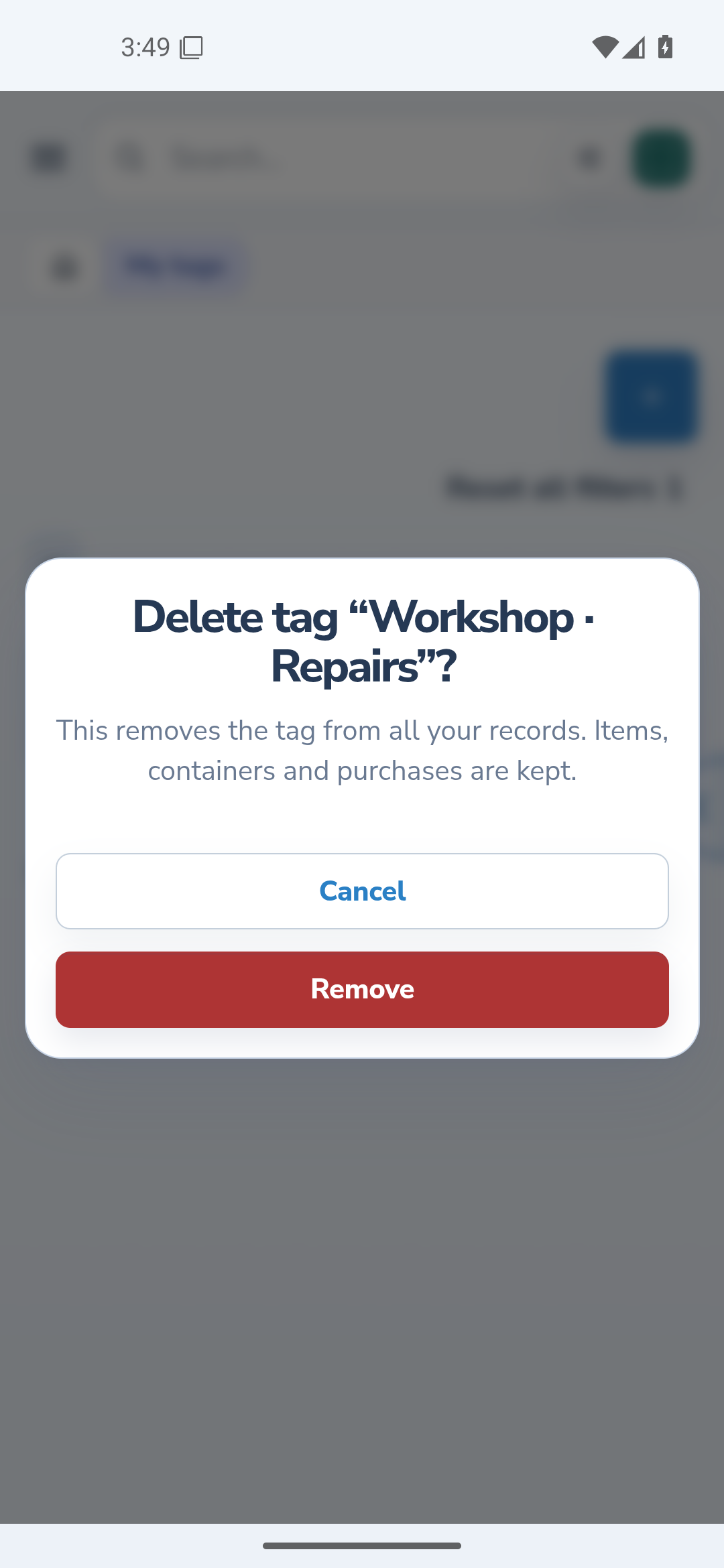
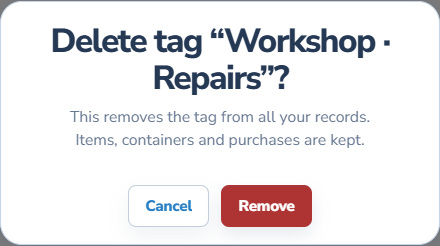
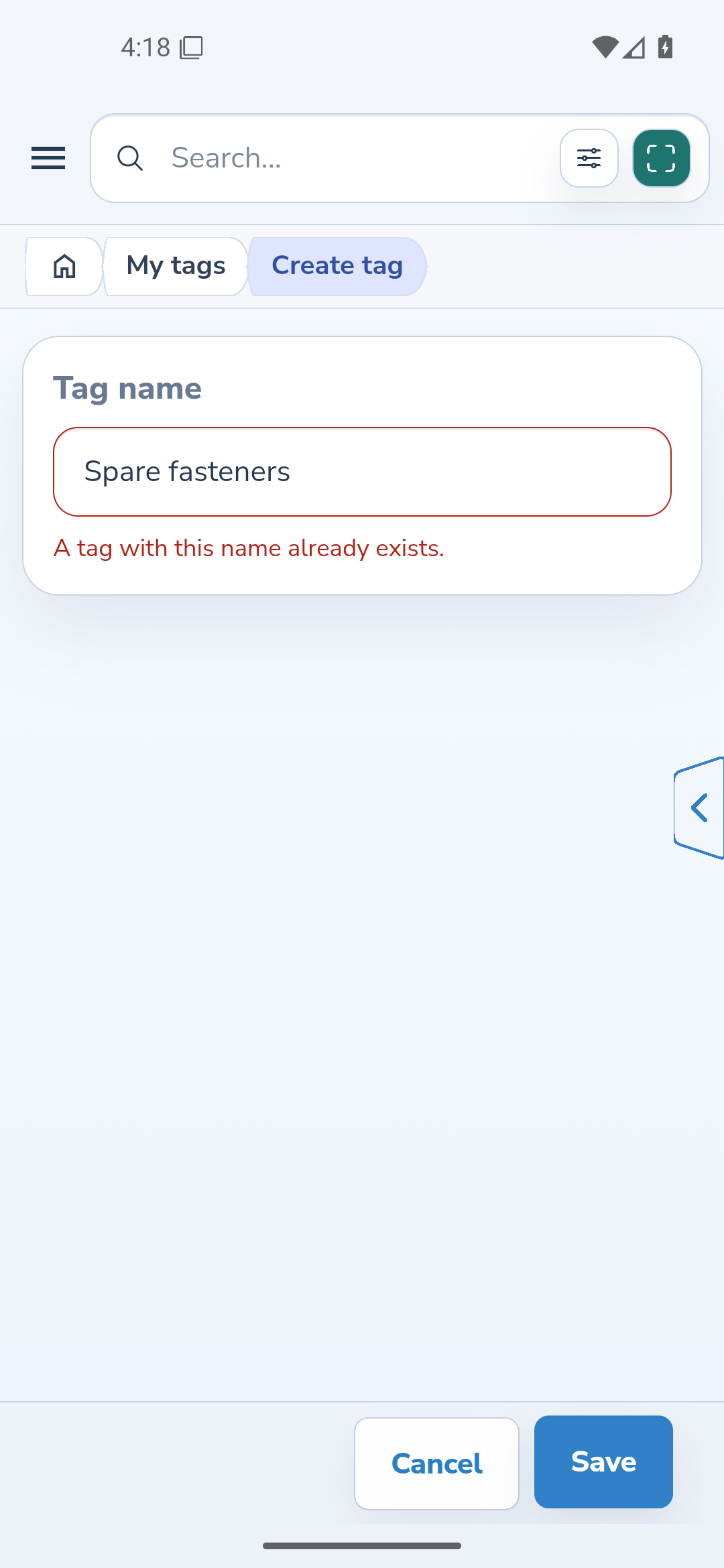
An existing name produces an inline error and keeps your text in the editor. Change the name or cancel. The delete icon opens a confirmation; check the name before confirming. Deleting a tag from the catalog removes its assignments from all records.
Website
Android
Website
Android
3. Tag a record and check when changes save
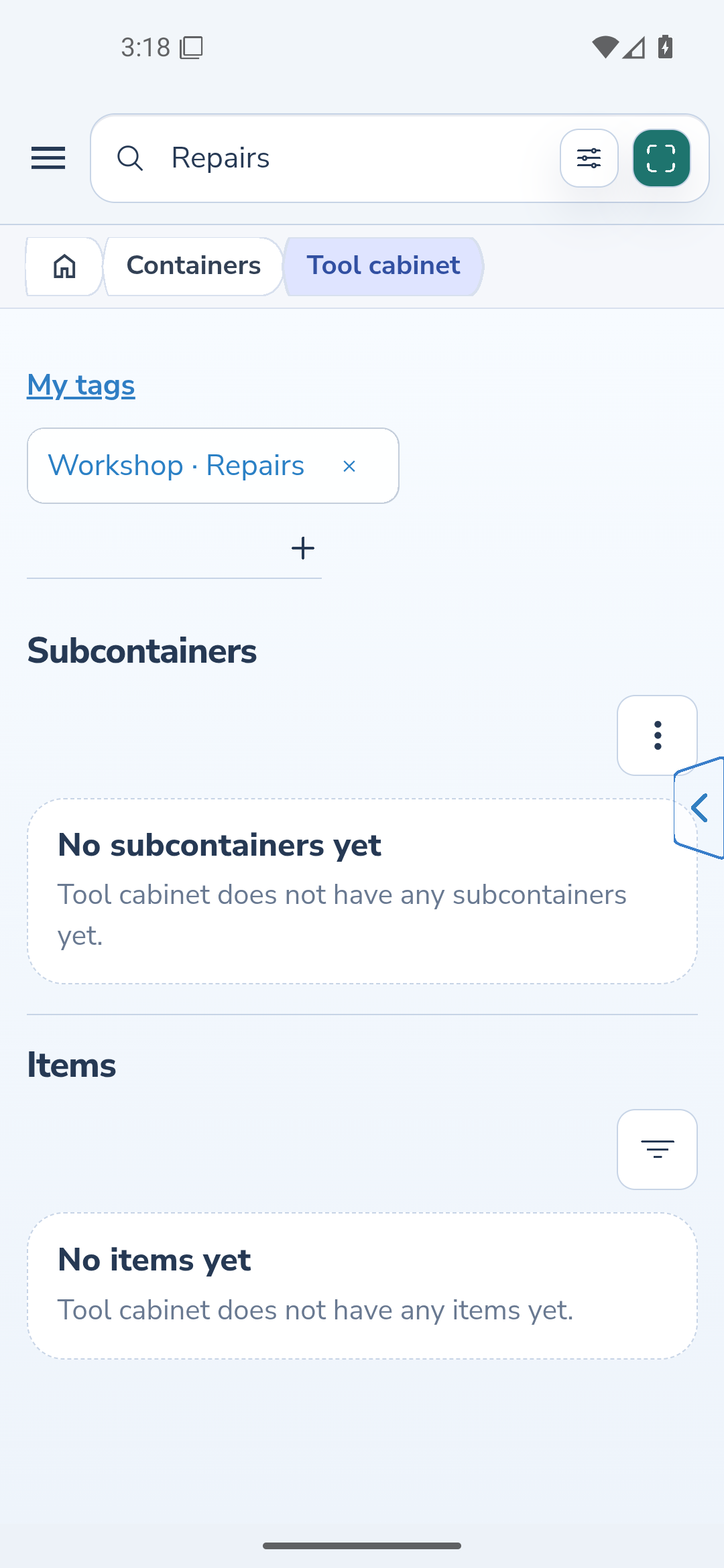
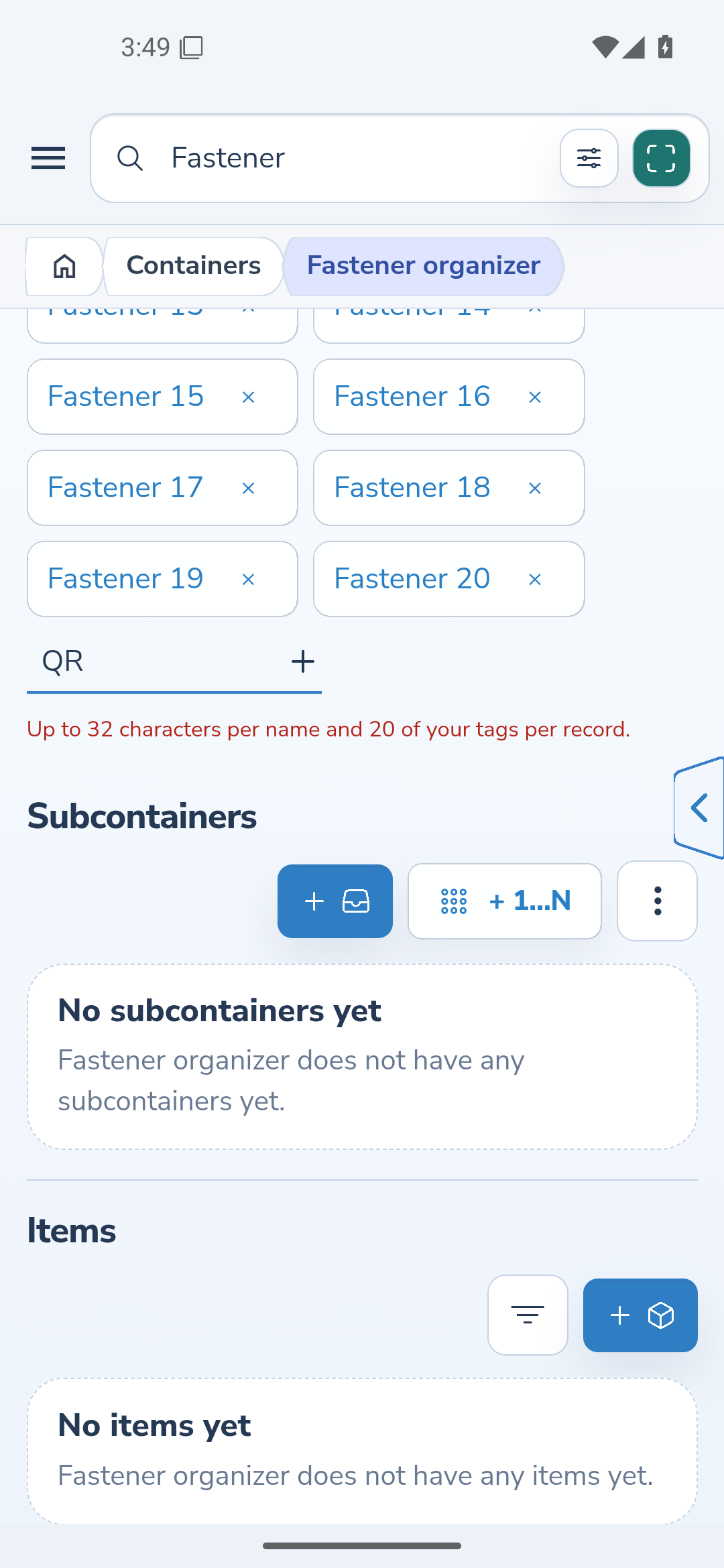
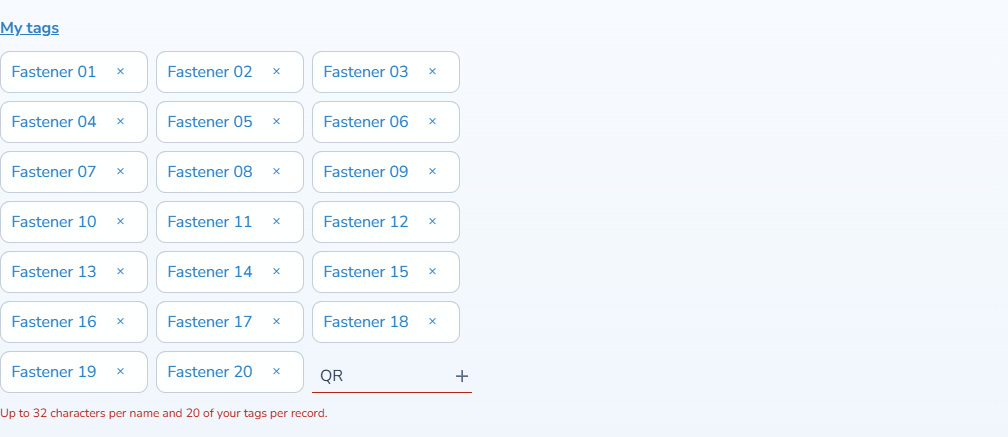
On a record view, enter a short name beside the chips and press plus or Enter. You can also choose a suggestion from your catalog. The cross on a tag removes your assignment from this record.
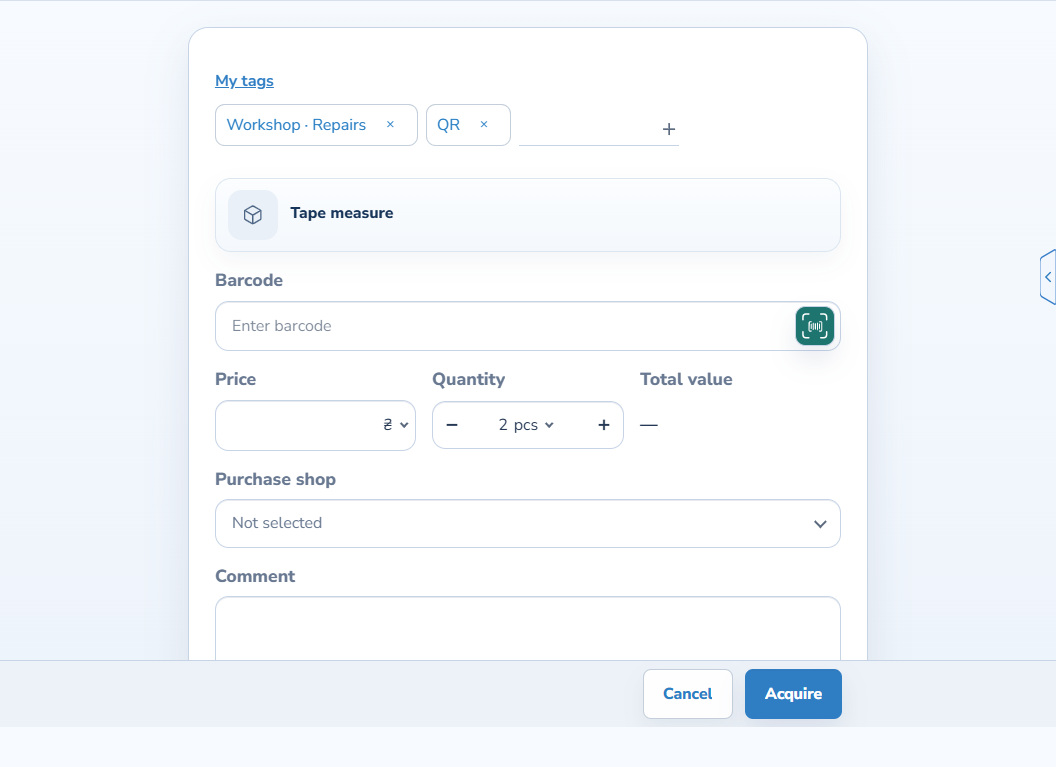
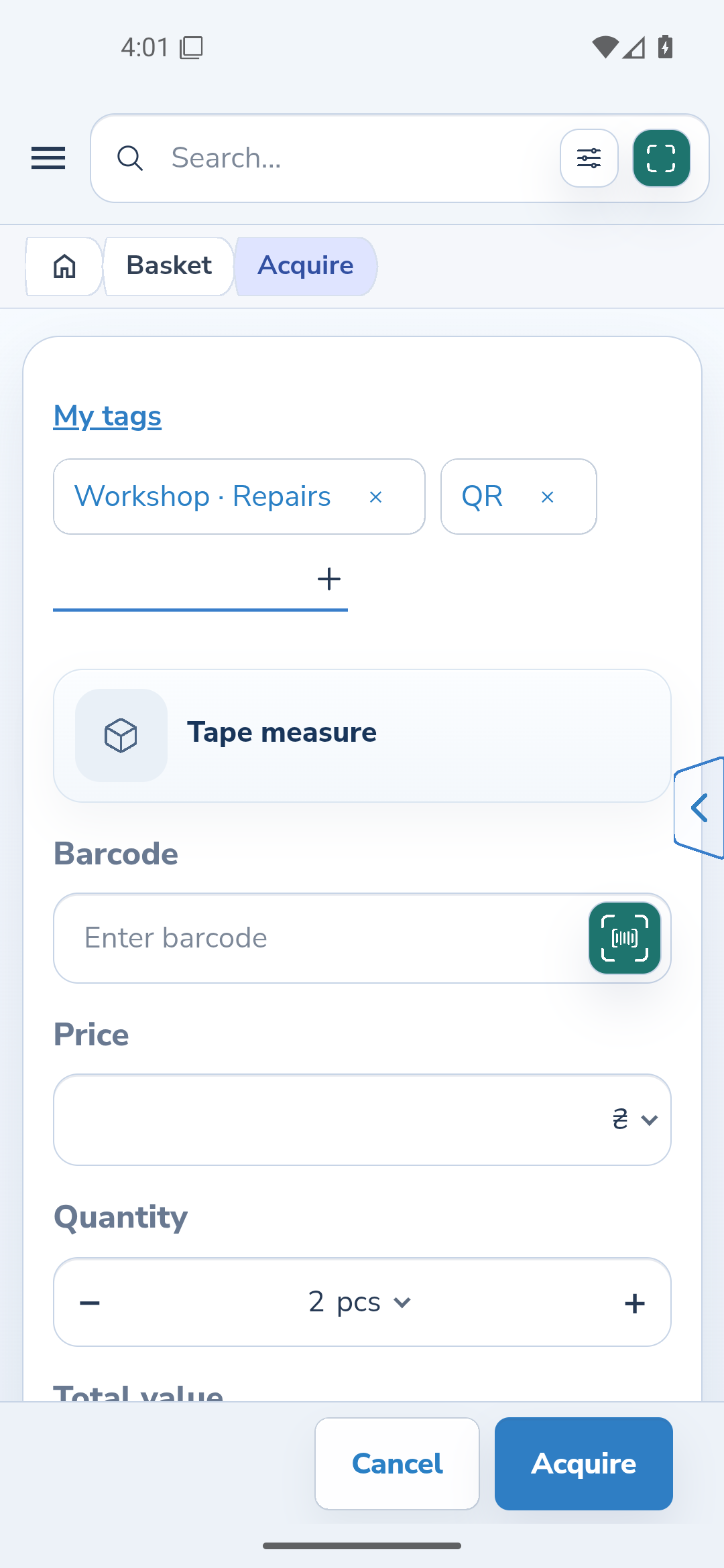
Record-view annotations save immediately. In a need, acquisition or purchase editing form, assignments belong to the draft: select Save for the whole form. Cancel discards assignment changes; the tag definition itself may already exist in your catalog.
You can manage your own tags on an accessible read-only record and on a completed purchase. This does not grant permission to edit the record itself or another person’s tags.
Website

Android
Android
Website
Website
Android
4. Search using the right author’s tags
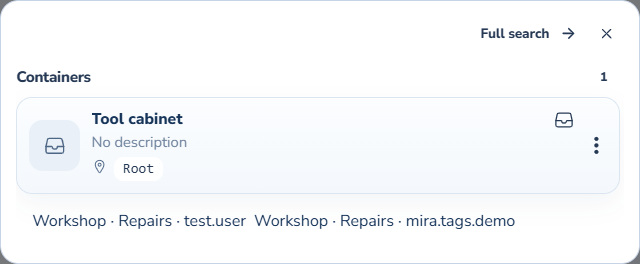
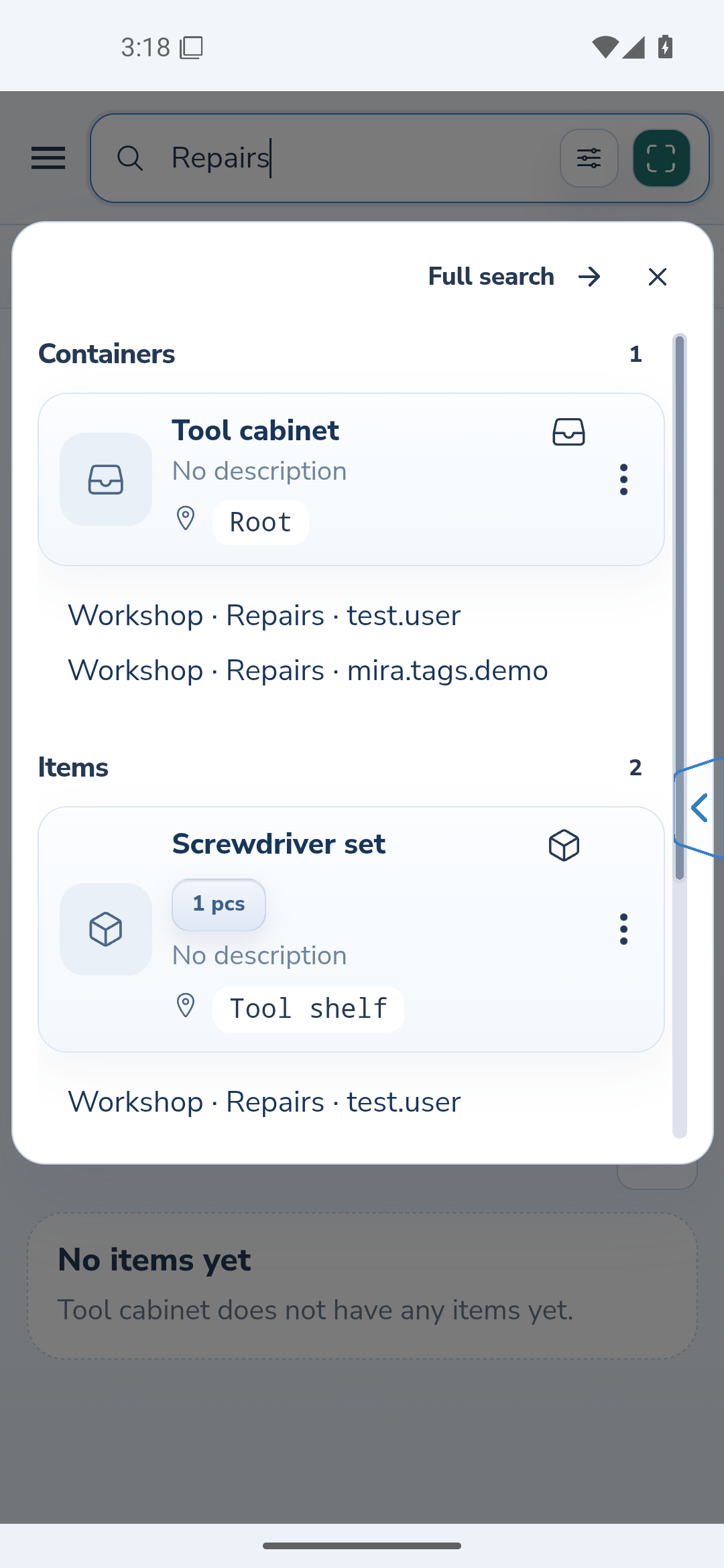
Quick search in the top bar includes tags from all accessible authors automatically. Results show tag names and their authors. The same result-card actions are available in quick and full search.
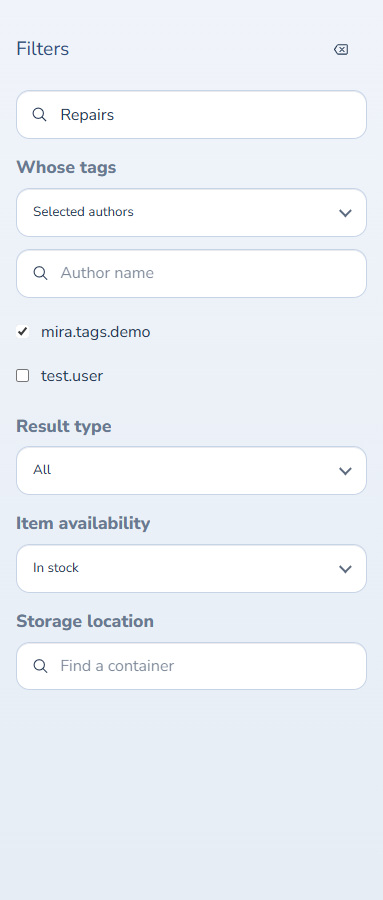
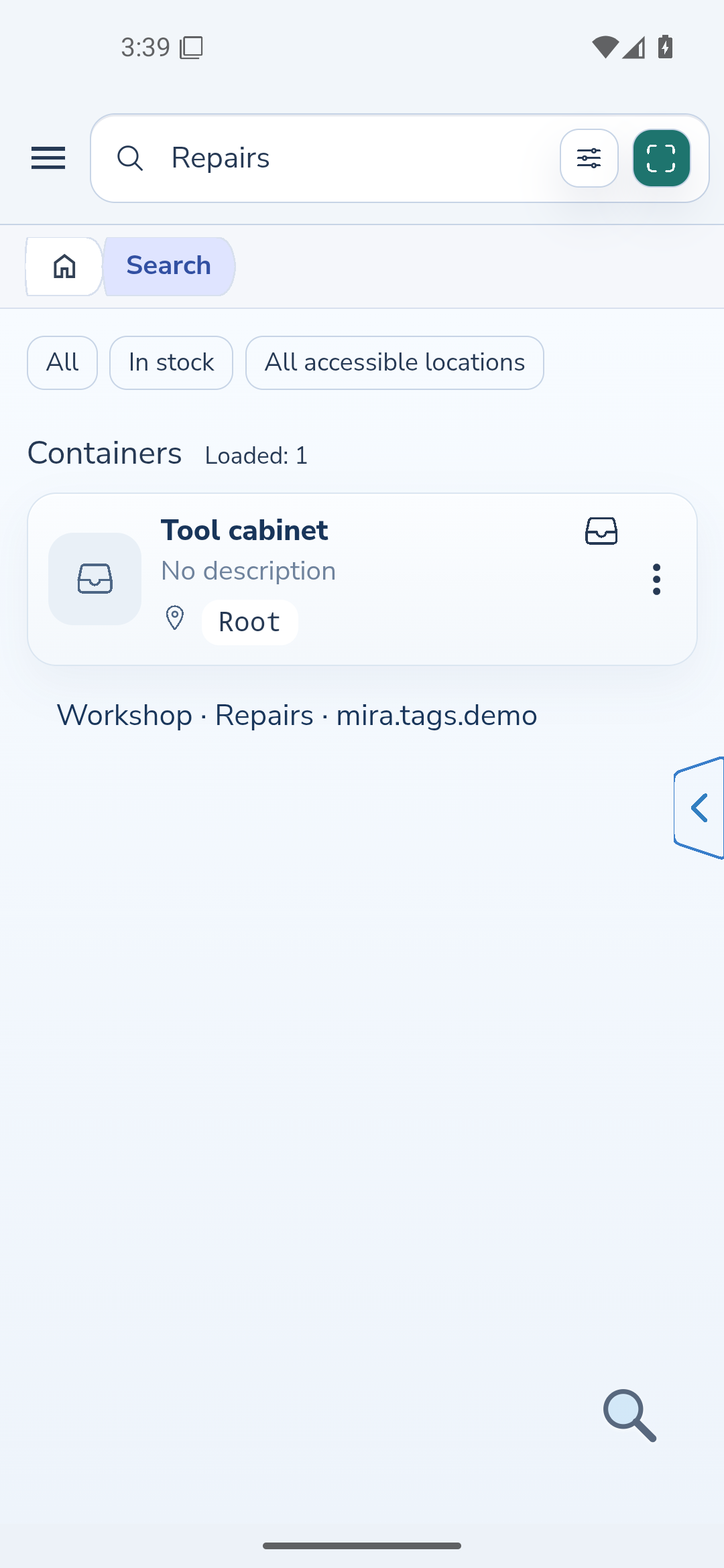
Open Full search to narrow the scope. On Android, tap the floating magnifying glass to open the filters. Under Whose tags, choose your own, all available or selected authors. For selected authors, find a person and select their checkbox. Apply the query with the search icon or Enter.
If two people tag the same container Workshop · Repairs, the search results show both authors. Select an author to narrow tag matches. Records that match the name or description can still appear.
Website
Android
Website
Android
5. Keep annotations through buying and placement
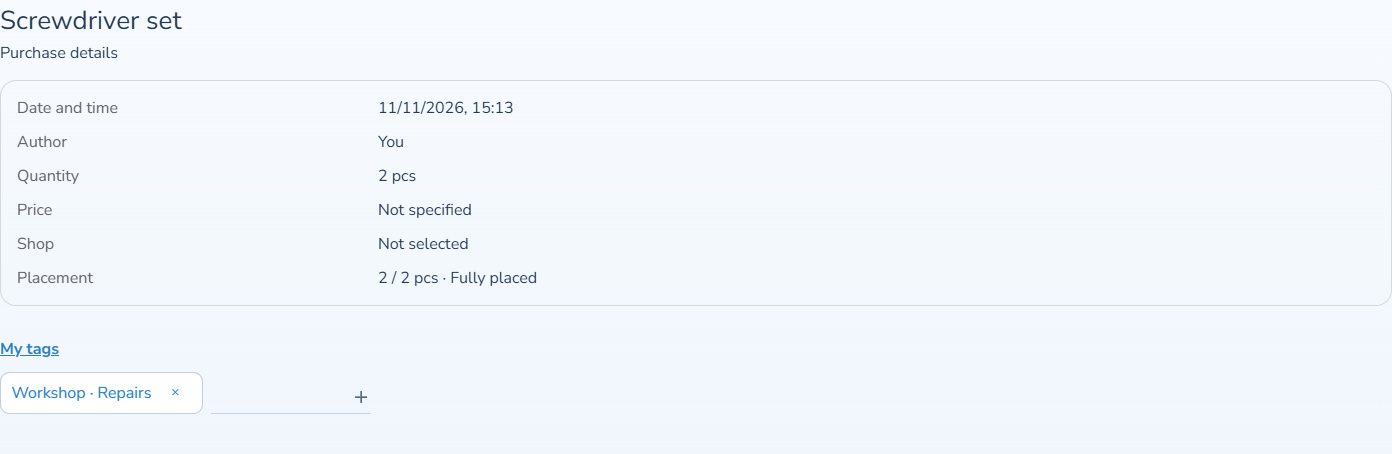
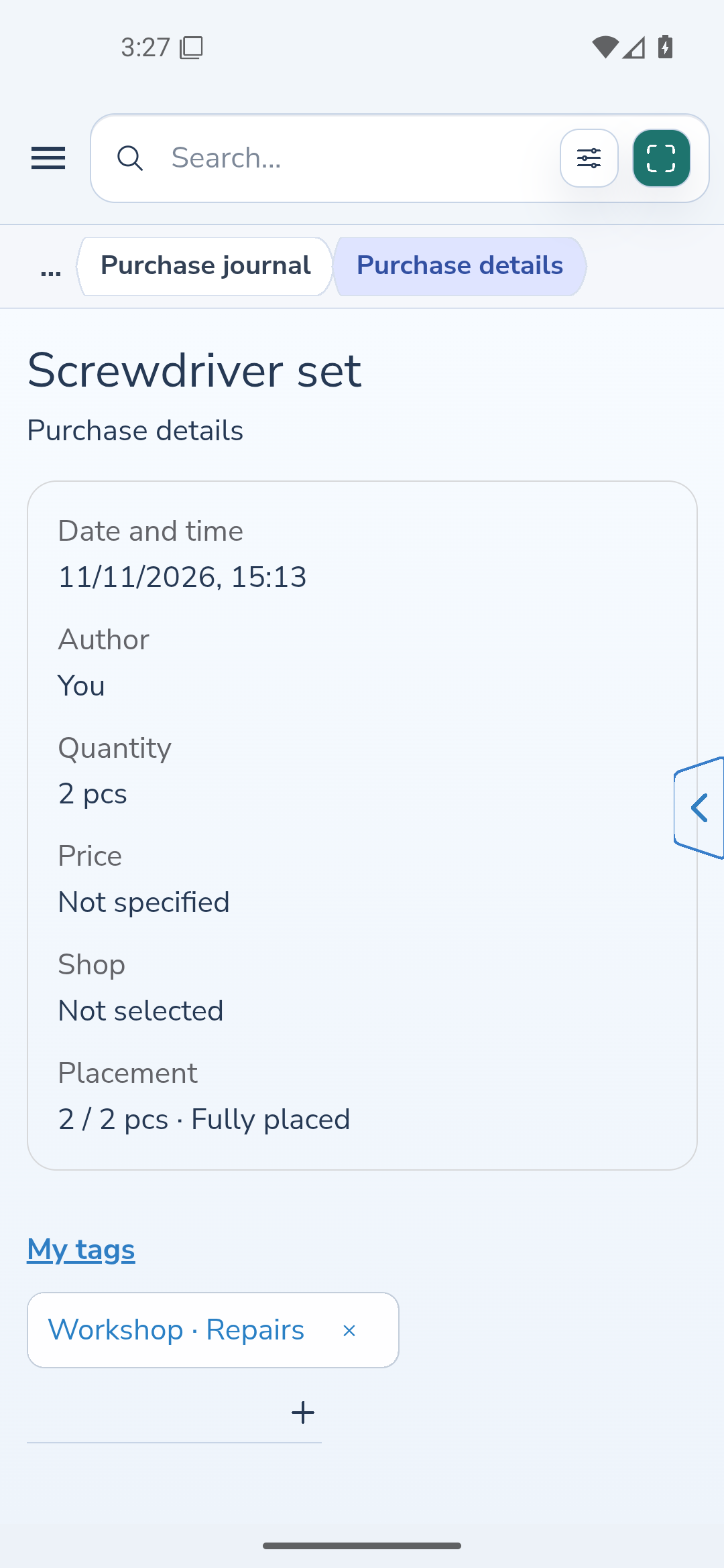
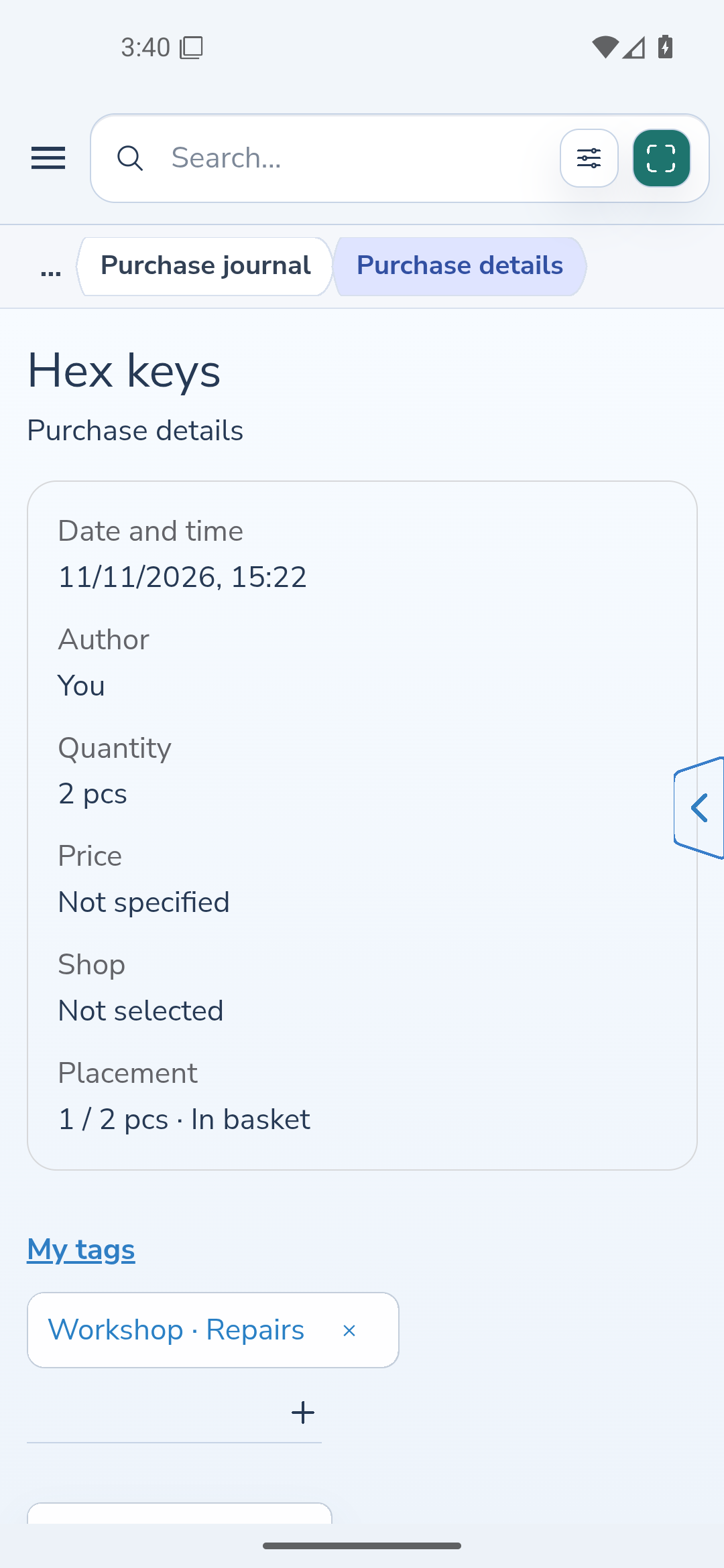
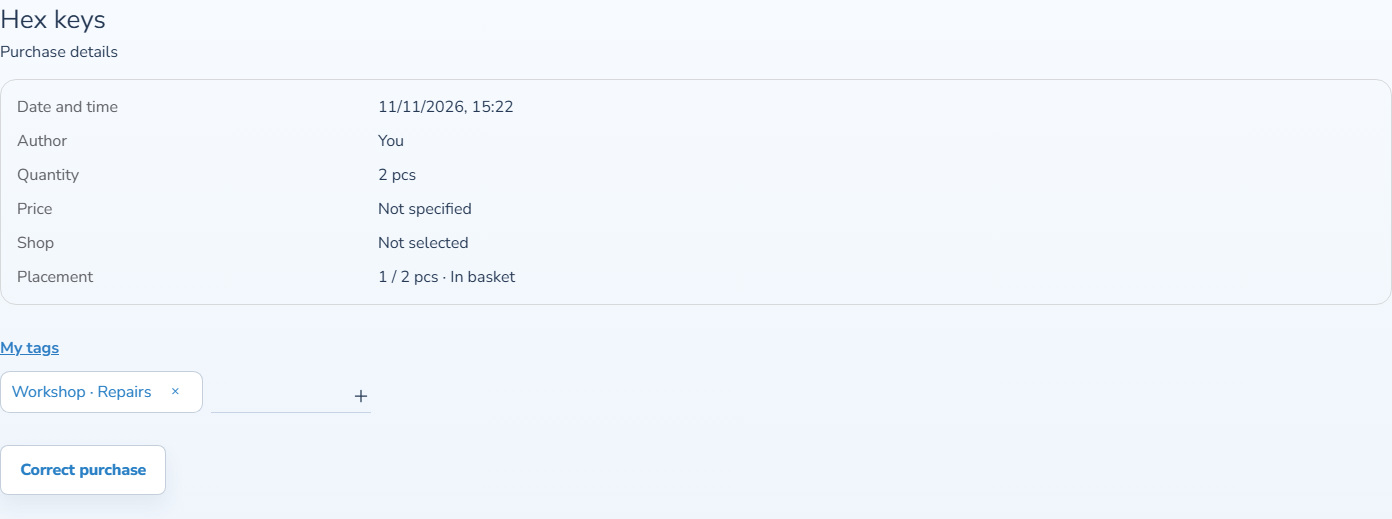
You can add tags before buying. When an order becomes a purchase and then a placed item, only the acting user’s tags transfer. Authorship stays the same; other people’s annotations remain on the source record.
Adding to an existing item merges your tags without duplicates, within the assignment limit. The destination container is not tagged automatically. Transfer does not establish ongoing synchronization between records. To check the purchase tag, open Purchase journal from the basket and select the purchase.
Website
Android
Android
Website
The result
You have one personal catalog and useful annotations on accessible records. Author filtering distinguishes identical tag names from different people.
Useful to know
- Names allow up to 32 characters and each record up to 20 of your tags. There is no overall catalog limit.
- Tags are not confidential: people who can access a record can discover your annotations through search.
- Selecting an author does not reveal inaccessible records or import their tags into your catalog.
Common questions
Why are two tags named the same?
Check their authors. Identical names in two people’s catalogs represent independent tags.
Do the chips need a separate Save button?
Record-view annotations save immediately. In a purchase form, use the form’s main Save action.
You have one personal catalog and useful annotations on accessible records. Author filtering distinguishes identical tag names from different people.
Open my tags